The Heirvo field guide
Old discs.
Clear next steps.
Does your DVD skip or look blank in Windows? Start with the symptom you see. If a copy stops halfway, here’s what to write down before trying again.
Find your next stepReady to try your disc? Start a free Windows scan and preview what the drive can read.
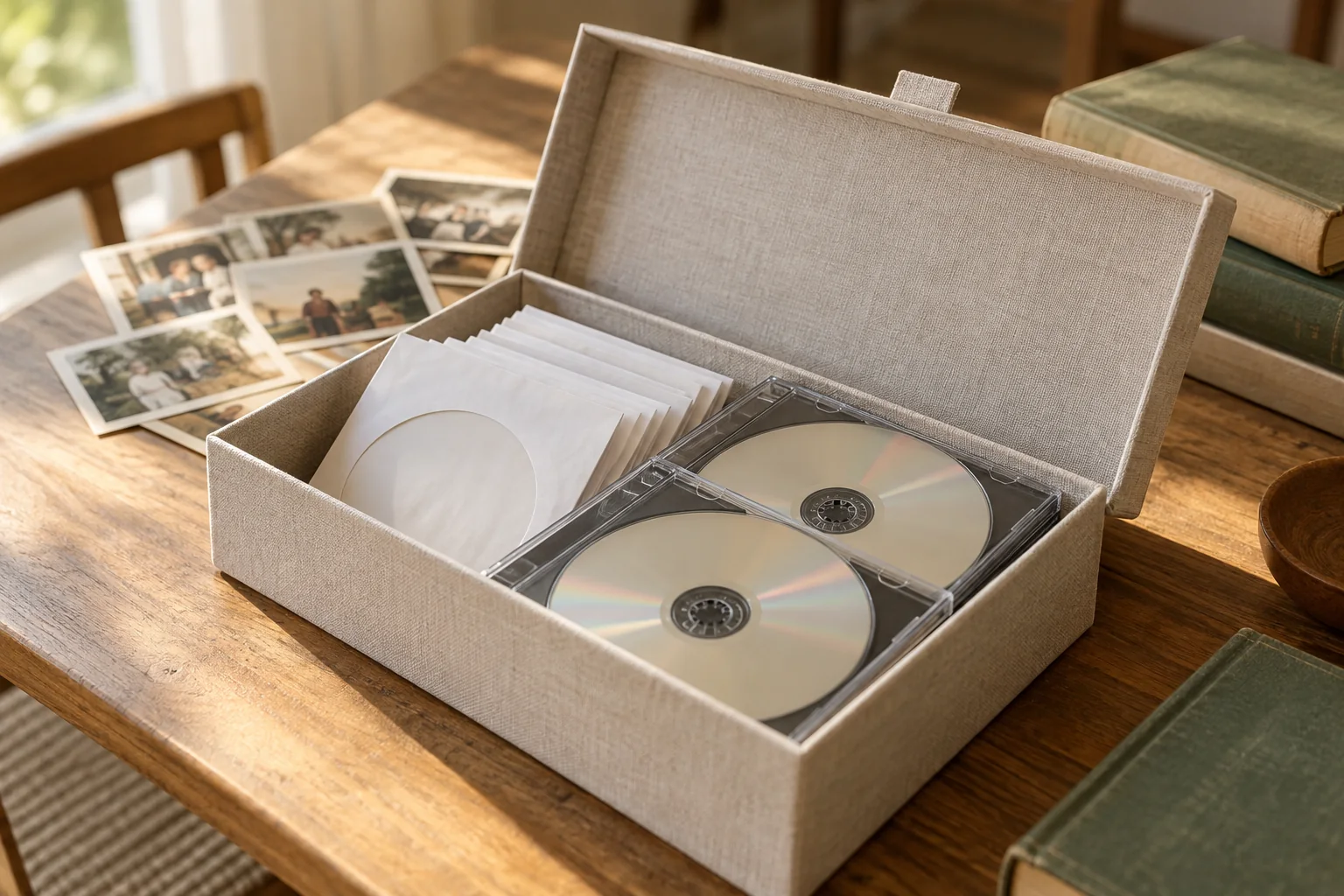
A good place to begin
What would you
like to do?
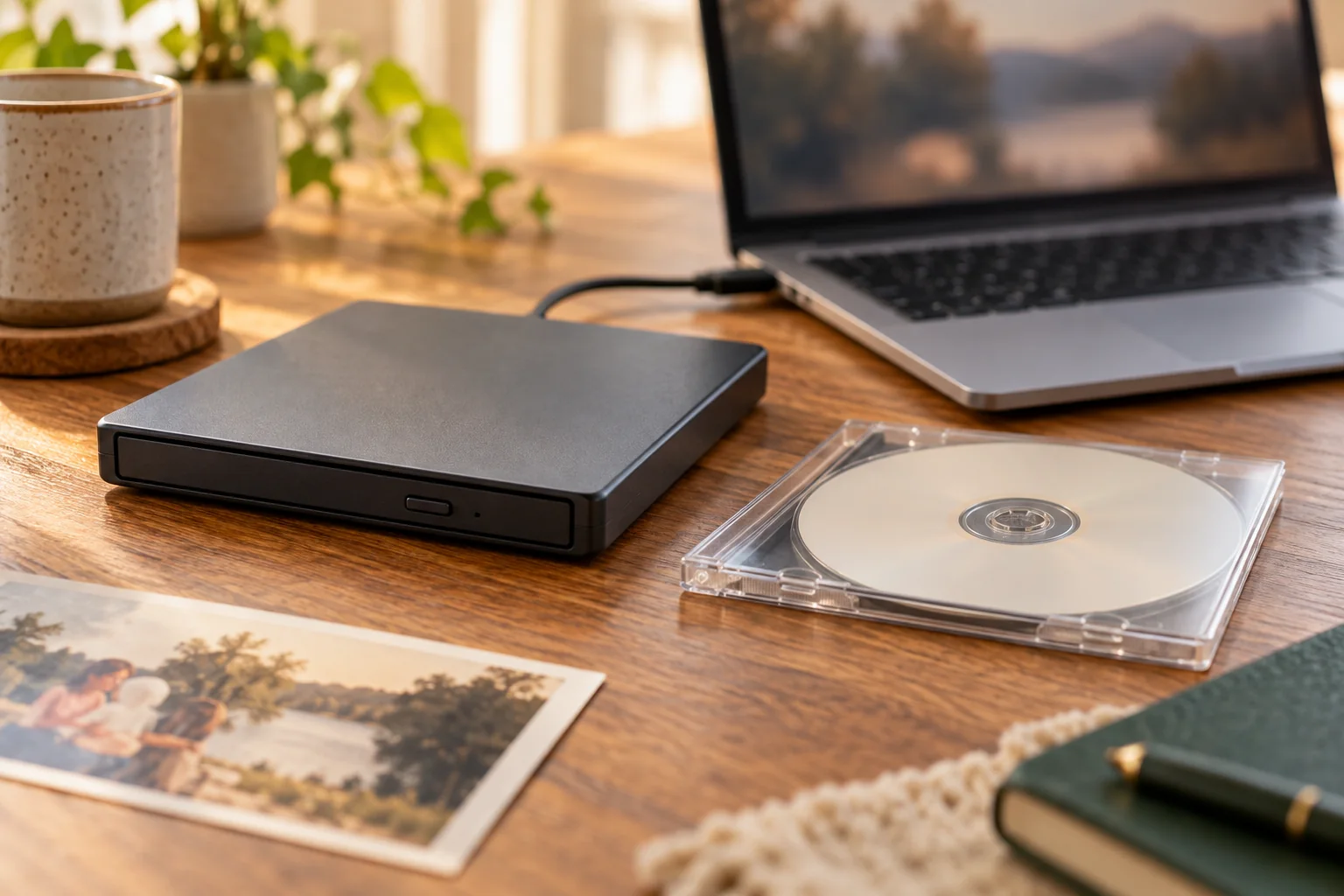
Start here · 6 min read
Your home movies,
beyond the DVD player.
Make a watchable copy of a family DVD, choose the right route for a difficult disc, and know what to check before you put the original away.
How to convert a home DVD to MP4The guide library
A little help, right when you need it.
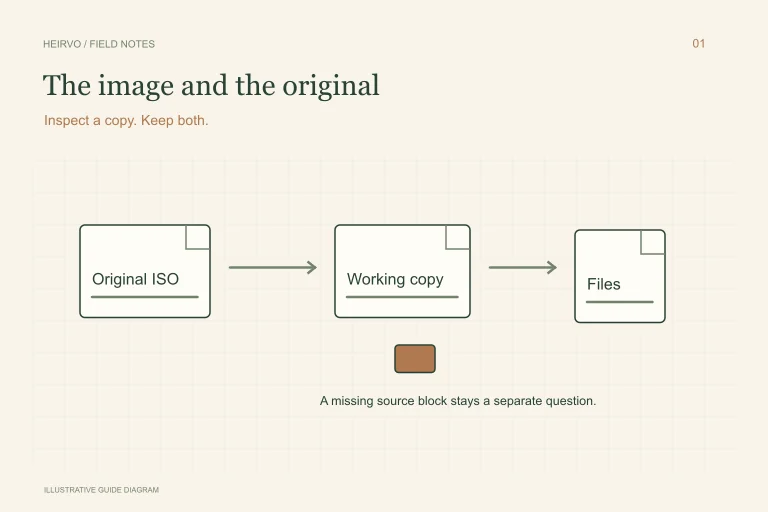
A Corrupted ISO File: What You Can Recover and What to Check
An ISO that refuses to mount can feel like another locked box of family recordings. Keep it intact. An opening error is a starting point for diagnosis, not proof that every file inside is gone.
Read the guide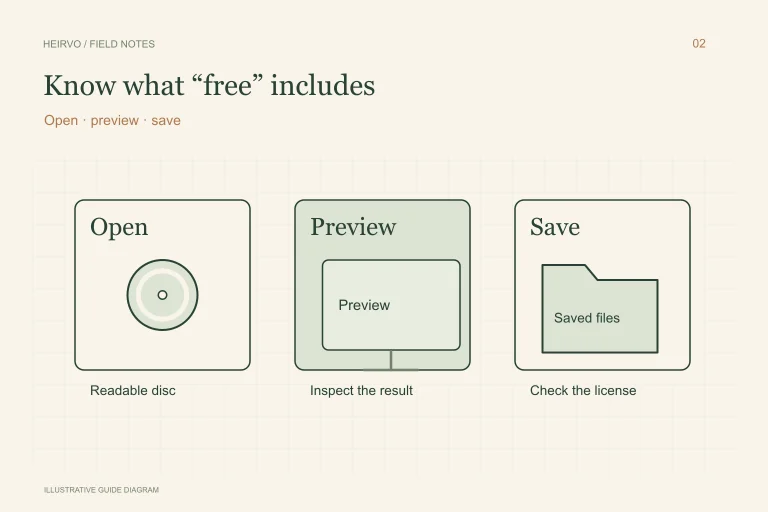
Free DVD Recovery Software: Check What You Can Actually Save
A download can be free while saving the result is paid. Before starting a long scan, identify whether you need a player, a converter or a recovery tool, then check the exact saving limits.
Read the guide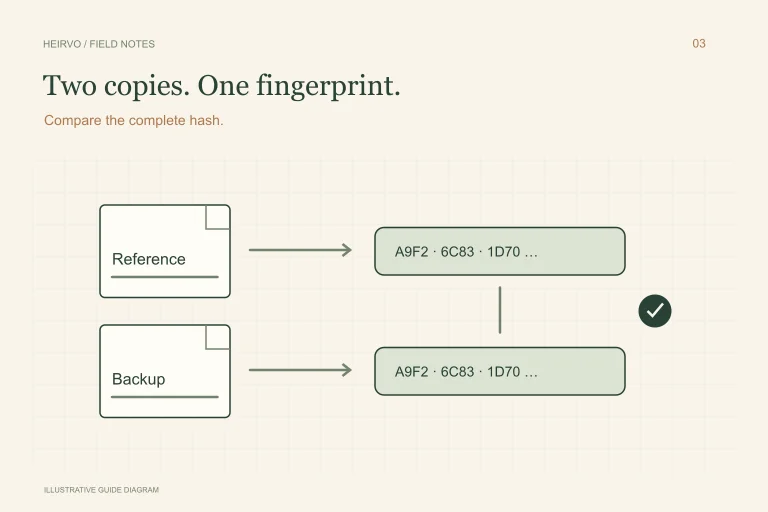
Check a Recovered File with SHA-256 on Windows
You have saved the recording and copied it to another drive. A checksum provides a useful second check: did the copy keep the same file contents?
Read the guide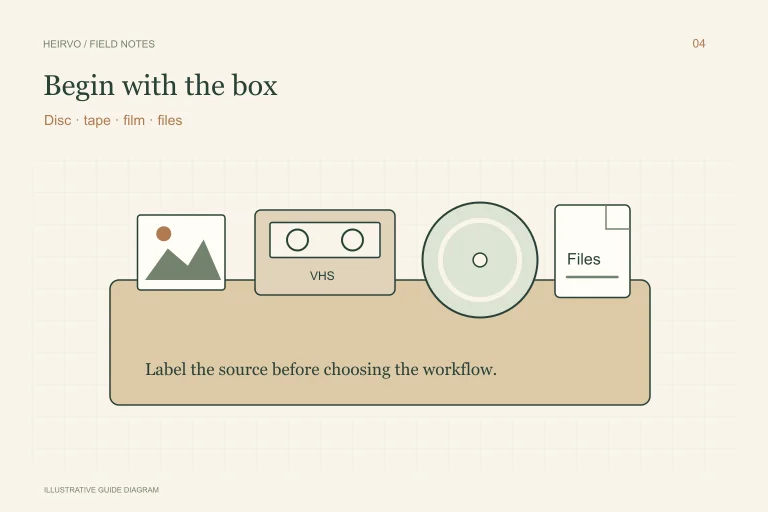
Preserve Your Parents’ Old Videos: Start with the Format
A family collection can be a mixture of discs, tapes, reels and files with unhelpful names. You do not have to solve all of it at once. Start by identifying what each object needs.
Read the guide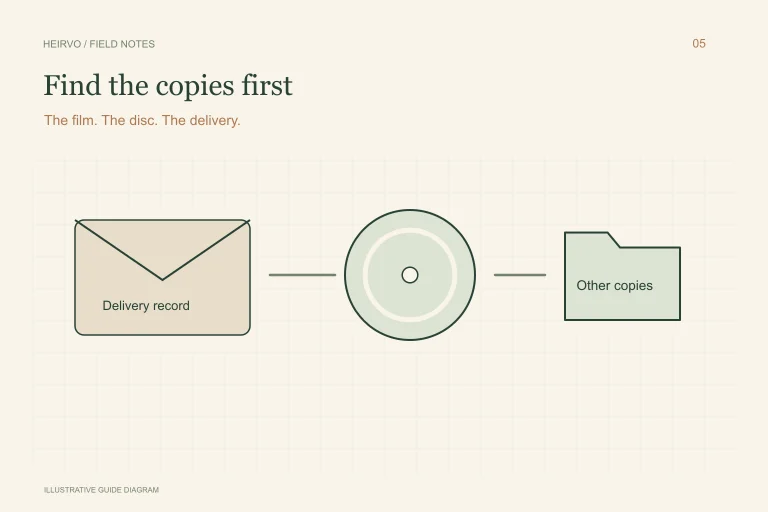
Your Wedding Videographer Closed: How to Find the Recording
When a videographer closes, the first task is finding what already exists. An old disc, a delivery email or another family member’s copy may be more useful than starting with a repair tool.
Read the guide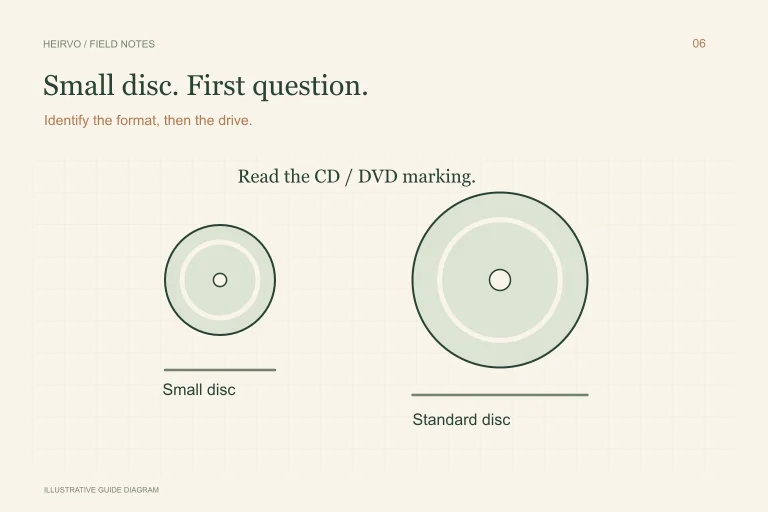
A Small Camcorder Disc: Is It a Mini CD or Mini DVD?
A small silver disc may get called a mini CD even when the camera recorded a mini DVD. Size alone does not tell you which drive or playback workflow it needs.
Read the guide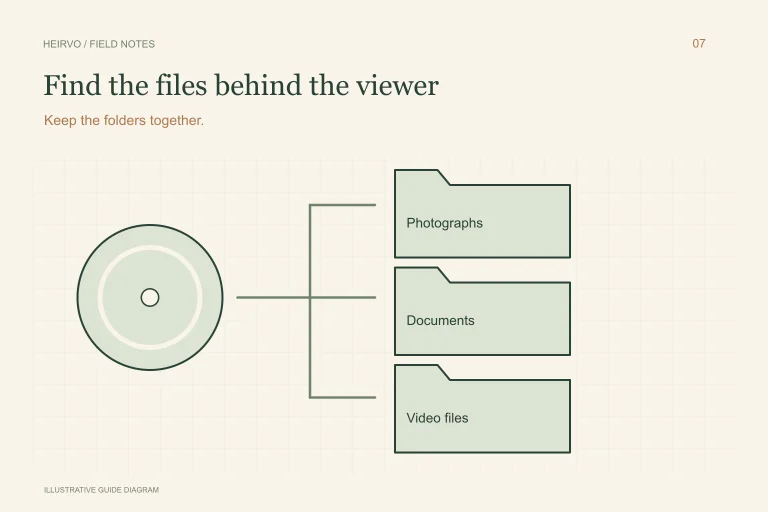
Recover Files from a Data CD on Windows
An old CD may hold photographs, documents or camera clips behind a viewer that no longer works. Recovering the files and running that old viewer are separate tasks.
Read the guide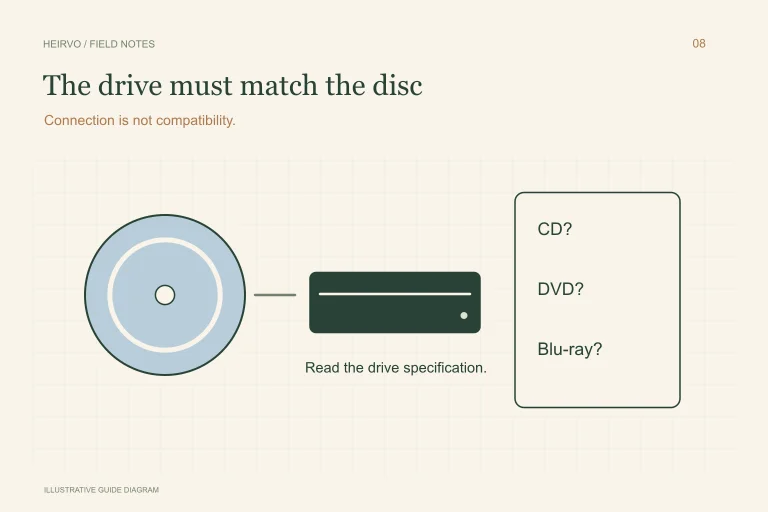
An Unreadable Blu-ray on Windows: Check the Drive and the Content
A drive that reads DVDs is not automatically a Blu-ray drive. Establish that basic compatibility before treating an unreadable Blu-ray as lost data.
Read the guide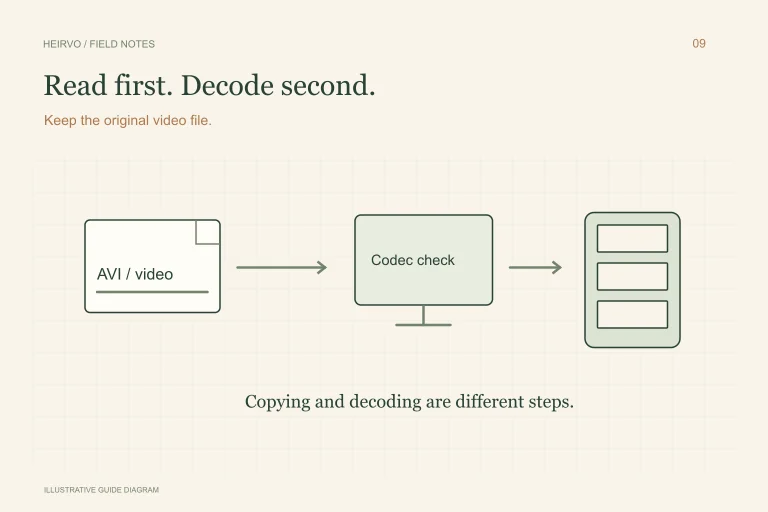
An Old DivX Disc: Recover the Files Before Changing the Format
A family disc labelled DivX may contain video files that a current player does not open automatically. The first question is whether those files can still be read.
Read the guide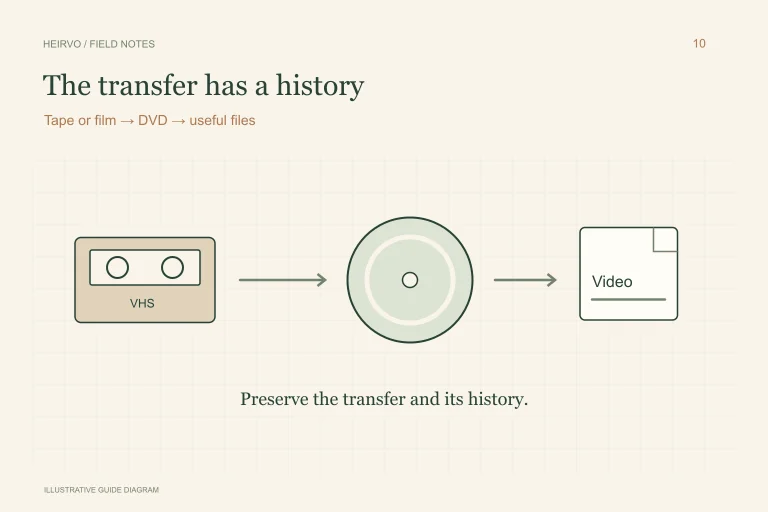
Rescue a DVD Made from VHS or 8mm Film
Your family film may already have made one journey from a tape or reel to a DVD. If that disc now fails, preserve what can still be read while checking whether the original transfer or source survives elsewhere.
Read the guide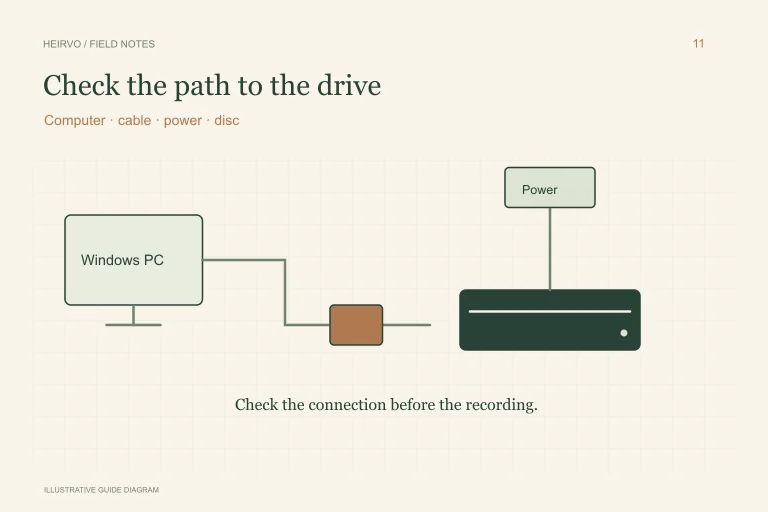
DVD Drive Disconnects or Freezes During Recovery: What to Check
A recovery can spend time on a difficult area. A drive disappearing from Windows is a different problem. Knowing which happened helps you avoid changing the wrong thing.
Read the guide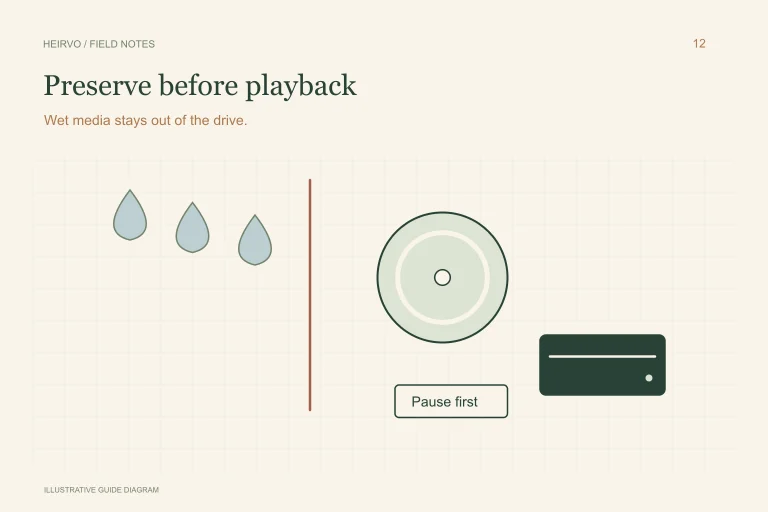
A Water-Damaged DVD: Preserve the Disc Before Trying Recovery
A wet disc needs attention before software. Its surface, labels and internal layers may have been affected differently; a shiny appearance does not establish that it is ready to spin.
Read the guide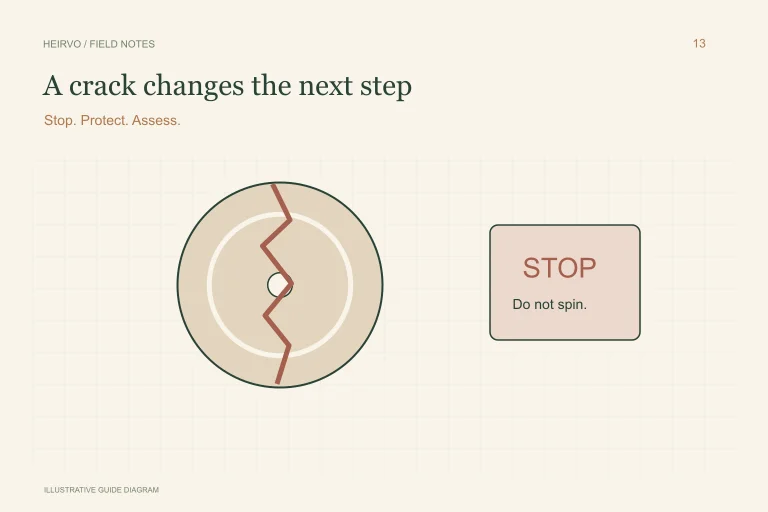
A Cracked DVD: Stop Before You Put It in a Drive
A crack is a structural problem, not just a difficult read. Protect the original recording and the drive by stopping before another spin.
Read the guide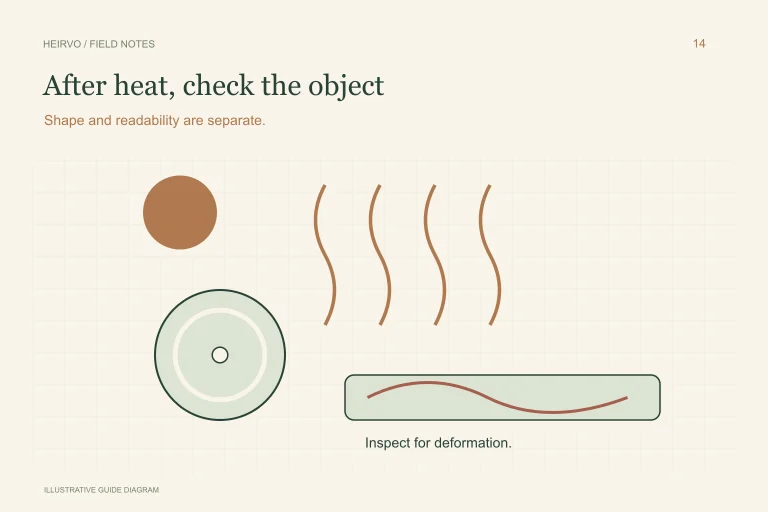
A DVD Left in a Hot Car: What to Check Before Recovery
Heat exposure can affect both a disc’s shape and its recording materials. The fact that it once played, or still looks reflective, does not tell you what remains readable.
Read the guide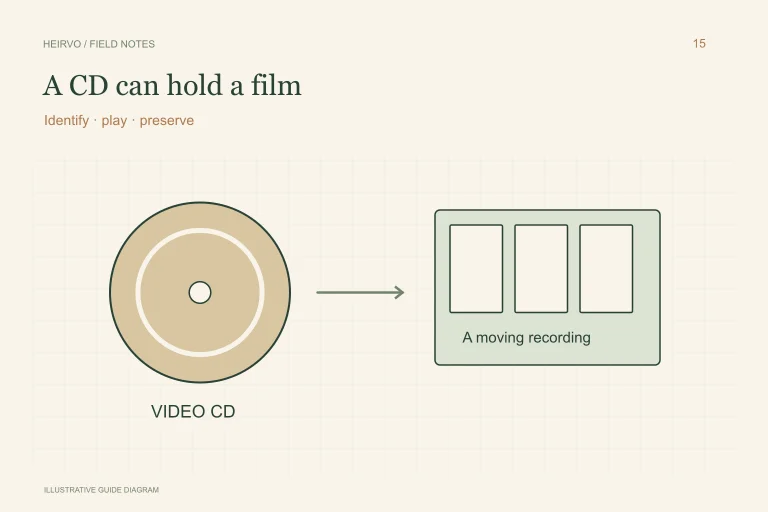
An Old Video CD on Windows: Preserve the Recording
A Video CD can look like an ordinary music disc while holding a family movie. Its playback layout differs from an audio CD and from a video DVD.
Read the guide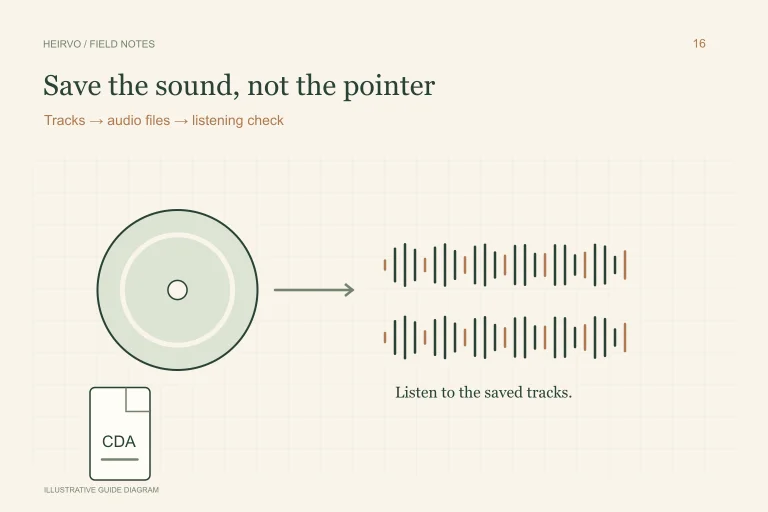
A Scratched Music CD: Copy and Check the Audio
Seeing track names in Windows does not mean you have copied the sound. An audio CD needs an audio-extraction workflow, and a scratched track deserves listening checks.
Read the guide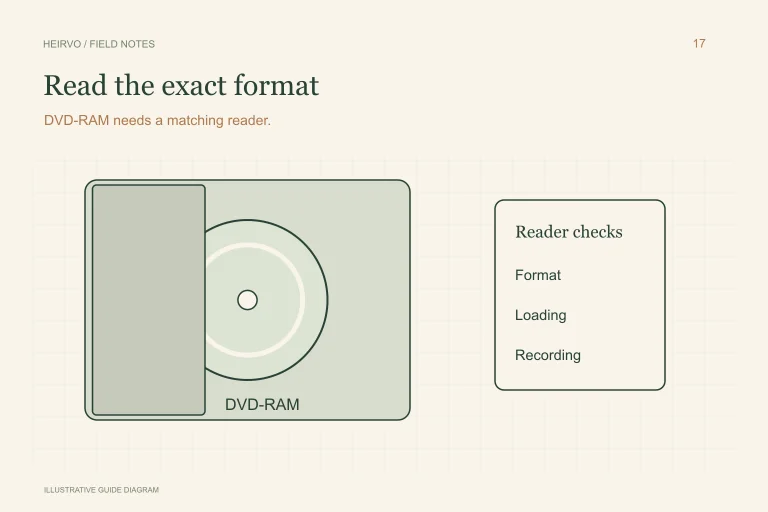
A DVD-RAM Disc Will Not Open: Check the Reader First
DVD-RAM is a specific rewritable optical format, not a name for computer memory or any rewritable DVD. Reading it depends on appropriate hardware and the recording layout.
Read the guide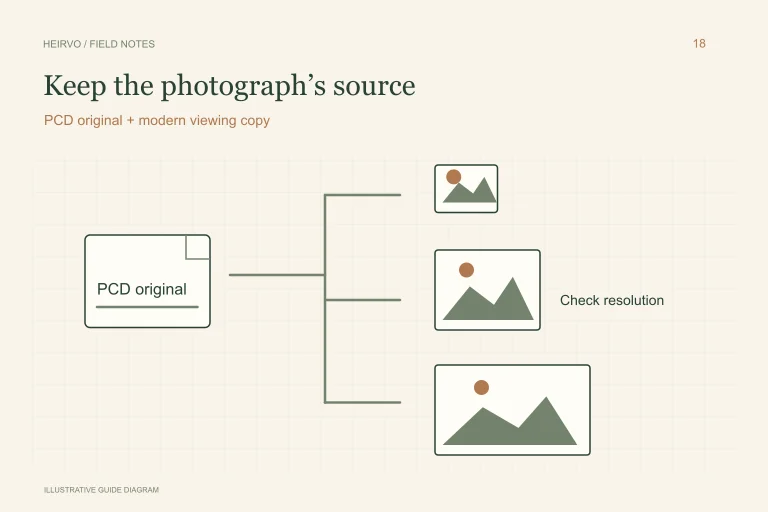
Recover Kodak Photo CD Images and Keep the PCD Originals
The old photo viewer may have stopped working even though the pictures still exist. First preserve the readable files, then choose a decoder that understands Kodak Photo CD.
Read the guide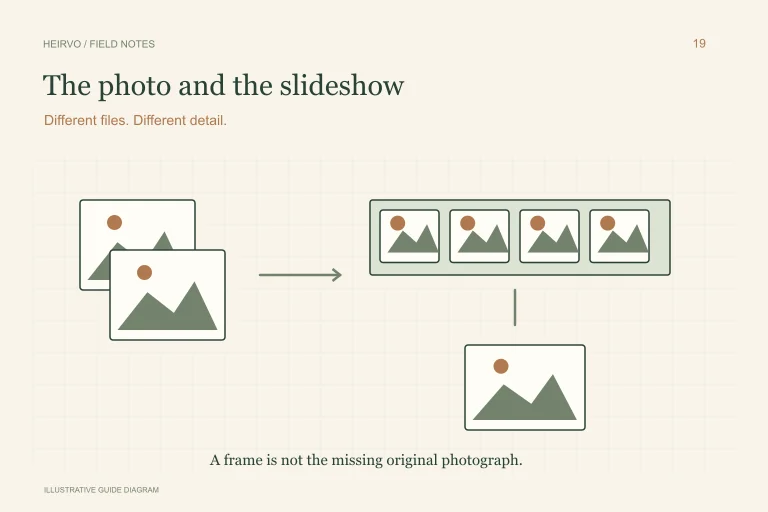
Recover Photos from a DVD Slideshow: Originals or Video Frames?
A DVD that shows family photographs on television may contain the original images, a rendered video, or both. That distinction determines what you can realistically save.
Read the guide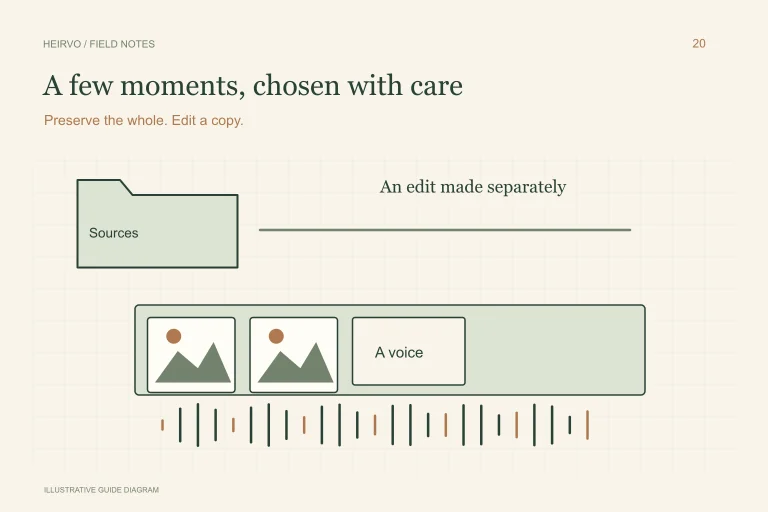
Make a Memorial Video from Old DVDs Without Losing the Originals
A familiar voice or an ordinary moment may mean more than a long montage. Preserve the recordings first, then make an edit that gives the family room to remember.
Read the guide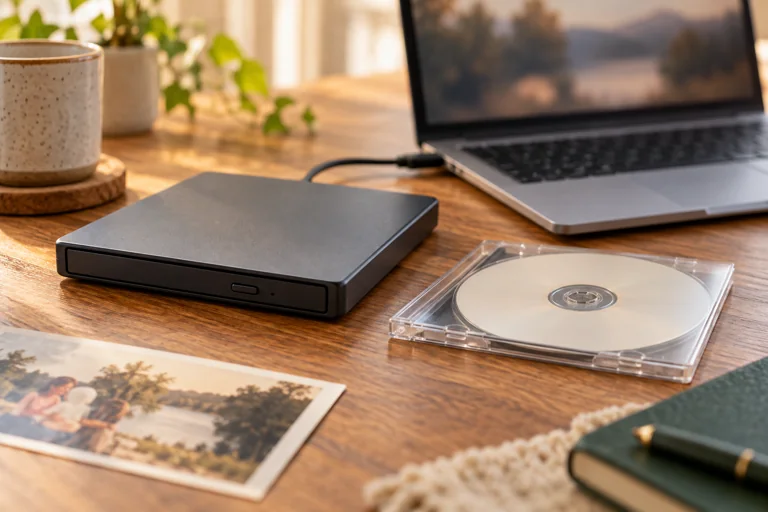
How to Convert a Home DVD to MP4 on Windows
The wedding, the school play, the holiday by the lake. Moving a home DVD to an MP4 makes those recordings easier to watch again. The right first step depends on whether your computer can read the disc reliably.
Read the guide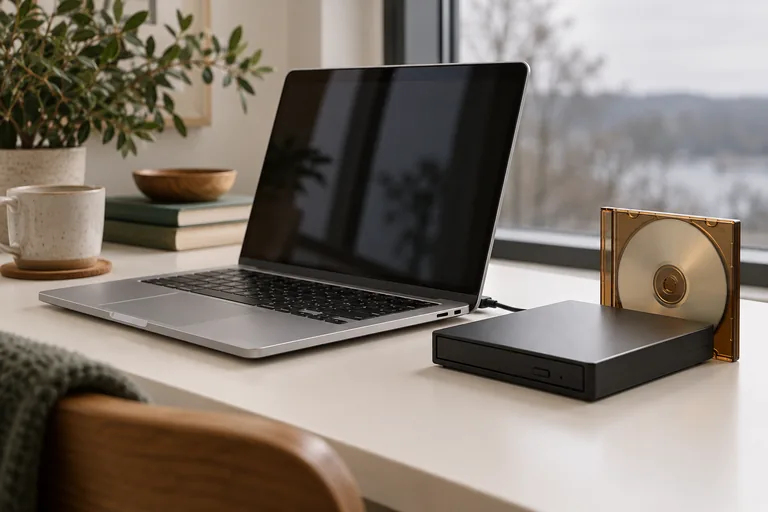
DVD Won’t Play on Windows 11? Start Here
A DVD that will not play is not automatically a lost recording. First work out what Windows can see: the drive, the disc, or the files. Each points to a different next step.
Read the guide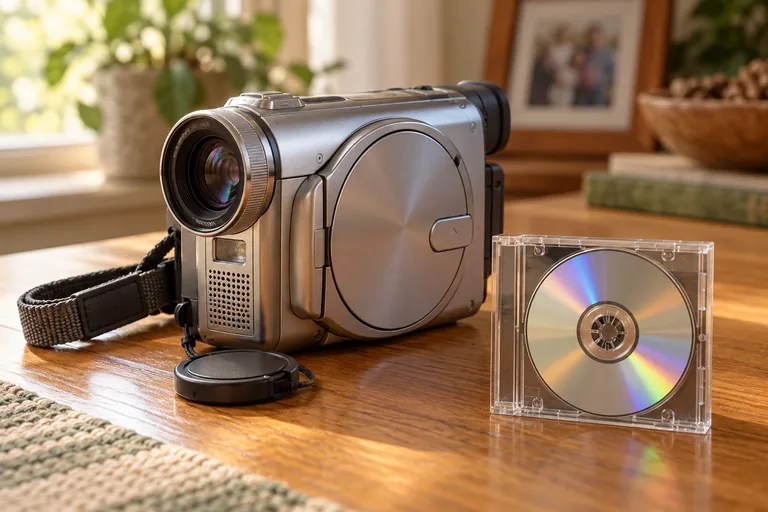
How to Transfer Mini DVD Camcorder Videos to a Computer
To transfer a mini DVD to a Windows computer, start with a drive that explicitly supports the 8 cm disc. Check the original camcorder’s finalisation instructions, then copy the readable recording folders before converting them to a viewing format.
Read the guide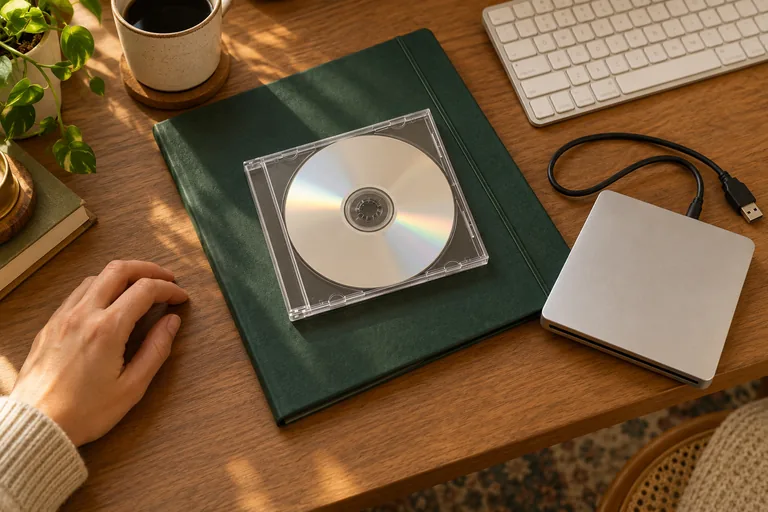
Windows Wants to Format Your Old DVD. What Should You Do?
You insert a disc that should contain family recordings, and Windows offers to prepare it for use. Pause before accepting. Preparing a disc to write new files is a different job from recovering what was recorded years ago.
Read the guide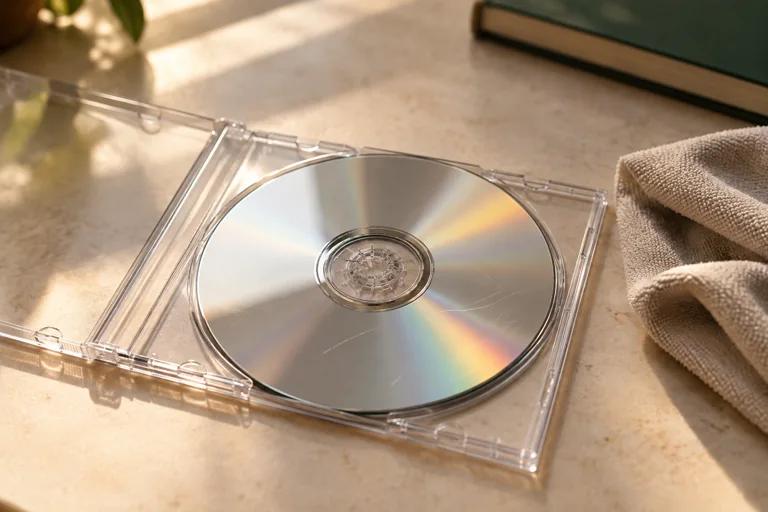
How to Clean a DVD Without Making Things Worse
A fingerprint may be easier to deal with than a deep scratch. Start gently, and know when cleaning is the wrong next step. The goal is to preserve a recording, not make the disc look new.
Read the guide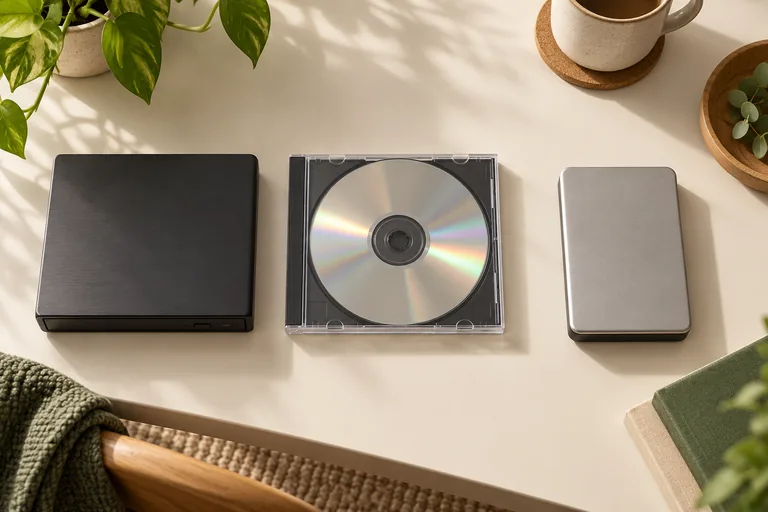
Heirvo and IsoBuster: Compare the Workflow on Your Own Disc
Heirvo is designed around a free scan and in-app preview of personal discs, followed by a one-time license to save recovered files. IsoBuster provides a different set of disc and file-system tools. Test the actual disc and compare supported formats and output before choosing either product; no recovery tool can promise a result.
Read the guide
Recover Your Home Video Before Considering AI Restoration
Recovering a damaged recording and improving how it looks are different tasks. Heirvo focuses on reading the disc, saving available files and organising a local collection. Do not buy a Heirvo tier expecting AI picture restoration, denoising or 4K upscaling.
Read the guide
Build a Searchable Family Video Collection on Windows
If you remember what someone said, a speech transcript can help you find the recording again. Heirvo Archive uses a local Whisper model to recognise spoken English and makes those recognised words searchable. It does not identify people or events from the pictures alone.
Read the guide
Recovered DVD Transcripts and Subtitles: Know the Difference
A transcript can help you find and follow speech in an old recording. A subtitle file or captions burned into a video are separate deliverables. Heirvo's current verified workflow is an in-app transcript and spoken-word search; do not buy a license expecting a verified subtitle-production workflow.
Read the guide
How to Try Saving a Damaged Wedding DVD
A wedding DVD that skips or will not open may still contain readable recordings. Recovery depends on the disc, drive and damage. Try a free scan and play the recovered preview before deciding whether to pay to save it.
Read the guide
CD, DVD and Blu-ray: Check the Disc and Drive First
Different optical formats need compatible drives and workflows. Start by checking your hardware and the readable preview, rather than assuming every disc behaves alike.
Read the guide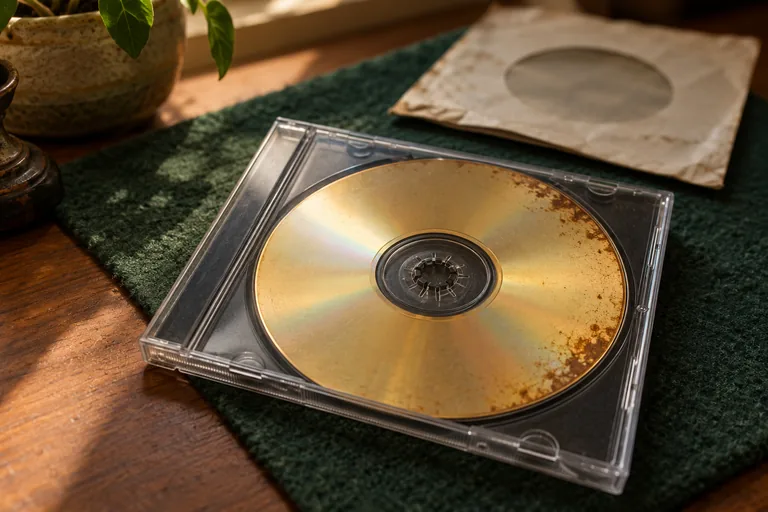
An Old Disc Is Becoming Unreadable: What to Do Next
Skipping, read errors or visible disc damage are reasons to preserve what you can read. They do not establish a recovery percentage or a guaranteed outcome.
Read the guide
Comparing Disc Recovery Tools: Test the Workflow That Matters
For Heirvo, IsoBuster or CDRoller, compare the actual result from your own disc, current vendor terms and the steps needed to save usable output.
Read the guide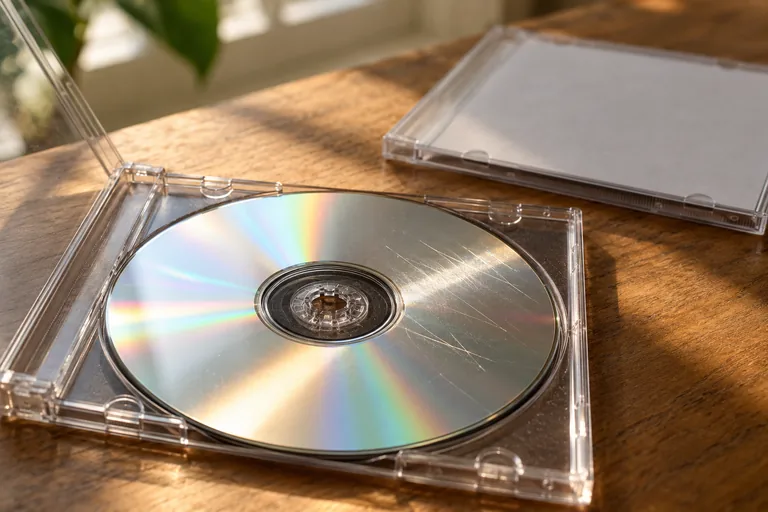
Try Recovering Readable Files from a Scratched CD or DVD
Use a compatible optical drive and inspect a real preview before paying to save. No tool can guarantee how much of a particular scratched disc remains readable.
Read the guideNo guides match that search.
Try “DVD”, “Windows” or “speech”, or choose another topic.
Ask us about your disc →You don’t have to guess
Every disc has a different story.
Tell us what you have and what happens when you try it. We’ll help you find a sensible next step.