Before you begin
- Missing footage and an unreadable copy are different situations.
- Keep the contract, delivery records and original discs.
- Confirm sharing/editing permissions rather than assuming ownership of a disc grants every usage right.
Search the places a delivery may have reached
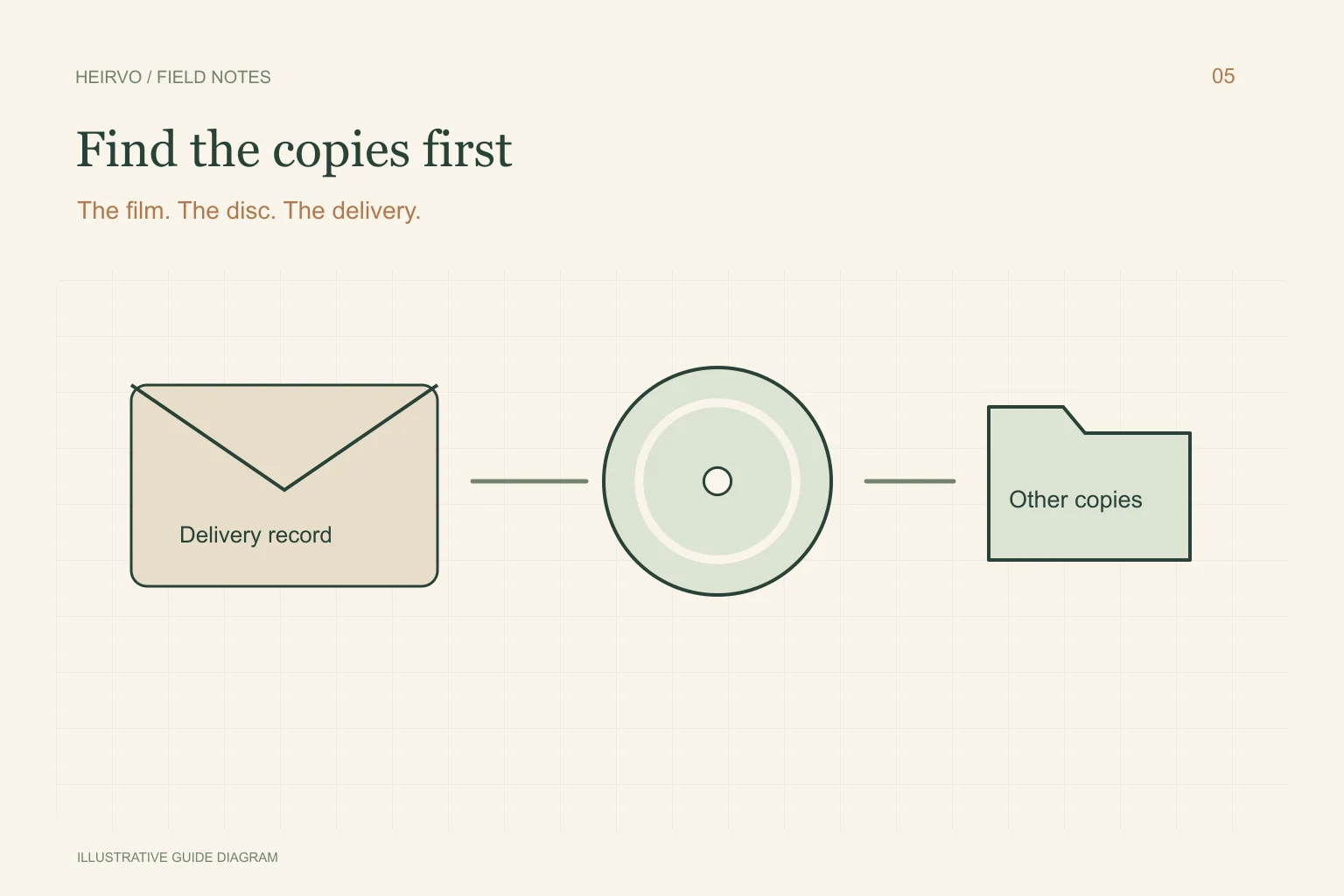
Look through emails for the supplier’s name, download notices, filenames and receipts. Check old laptops, external drives and DVD cases. Ask the couple, parents or someone who helped with the wedding whether they received another version. Keep the original message with a discovered file; it can explain which edit it is.
Make an inventory of the full film, highlight film, speeches, raw recordings and photographs separately. Finding a highlight clip does not establish that a full ceremony or camera originals were ever delivered. Note the duration and what each copy contains before promising relatives that everything has been found.
Use records to make a specific request
If an appropriate former business contact is still available, ask for the particular deliverable and give the wedding date and original order reference privately. Do not send passwords or payment-card details to someone claiming to hold the archive. Verify who you are contacting before uploading personal documents.
Check what the agreement actually says about delivery and retention. This guide does not determine contractual rights or whether footage must still exist. For a dispute or uncertainty about licensing, seek advice appropriate to your location rather than relying on a recovery-software article.
Match the next step to what you found
| Found item | Useful next action |
|---|---|
| A complete video file | Copy it, watch it and keep a separate verified backup. |
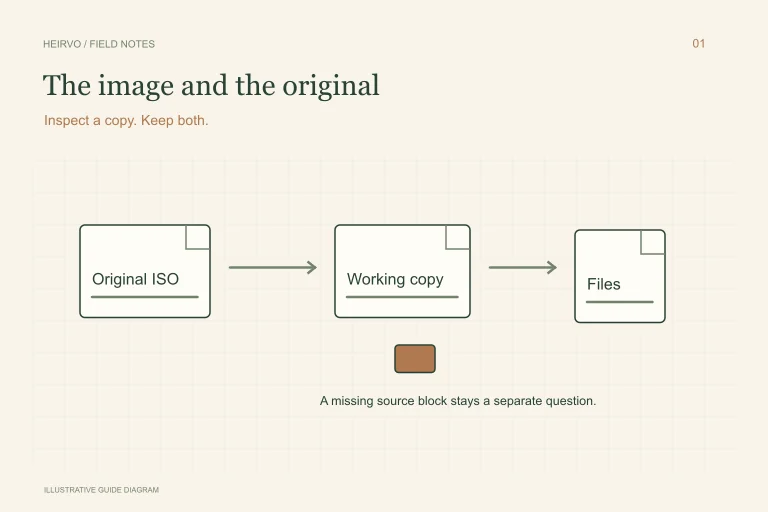
| An ISO image that will not open | Keep the original and investigate a working copy with the ISO checklist. |
| An intact DVD that stops reading | Check a compatible drive and investigate readable content. |
| No copy or delivery record | Continue the archive/contact search; disc software has nothing to read yet. |
If the DVD is the copy you have
Avoid repeated aggressive attempts and do not spin a cracked or warped disc. A compatible-drive scan may recover readable portions from a supported intact disc. Heirvo’s free in-app preview helps you inspect those portions before purchasing saving, subject to current availability.
Check the speeches and ceremony passages themselves. A full-looking folder or high recovery percentage does not establish that the part you want is complete. Keep recovered files labelled with their source disc and any gaps; make a viewing copy separately if needed.
A few more answers
Common questions
Can Heirvo download the videographer’s missing master?
No. It attempts to read supported optical discs connected to your Windows computer. It cannot access a closed business’s archive or recreate footage never delivered.
Should I upload the wedding publicly after recovery?
Make a separate decision about privacy, music and usage permissions. Recovering a copy does not settle every right associated with its contents.
Sources & further reading
Technical guidance from the original publishers. Always use the instructions for your exact device.