Before you begin
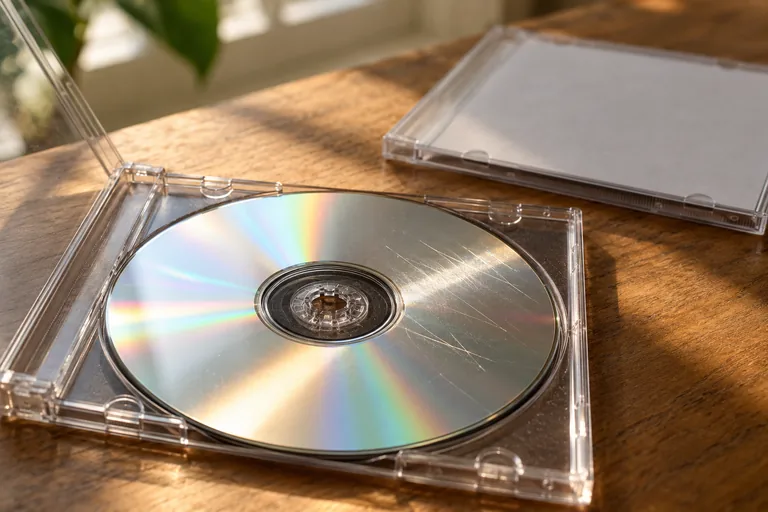
- A visible crack and a light surface scratch call for different decisions.
- A paid software license does not change the physical risk.
- Look for another copy while preserving the damaged original.
Inspect without testing the crack at speed
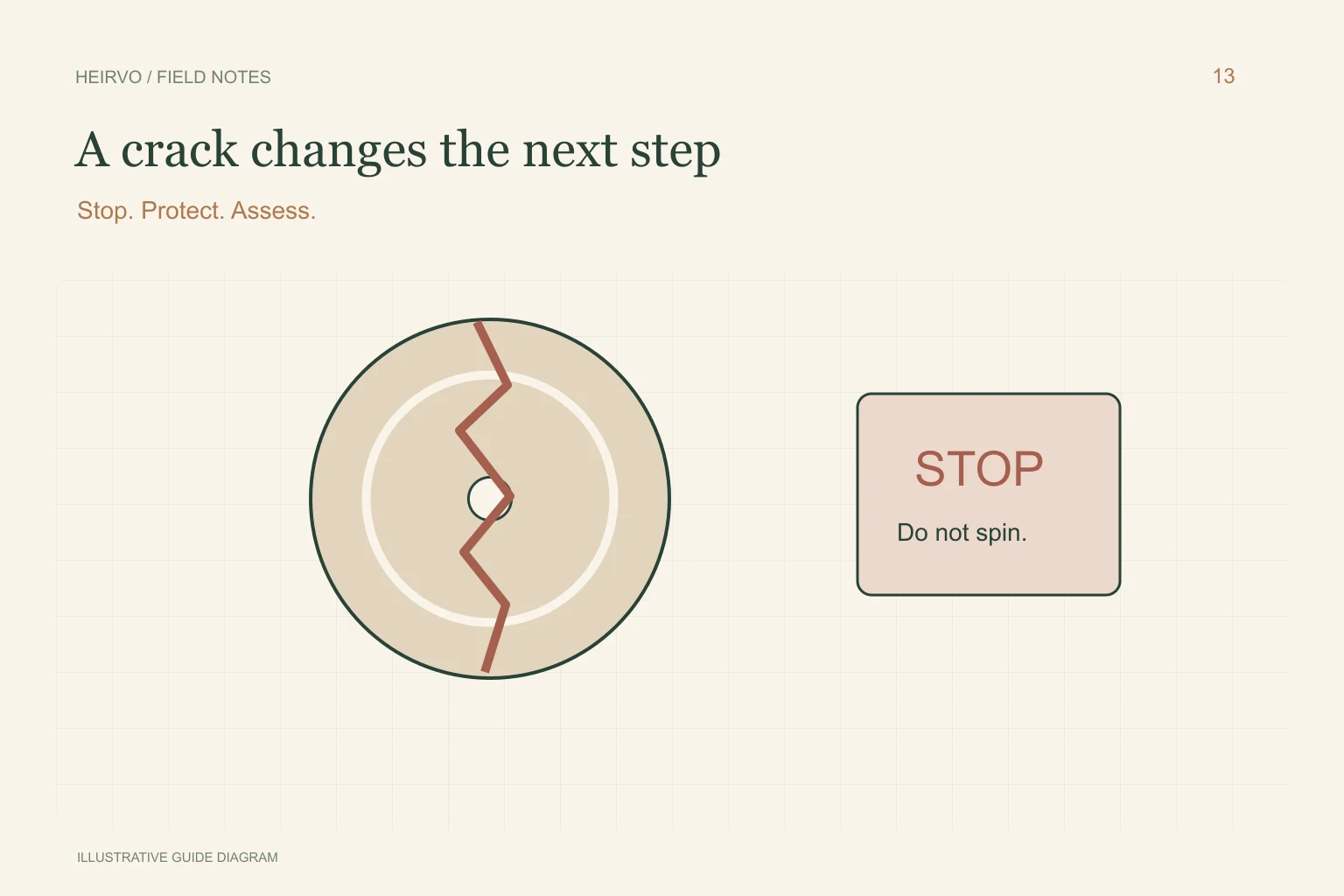
Keep handling minimal and use the disc’s edge and centre opening where appropriate. Photograph what you can see without flexing or pulling the layers. A split extending from the centre hole, a broken rim or layers separating is not a cleaning problem.
Do not assume a crack is harmless because it is small or because one player read the disc earlier. Optical drives rotate the medium. The question is whether it is physically safe to use, before whether a sector-recovery algorithm might read a passage.
Avoid improvised structural repairs
Glue, tape, polishing and heating do not establish that a broken disc is balanced, structurally sound or readable. Do not use software that requires spinning the disc as a way to test those repairs. Keep broken parts identified and protected rather than fitting them back into a drive.
CLIR/NIST’s care guidance distinguishes physical damage to optical media from removable surface contamination. Any surviving data and any safe specialist procedure depend on the specific object; no outcome or success percentage is promised here.
Search for a second source now
Check relatives’ discs, old computers, transfer-service deliveries and previous viewing copies. An earlier MP4 may be a better route to sharing the memory than risking the only damaged original. Keep a record of where each file came from and whether it contains the full recording.
For a wedding film, check whether there are separate speeches and ceremony files. For a tape-to-DVD transfer, retain the original tape or reel and its label. A new transfer may be possible with the right original and specialist equipment, but is a separate task from DVD software recovery.
Where Heirvo fits
Heirvo attempts to recover readable content from supported discs in compatible drives. It does not provide physical disc repair or a mail-in service and cannot guarantee recovery of unreadable or missing data. Its free preview should only be considered when a safe, supported read is appropriate.
If the disc is merely scratched and structurally intact, use the scratched-disc guide. If the condition is uncertain or the recording is irreplaceable, obtain specialist advice before any further read attempt.
A few more answers
Common questions
Can I tape the cracked disc together and scan it slowly?
Do not use an improvised repair as permission to spin a cracked disc. Software cannot establish structural safety.
Does paying for recovery guarantee a cracked disc will work?
No. Payment cannot change missing data or make unsafe physical media suitable for a drive.
Sources & further reading
Technical guidance from the original publishers. Always use the instructions for your exact device.