Before you begin
- Keep long source recordings as well as the short tribute.
- Ask about private moments, names and music permissions.
- Test the finished file on the device that will actually play it.
Make the preservation copy first
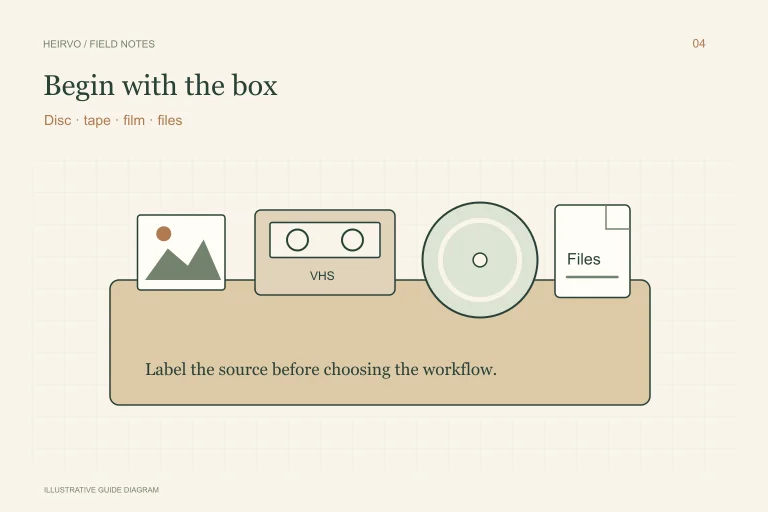
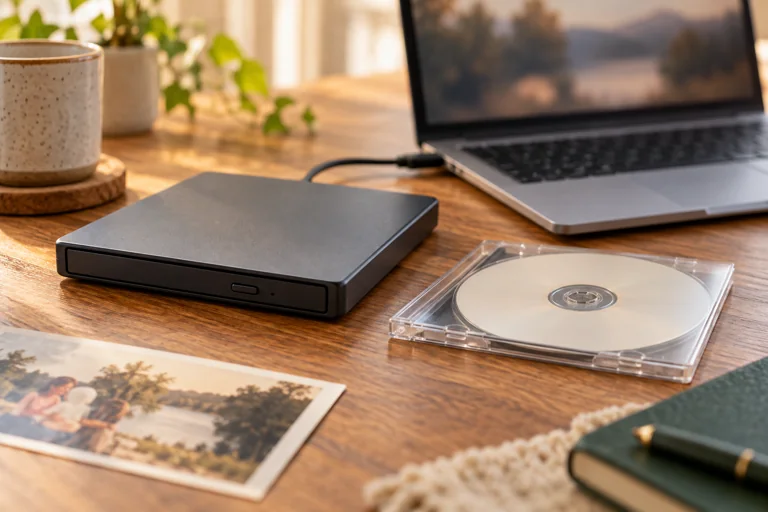
Identify the relevant DVDs and check whether they read normally in a compatible drive. For a readable personal disc, create a useful video copy. For a supported intact disc with read errors, investigate recovery and inspect the result before choosing footage.
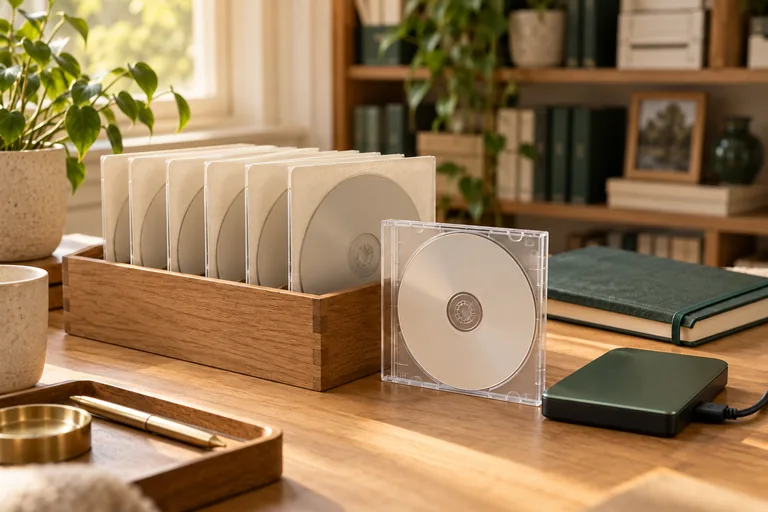
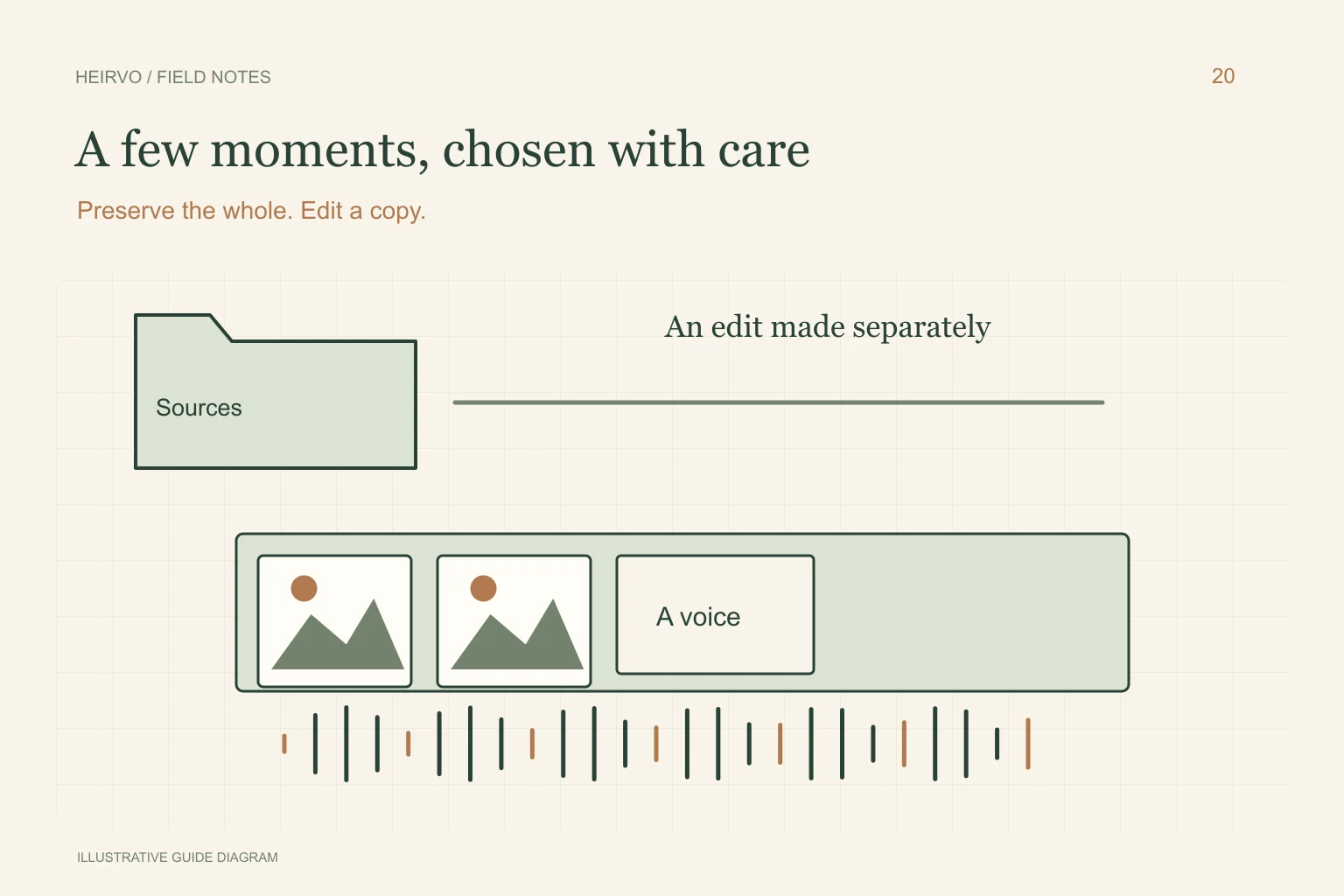
Keep the full useful recordings on separate storage with notes about missing passages. Do not overwrite the only source with a shortened tribute. Other relatives may later value moments that do not fit this particular edit.
Choose moments with care
Ask the family what feels appropriate: a voice, a favourite place, a brief everyday scene or a few photographs. Leave uncertain names and dates unconfirmed until someone can check them. Give relatives a chance to request that sensitive footage remain private.
Choose music and other material you have permission to use, especially if the film will be uploaded publicly. A private family screening and a public channel have different audiences and privacy consequences. Recovery does not settle those choices automatically.
Use an editor for the separate tribute
Microsoft’s Clipchamp guidance describes arranging video, photographs and audio on a timeline and exporting a finished video. Other suitable editors can do this too; use the current documentation for your chosen tool and keep its source files available.
Begin with a simple sequence, readable names and room for spoken words. Avoid music obscuring dialogue. If you use a recovered spoken-word transcript to locate a passage, check the audio itself: recognition and timestamps can be approximate, and visual-only moments need manual selection.
Check the finished file before the occasion
Open the exported file outside the editor and listen on the actual playback setup. Confirm the start, ending, captions and transitions. Have another family member review names and private content. Keep a second accessible copy of the finished film for the screening.
A successful export is not the end of preservation. Retain original recordings, the editable project and the final film as distinct items. Tell another trusted person where they are stored so one device or one account does not become the only route back to them.
A few more answers
Common questions
Does Heirvo automatically choose the person’s best moments?
No. Speech search follows recognised words, not visual identity or an understanding of a life story. A person should choose and review the footage.
Can I edit directly over the recovered original?
Keep it unchanged and use a separate working copy/project. Preserve the long recording as well as the finished tribute.
Sources & further reading
Technical guidance from the original publishers. Always use the instructions for your exact device.