Before you begin
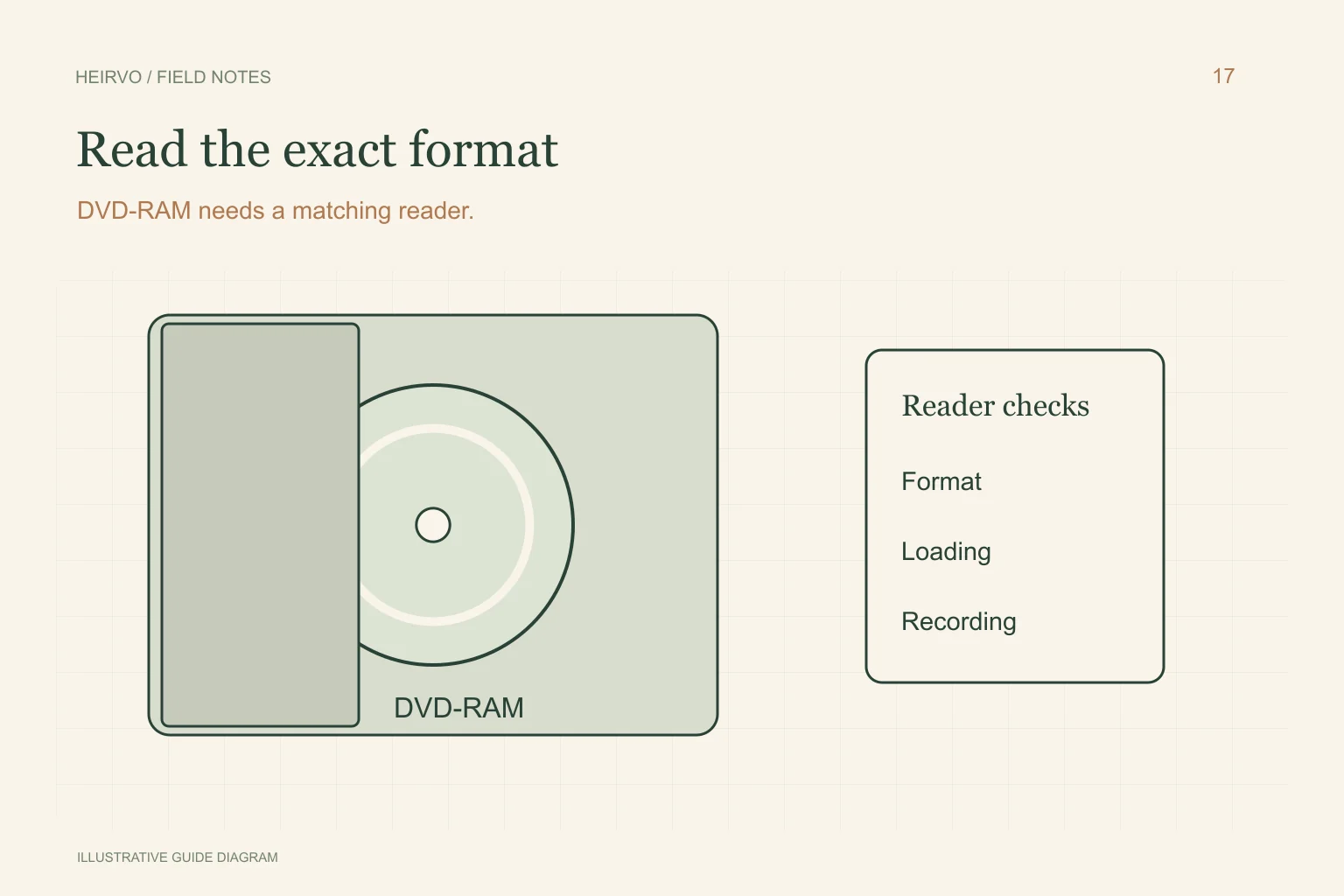
- DVD-RAM support cannot be inferred from a generic DVD logo.
- Cartridge handling depends on the medium and drive instructions.
- A rewritable disc should not be reformatted during recovery.
Read the drive and recorder specifications
Find the exact model number and supported-media list. Sony’s DVD-format guidance describes DVD-RAM compatibility limits; use the instructions for your own equipment rather than assuming a format supported by one device is supported by another.
If the disc is in a cartridge, do not force it into an ordinary tray or dismantle it without the relevant manufacturer instructions. Some arrangements differ physically. Safe loading and the correct optical capability come before deciding whether a recovery program can understand the recording.
Identify the recording without changing it
The disc may hold recorder-created video or ordinary data files. Check the original device’s recording information if available. A layout Windows does not understand can produce an unhelpful prompt without proving that there is no recording.
Do not choose initialise, erase or format as a way to recover existing material. Keep a note of the original device, file structure if readable and exact error message. These details help distinguish drive incompatibility from a damaged disc.
Preserve readable content on separate storage
If a compatible setup opens the disc, copy the actual wanted files and related folders to another location. Keep the original layout where practical; do not assume one small file represents the whole recorder session. Check the saved recording’s durations and sound.
If reading fails, verify that a recovery tool handles both the physical format and the filesystem/content you need. Do not interpret the ability to list a disc as proof of complete recoverability or as a guarantee of a licensed saving feature.
Check Heirvo’s current scope before buying
Current recorded clean-DVD testing is not acceptance for all DVD-RAM devices or layouts. Ask support with the exact medium and hardware details if that is the disc you have. No universal format or damaged-disc success claim is made.
Protect the original if it is cracked, warped or separating and seek specialist advice before further reading. Keep a separate verified copy of useful recovered output and retain any notes about gaps.
A few more answers
Common questions
Is DVD-RAM the same as DVD-RW?
No. Check the exact format marking and your drive’s supported-media specification.
Will formatting make my old DVD-RAM recording recoverable?
Formatting is not the recovery workflow. Cancel it and investigate compatibility and the original recording layout.
Sources & further reading
Technical guidance from the original publishers. Always use the instructions for your exact device.