Before you begin
- VCD playback support and damaged-disc recovery are different capabilities.
- Do not rename a track or DAT file to claim a conversion.
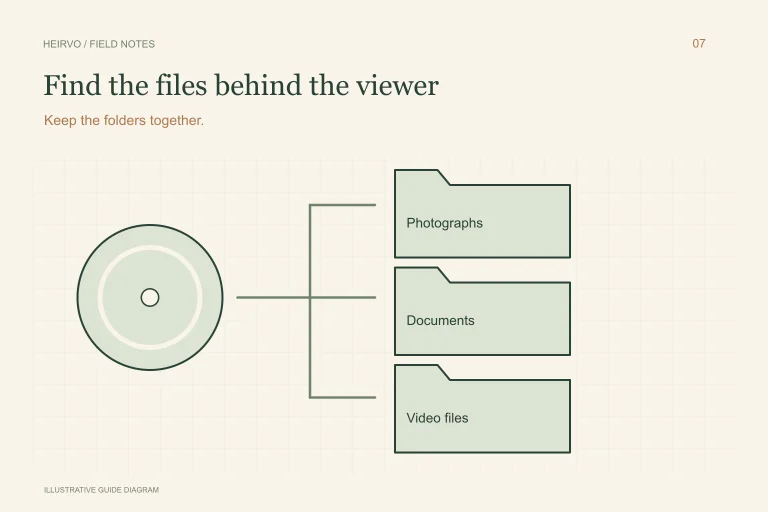
- Keep the original structure or useful source files along with the viewing copy.
Identify the recording before extracting it
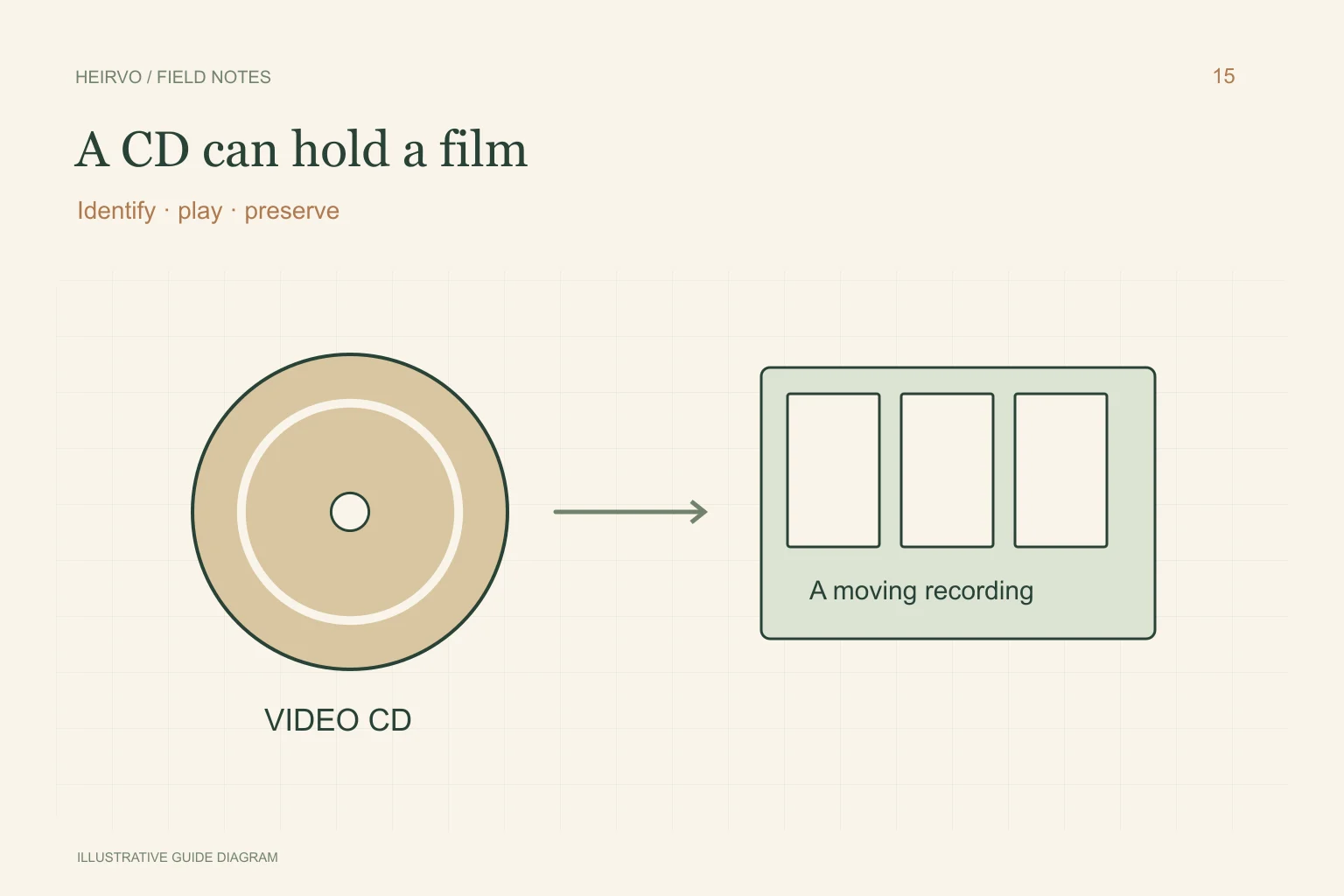
Check the label and visible folder structure on a safely readable disc. Note whether it is described as Video CD or another video-disc variant. Do not infer audio-CD extraction just because the object has CD dimensions.
Use your own recordings or material you are allowed to copy. An old menu application need not be the safest way to view the recording; choose a current player from its official publisher with documented support for the medium.
Try compatible playback on readable media
VideoLAN lists VCD input among VLC’s capabilities. Test the particular recording and note its duration and any playback gaps. A player supporting the format does not establish that damaged areas can be copied completely.
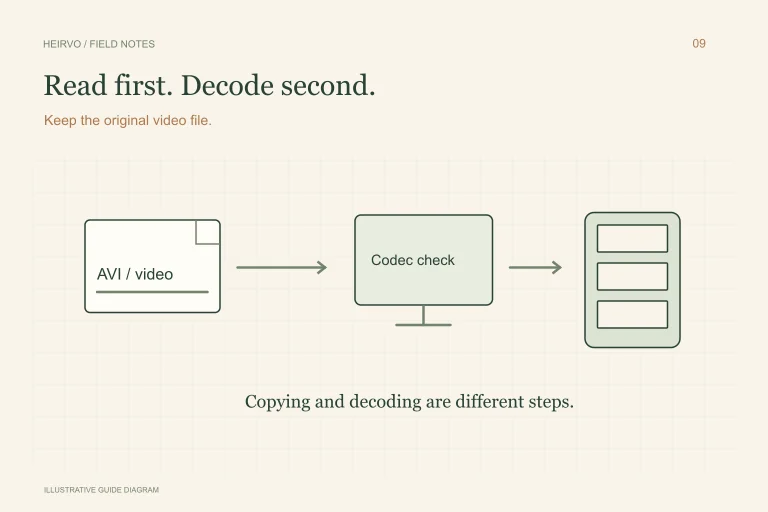
If the recording is readable, preserve useful source material before converting a copy to a convenient viewing format. Changing an extension is not conversion. Keep source folders and any extraction notes so you can distinguish the original disc layout from the new MP4.
Check format-specific recovery
Confirm that a recovery tool supports the relevant disc layout and requested output, including any licensing restrictions. IsoBuster documents Video CD functionality in its license description; check the current publisher guidance for the operation you need.
Heirvo’s clean reference acceptance does not verify every VCD or mixed-mode disc path. Do not purchase on the assumption that a general CD label establishes certification for this format. Ask support about the exact medium and keep the original protected.
Verify motion, duration and audio
Check the beginning, middle and end of the saved recording in another compatible player. Compare the expected events and listen to speech. A converted file that plays briefly is not proof of a complete transfer.
Keep another verified copy on separate storage. Document any gaps instead of presenting a partial family film as the whole original. Stop with cracked or warped discs; a different player is not a structural repair.
A few more answers
Common questions
Is a Video CD the same as an audio CD?
No. The recording layout and extraction needs differ. Choose software that explicitly supports the video-disc format.
Is VCD recovery fully certified in Heirvo?
No such certification is claimed here. Consult current testing notes and support for the exact format.
Sources & further reading
Technical guidance from the original publishers. Always use the instructions for your exact device.