Check the disc before spinning it
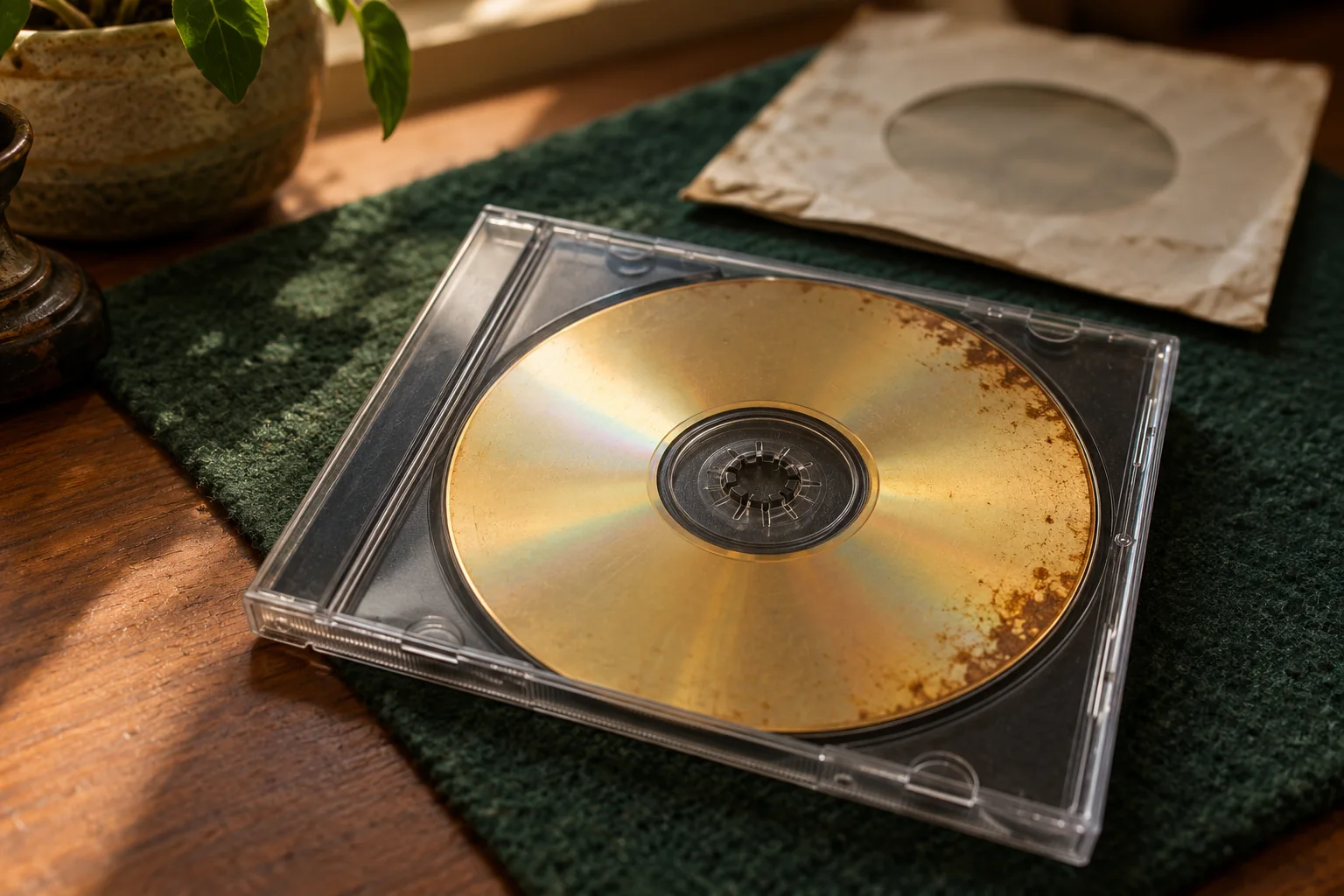
Do not put a cracked, broken or severely warped disc in a drive. If the disc is structurally damaged, seek specialist advice. Avoid aggressive polishing or attempts to repair the layers yourself.
Try to preserve readable content
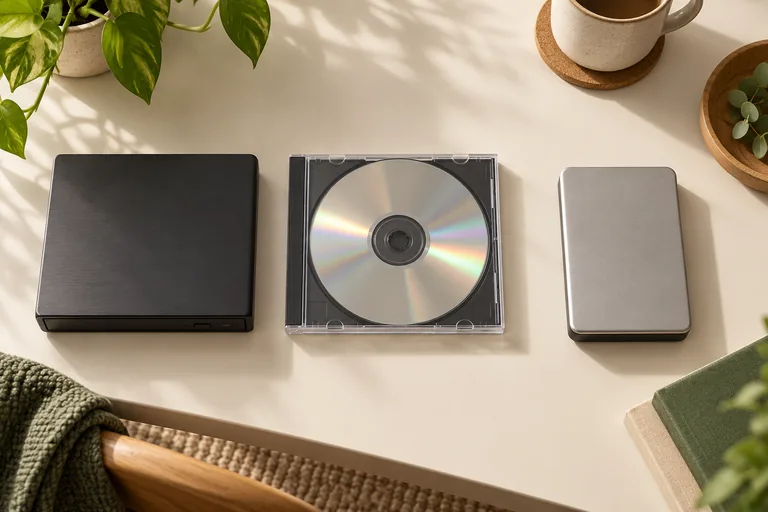
Use a compatible drive with a disc you own or have permission to recover. Heirvo can scan and preview readable content before you pay to save. Recovery can take hours on a difficult disc; neither a quick scan nor a high percentage guarantees that the passages you want are complete.
Keep the disc and separate copies
Inspect the saved output, including its sound. Keep the original disc and a second copy of useful recovered files on separate storage. Heirvo does not supply a physical recovery service or promise recovery of data that cannot be read.
A few more answers
Common questions
Will Heirvo definitely recover my wedding video?
No. Physically missing or unreadable data cannot be guaranteed recoverable. Scan your own disc and inspect the preview before purchasing a save license.
Do I mail my disc to Heirvo?
No. The software offer is for use on your own Windows computer. It does not include physical disc handling or a mail-in service.