Before you begin
- Never spin a cracked or badly warped disc.
- Keep cleaning gentle and avoid abrasive home remedies.
- Once a recording reads, save it and make a separate backup.
Look at the disc before cleaning it
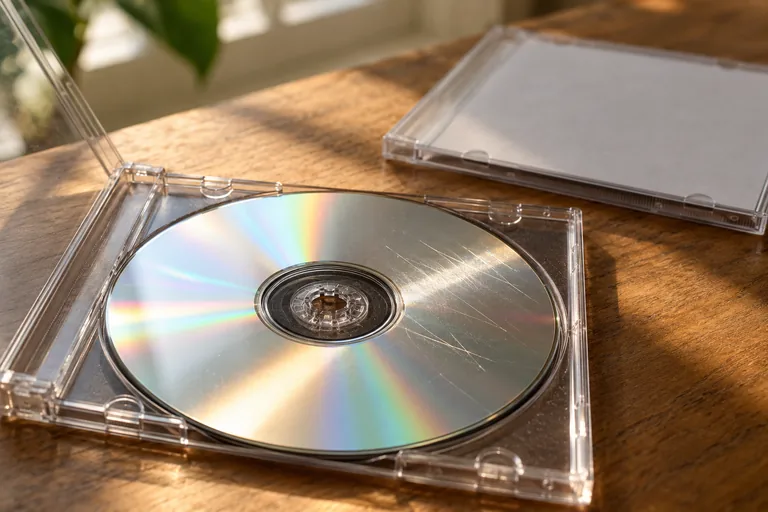
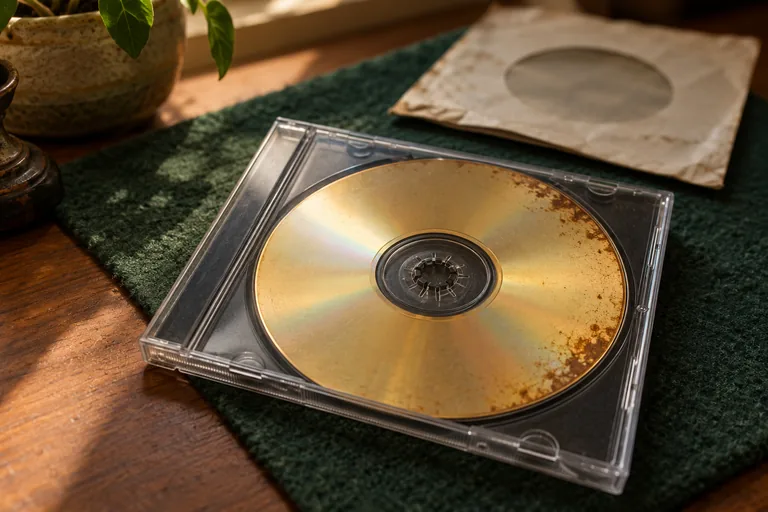
Hold it by the edge and centre hole under ordinary light. Look for cracks, distortion, separating layers or damage around the centre. Do not flex the disc to test it. If you see structural damage, stop: cleaning is not a way to make that disc safe for a spinning drive.
A fingerprint, loose dirt, a scratch and deterioration inside the disc are different problems. It can be hard to tell them apart at home. Avoid promising yourself a particular result just because the surface becomes shinier.
For an intact disc, keep the first attempt gentle
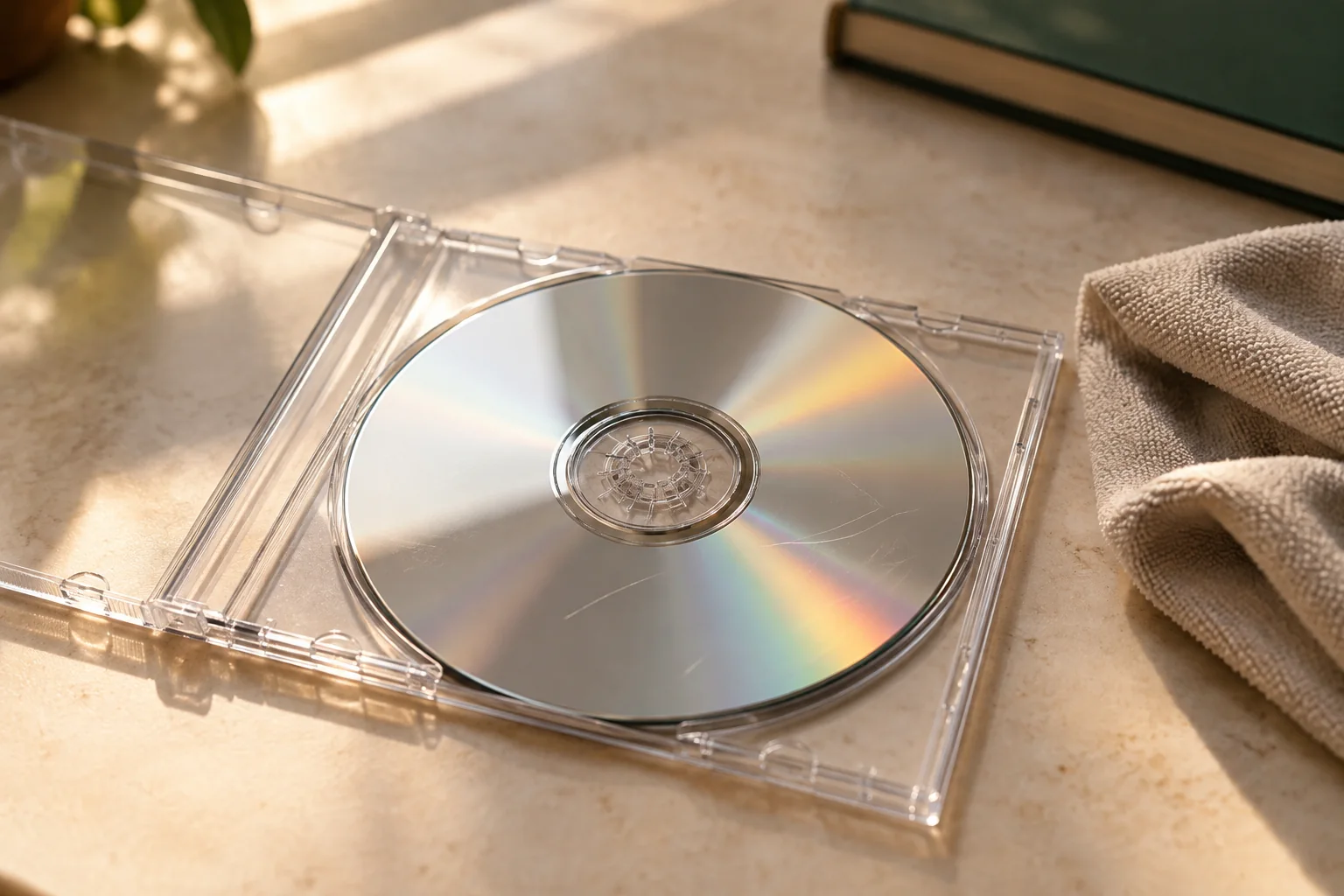
- Use a clean working area and a fresh, soft, lint-free cloth. Do not use a cloth carrying grit from another job.
- Handle the disc by the edge and centre hole. Avoid touching either flat surface unnecessarily.
- Wipe lightly in straight strokes from the centre towards the outside, not around the disc in circles.
- For contamination that does not come away easily, follow conservation or manufacturer guidance for that media. Do not improvise stronger solvents or scrub harder.
- Make sure the disc is clean and completely dry before using it, then try preserving readable content rather than repeatedly polishing it.
Skip the toothpaste and household polish
Heirvo does not recommend abrasive home remedies for an irreplaceable recording. Removing material, applying an unknown chemical or peeling a label may introduce another problem. Different optical media have different constructions; a treatment suitable for one disc is not automatically suitable for another.
Cleaning is also different from professional resurfacing. If someone proposes a physical treatment, ask what it will change and whether it is suitable for your particular media. Heirvo is software and does not include a mail-in disc repair service.
If it reads, preserve it now
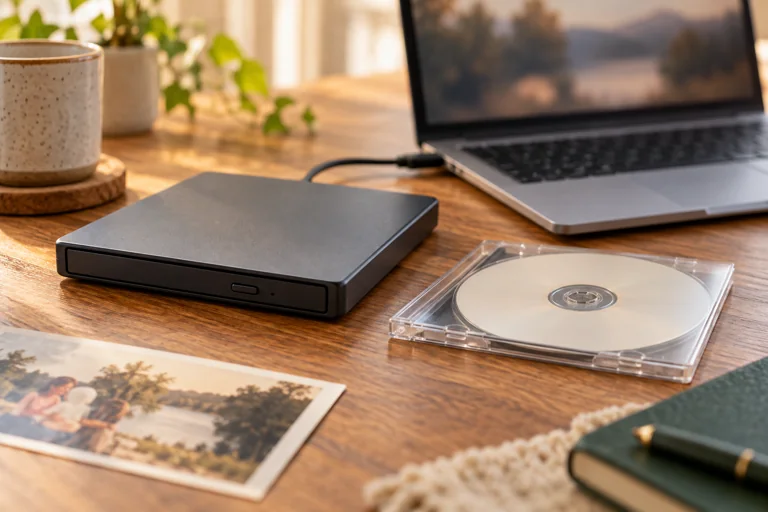
When the disc becomes readable, copy the recordings to separate storage and check the saved output. With Heirvo, scan and preview supported discs for free; saving useful recovered files requires a paid license. A difficult scan may recover only part of a recording, so check important scenes and their sound rather than relying on a percentage alone.
Do not keep treating the original just to improve its appearance after you have a useful saved copy. Keep that disc safely, and keep another verified copy of the files away from the computer used for the first transfer.
Put it away in a suitable case
Use a case that supports the disc properly and protects it from dirt and handling. Keep it away from heat and direct sunlight. Add identifying notes to the case or your digital catalogue, so the family can match the recording to the files later.
A simple note can be more useful than a perfect-looking disc: which event it contains, when it was copied, and any missing passages. Revisit your digital copies occasionally to make sure they still open and that the backup storage is usable.
A few more answers
Common questions
Can cleaning remove every scratch?
No. Cleaning removes surface contamination; it does not recreate missing recorded data. Do not treat a shiny surface as proof of a complete recording.
Is it safe to test a cracked DVD after cleaning it?
No. Do not spin a cracked or structurally damaged disc. Keep it protected and seek specialist advice before further attempts.
Sources & further reading
Technical guidance from the original publishers. Always use the instructions for your exact device.