Before you begin
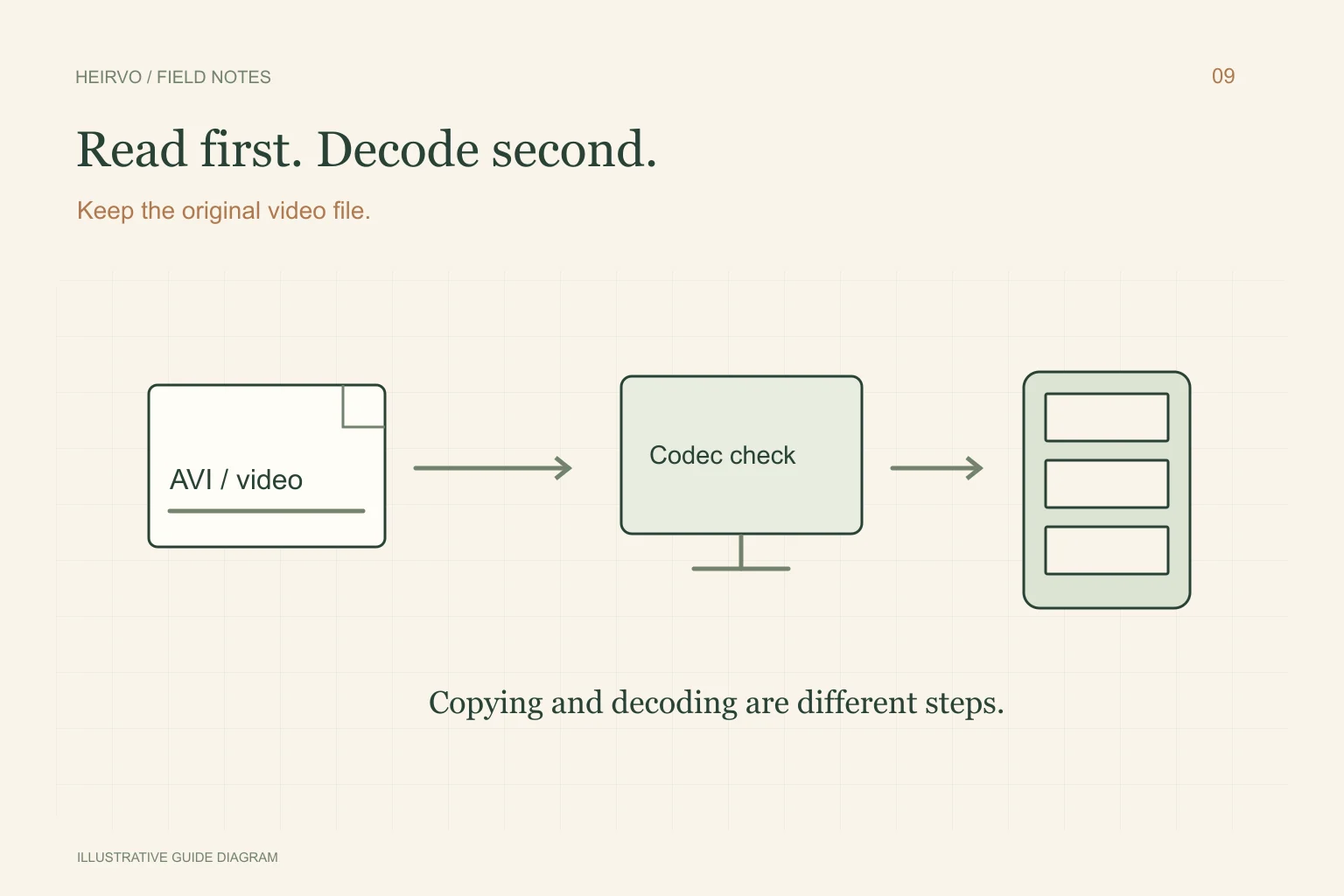
- A codec problem can exist even when the file copies correctly.
- A reading error can exist even when the player recognises the format.
- Keep the original encoded file when making an MP4 for sharing.
Look at the files rather than the handwritten label
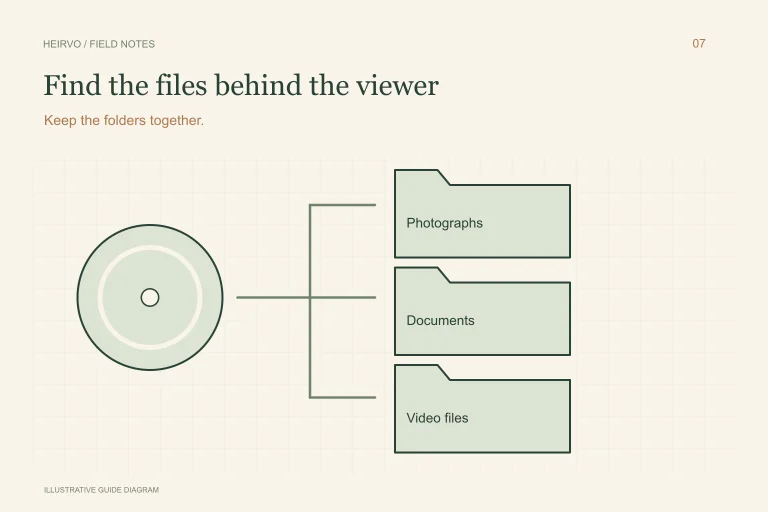
Use File Explorer on a compatible drive and note the file names, sizes and extensions. A data disc may hold several AVI or other video files rather than one DVD movie structure. Keep subtitle files and related folders if present.
This workflow concerns personal recordings or files you are permitted to copy. A commercial or protected product carrying a similar name can need a different licensed playback arrangement. The label alone does not establish either ownership permissions or compatibility.
Which failure are you seeing?
| What happens | Investigate first |
|---|---|
| Copying reports read errors | The disc, drive and file completeness. |
| The copied file opens in one player only | Player/container/codec support. |
| The copied video stops at the same point in several players | Whether the source or recovered file is incomplete. |
| Only a shortcut or menu opens | Locate the actual video file rather than the launcher. |
Test a copy with a documented player
VideoLAN lists DivX-family codecs and AVI among VLC’s capabilities. Use the current official release and test a separate copy of your file. That published feature list is a reason to try compatible decoding, not a promise that every damaged or unusual file will play.
If a recording is readable and plays correctly, a supported converter can create a smaller viewing version. Watch the converted result and listen for timing problems. Do not delete the original encoded file just because the MP4 is more convenient.
If the bytes cannot be copied
For a physically intact supported CD/DVD, Heirvo may help recover readable data that ordinary copying leaves behind. Current format and release limits still apply; no all-codec playback guarantee is made. Preview the actual passages and preserve any partial result clearly labelled.
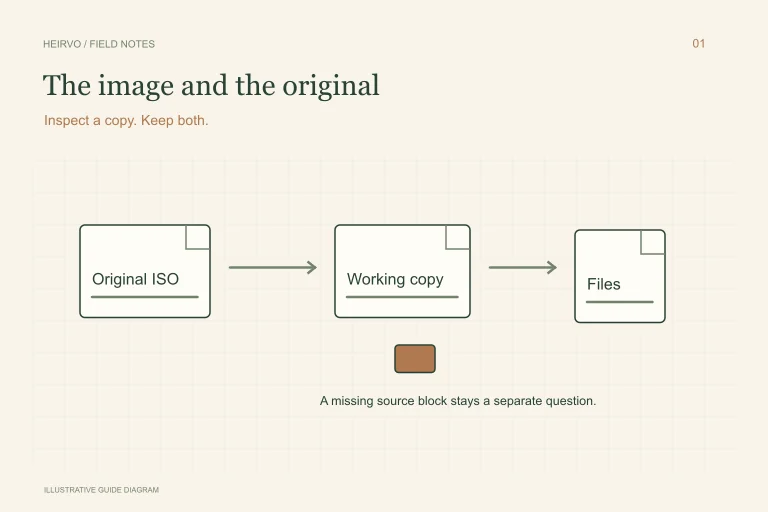
A decoder cannot supply bytes that were never read from the disc. If the remaining source is an ISO image, use the separate ISO checklist and retain that image unchanged. Keep another verified copy of useful original files before experimenting with editors or repair utilities.
A few more answers
Common questions
Does changing .avi to .mp4 convert DivX?
No. A filename change does not change the codec or container. Use a compatible player or converter on a copy.
Should I install every codec a pop-up recommends?
Use documented software from its official publisher. An unknown codec download is not evidence that the source recording is recoverable.
Sources & further reading
Technical guidance from the original publishers. Always use the instructions for your exact device.