Before you begin
- Data files and audio-CD tracks need different extraction workflows.
- A file you can copy may still need a compatible viewer.
- Keep the folder structure and original file extensions.
What kind of CD is in the drive?
| What you see | What to do |
|---|---|
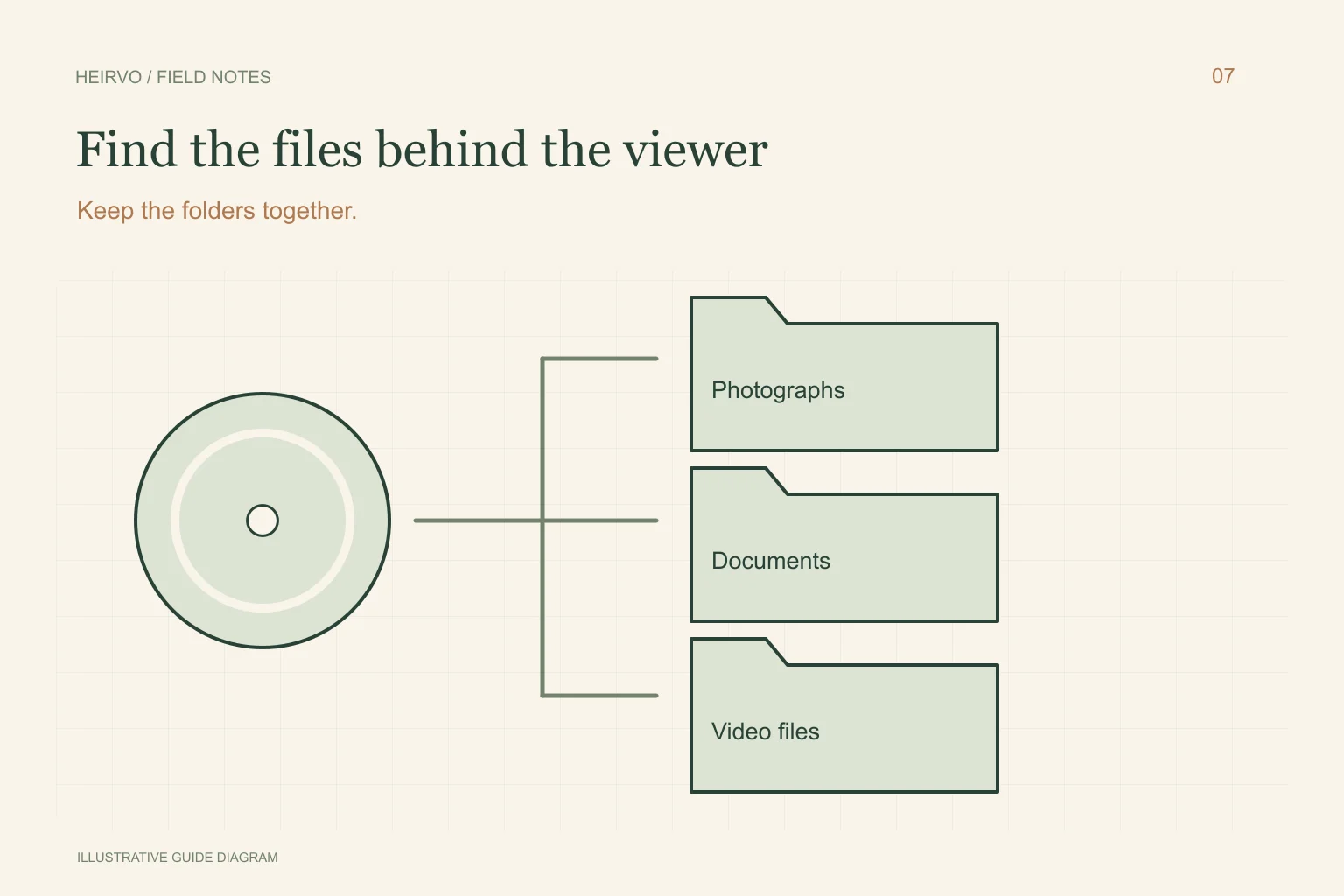
| Folders with JPGs, documents or videos | Copy the data files to separate storage and inspect them. |
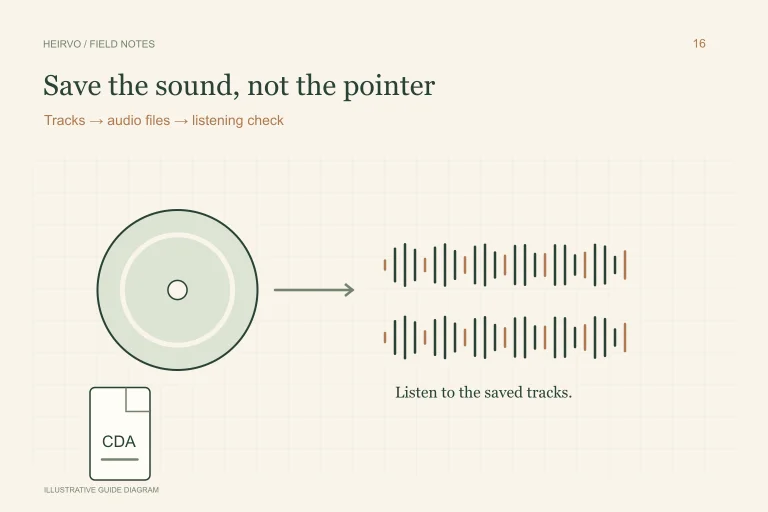
| Audio tracks shown as CDA entries | Use an audio-CD extraction workflow, not a normal file-copy assumption. |
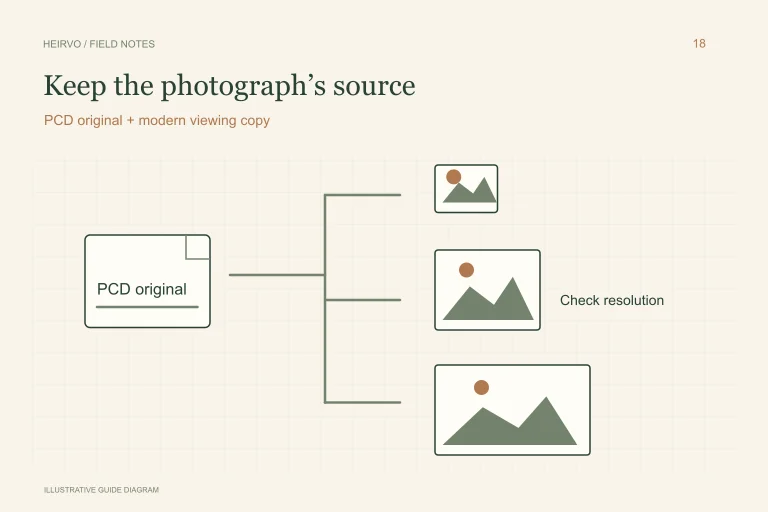
| PCD photographs or an old photo viewer | Preserve the image files and use a supported decoder on copies. |
| A prompt to format or an unreadable disc | Cancel formatting and check the drive, medium and recording compatibility. |
Copy the material, not just a shortcut
Choose a new destination folder on the computer or another reliable drive. Keep original folders so linked resources and file relationships are not lost. A shortcut to a disc viewer is not a copy of the photographs or video it displays.
Work with your own material or content you have permission to copy. Do not run an obsolete autorun program simply because it opens automatically on another PC. An old application may be incompatible or unsafe even when its media files are readable.
When normal copying stops
Test the drive with a known-good compatible disc. If several CDs fail, address the hardware connection first. If one intact supported personal disc fails, Heirvo may help read content a normal copy leaves behind. Results depend on the disc and drive; current testing does not certify every data-CD layout.
Let a useful recovery attempt finish and inspect the result before paying to save. If you change drives, preserve the original attempt and follow the app’s resume/identity checks rather than assuming two different discs with similar labels are interchangeable. Stop with cracked, separating or warped media.
Open more than the first photograph
Check files from different folders, dates and parts of the disc. For documents, inspect later pages; for video, listen and watch beyond the start. Keep notes about files that do not open. A successful file-copy dialog does not verify that every original file was complete before it was copied.
Keep originals on separate backup storage and make converted viewing versions separately. If a file opens only in specialist software, record the application and version used, while preserving the original for a future decoder.
A few more answers
Common questions
Is every CD-ROM a music CD?
No. A data CD can hold ordinary files. An audio CD stores tracks that require an audio-CD extraction workflow.
Should I erase or format a CD that Windows cannot read?
No. A format prompt is not a recovery step. Cancel it and investigate hardware and recording compatibility first.
Sources & further reading
Technical guidance from the original publishers. Always use the instructions for your exact device.