The Heirvo video library
A careful step.
A clearer picture.
Watch a practical workflow for the disc in your hands, then read the matching guide. Each film includes real Heirvo reference-disc captures and a readable transcript.
Some openings use AI-generated actors or illustrations. Software captures show a clean reference DVD. Recovery results vary.
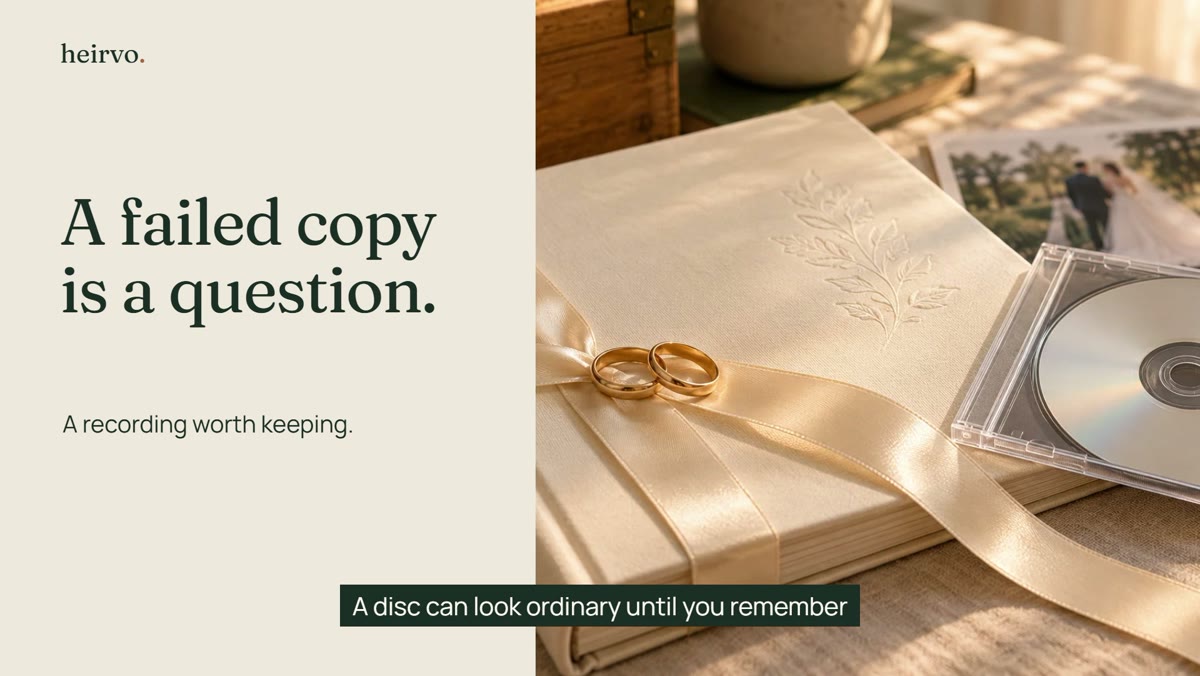
3:07 video guide
Old DVD Won't Copy? Recover Your Family Videos
A careful Windows workflow for a family DVD that stops copying. See a clean reference-disc demonstration, check the preview and understand the limits of recovery.
Watch the guide →
3:16 video guide
How to Save Old Home DVDs as MP4 on Windows
Follow a family DVD-to-MP4 workflow on Windows: check the original, preview readable recordings, inspect the saved video and keep another verified copy.
Watch the guide →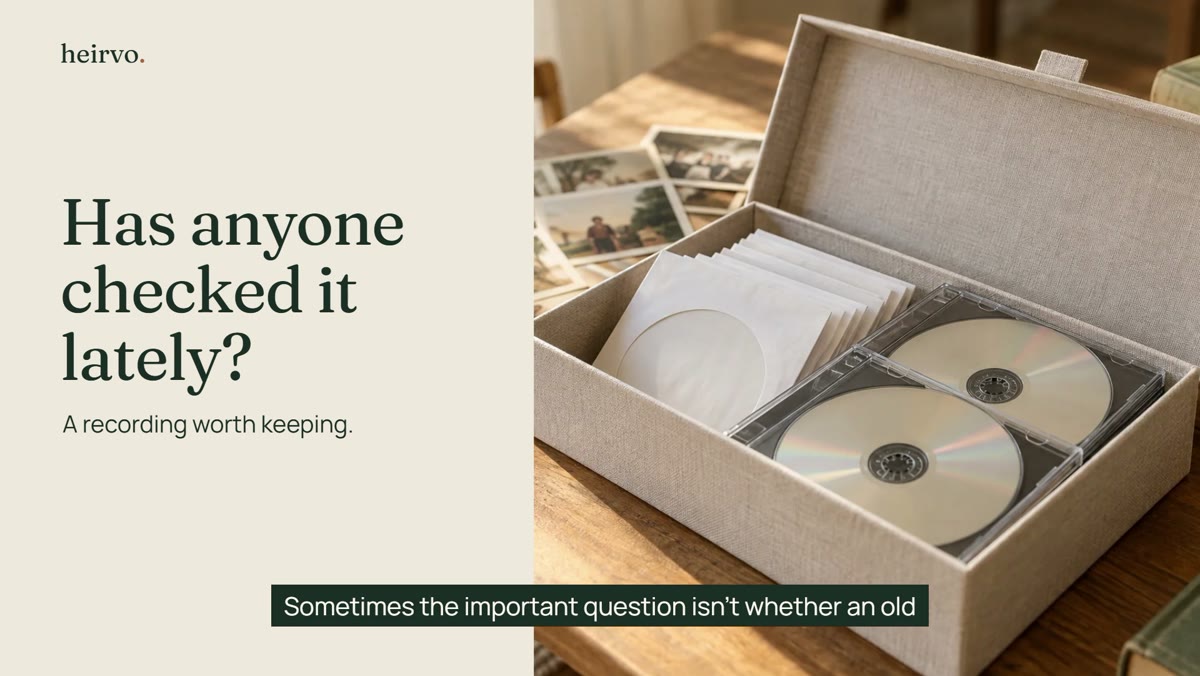
3:20 video guide
Are Your Old Home DVDs Still Safe? Preserve Your Only Copy
Learn a careful way to check old family DVDs and make useful copies before the disc becomes your only remaining source. Disc lifetimes and recovery results vary.
Watch the guide →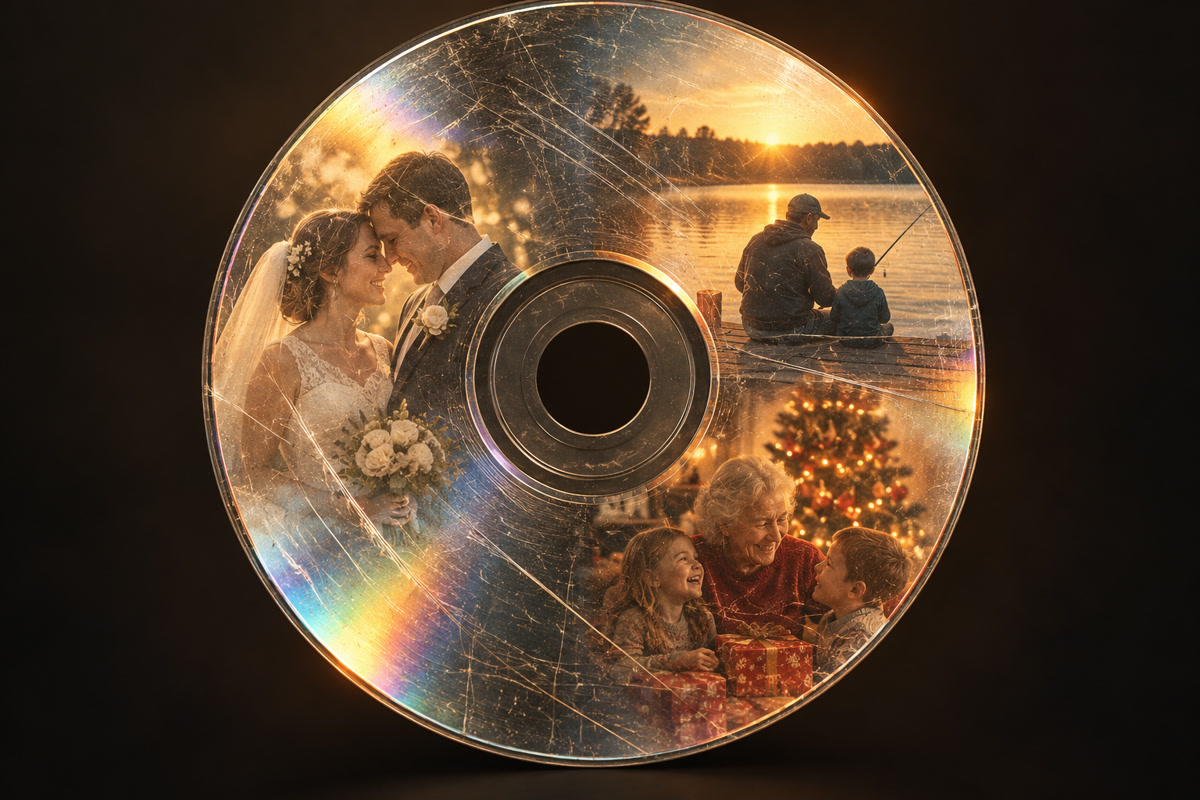
0:43 video guide
How to Copy a Scratched DVD to Your Computer
Watch a short Heirvo walkthrough for a scratched DVD that will not copy: try repeated reads, pause and resume, and preview readable content before paying to save.
Watch the guide →