Before you begin
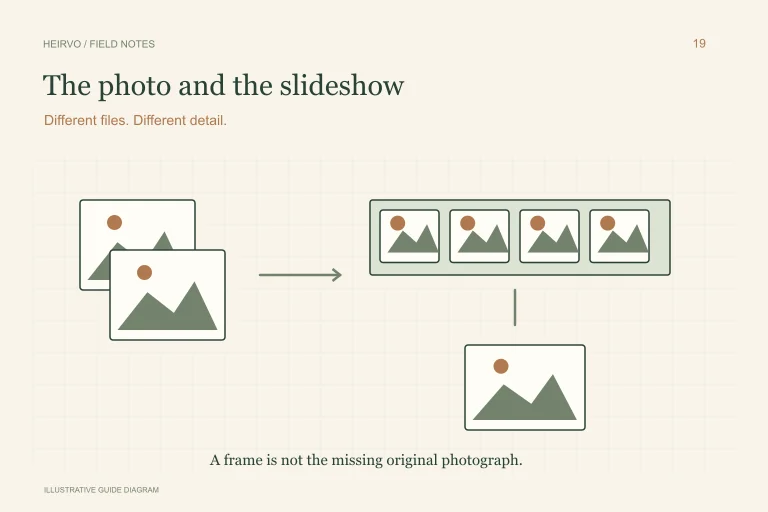
- Do not rely on a thumbnail as the only saved photograph.
- Reading the CD and decoding a PCD are separate steps.
- Keep the original image files alongside modern exports.
Identify the files before running an old viewer
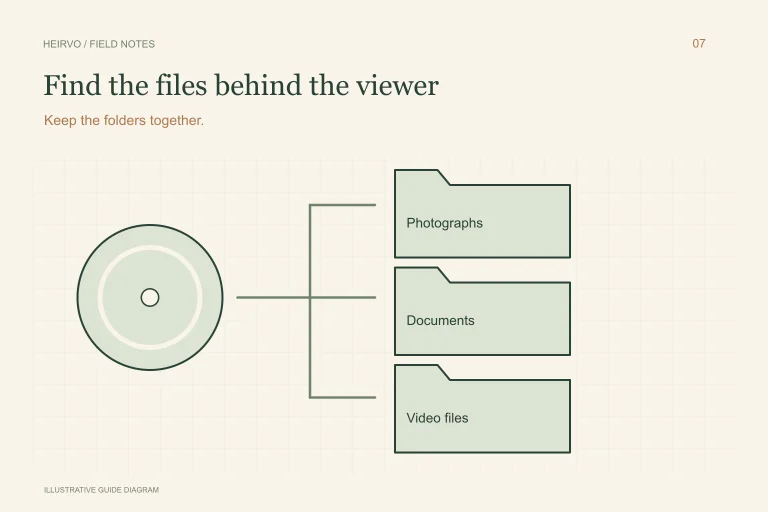
Inspect the readable disc for actual image files and note their extensions. Kodak-branded products and ordinary photo data discs can differ, so do not assume every disc has the same layout. Avoid running an obsolete bundled viewer just to see whether a modern system can read the photographs.
Copy the original files and useful folder structure to another location. Preserve names and any index information that helps identify a roll or image. If a normal read fails, record the failure and check the compatible-drive workflow before attempting conversion.
Decode a copy at a useful resolution
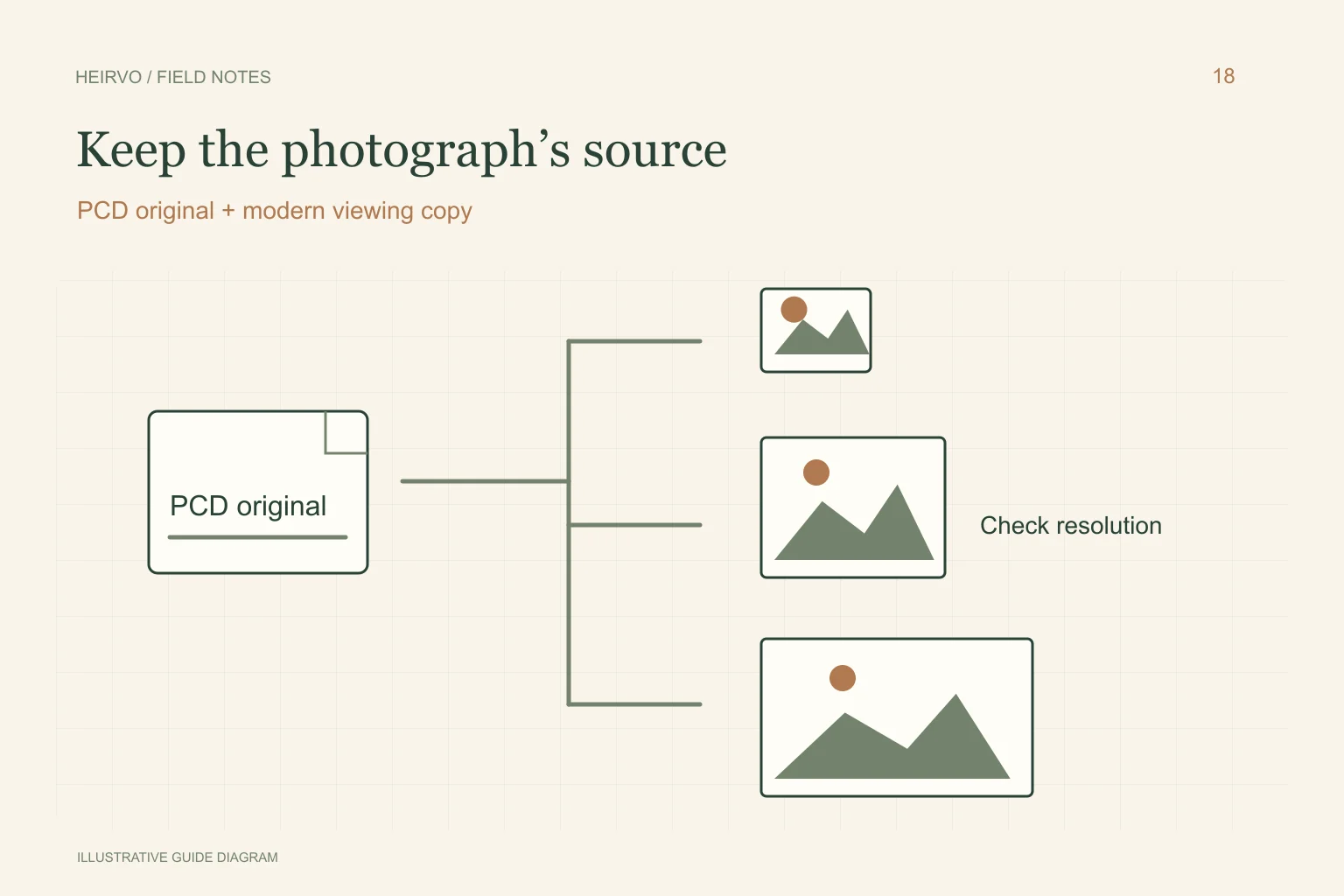
ImageMagick documents PCD support and discusses Photo CD’s multiple resolutions. Select an appropriate image resolution rather than accepting the first small preview a viewer happens to show. Check a sample for dimensions, orientation and colour before processing a whole collection.
Keep the source PCD files even after producing JPEG or another convenient format. Exporting a modern viewing image is useful, but does not establish that every embedded resolution or source detail has been preserved. Keep conversion settings with the output.
What Heirvo currently establishes
The app source includes a PCD preview conversion path that tries available resolution levels while retaining the original. That implementation is not a certification that every physical Kodak Photo CD can be read or that every scanner variation has passed acceptance.
Use current testing notes and ask support about an unusual disc. For a supported intact medium, preview and inspect the actual photographs before deciding about saving. Software cannot decode image bytes that the drive could not recover.
Check the pictures as a collection
Open full-size exports from the beginning, middle and end of the set. Compare people, framing, colour and missing areas; a contact sheet alone may hide a damaged image. Keep an image count and a note of any file that failed conversion.
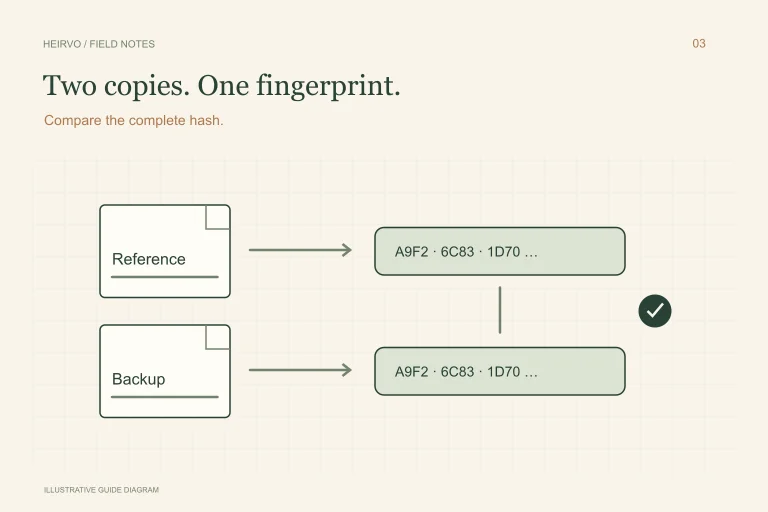
Make a separate verified backup of originals and useful exports. If a print, negative or another family copy exists, keep its relationship to the recovered file recorded. It may be a valuable alternate source if part of the CD remains unreadable.
A few more answers
Common questions
Will a tiny preview preserve the full Photo CD image?
Do not assume so. Check the decoder’s selected resolution and keep the original PCD file.
Does built-in PCD conversion guarantee every Kodak disc works?
No. File decoding, physical reading and hardware acceptance are distinct checks.
Sources & further reading
Technical guidance from the original publishers. Always use the instructions for your exact device.