Before you begin
- Free download, free preview and free extraction mean different things.
- Choose using your own disc and inspect real output.
- No free or paid tool guarantees recovery from every disc.
Choose the task before the tool
| Your situation | A relevant option | Important limit |
|---|---|---|
| The disc reads; you want to watch it | A DVD-capable player such as VLC | Playback is not a verified saved backup. |
| The personal DVD reads; you want an MP4 | A converter such as HandBrake | Conversion cannot read permanently missing data. |
| You need disc/image file extraction | Check IsoBuster’s free functionality | License requirements differ by filesystem and feature. |
| A supported disc stops copying | Heirvo scan and in-app preview | Saving requires Recover or a higher license. |
Read the saving conditions before scanning
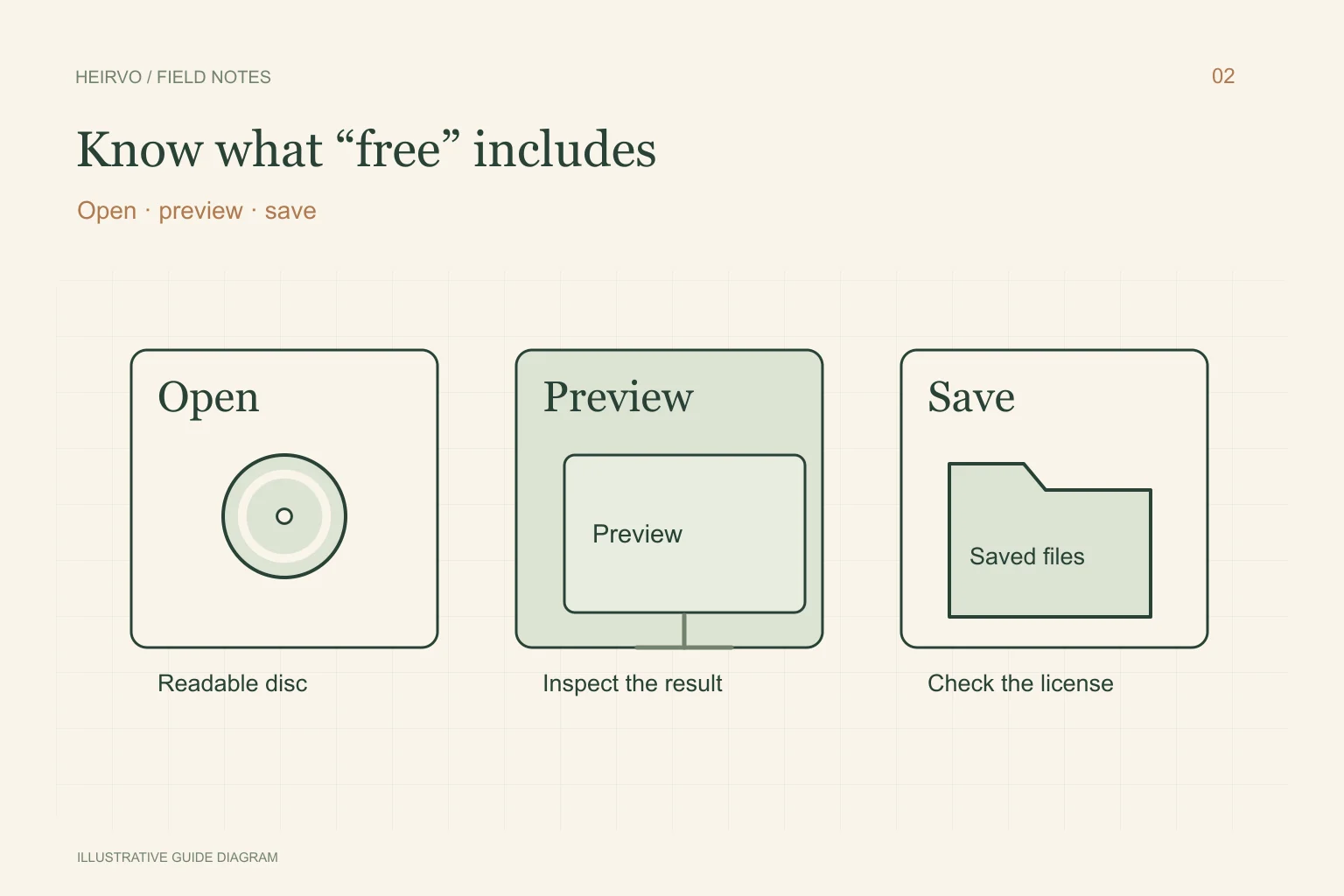
Look for the action that matters: can you save the actual file you want, at the size and format you need? A file listing or thumbnail is not the same as extraction. If the site says trial, check whether it limits saving, duration or features. Take a note of the terms rather than relying on a comparison article’s old price.
IsoBuster’s own licensing page identifies free functionality and features that need registration. Its published distinctions depend on the filesystem and operation. This is a reason to inspect the exact disc and requested feature, not to assume every DVD can be extracted free.
What Heirvo’s free preview means
Heirvo scans supported personal discs and lets you inspect readable content in the app before purchasing a save license. Recover is $49 once for one Windows PC. Archive and Family have different device allowances and library features; see current release and store availability on the download page.
A playable preview is useful evidence for a purchase decision, but it is not a promise that every passage is intact. Check the particular recording and sound you want. The current local candidate and pending public/merchant release gates are described in the testing notes.
Make a small, practical comparison
Keep the same original disc, a compatible drive and sufficient output space. Record whether each tool detects the disc, lists the right material and produces output you can inspect. A faster percentage counter is not a recovery-rate measurement.
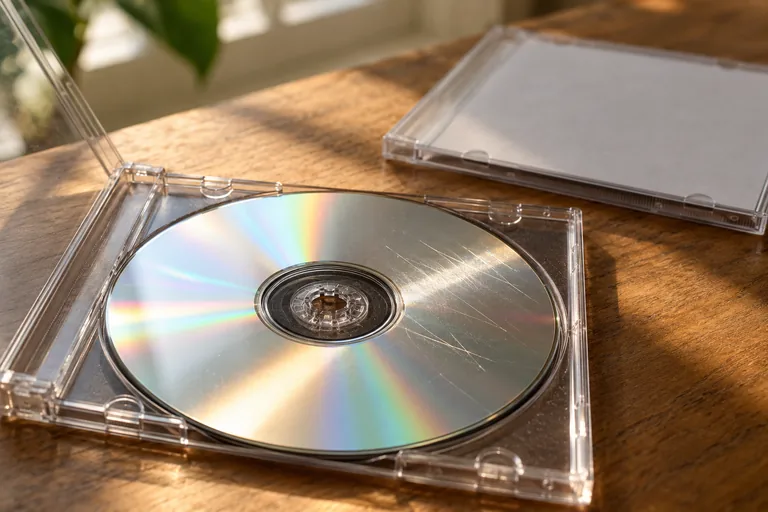
If a free workflow gives you a complete useful copy, verify it and keep a separate backup. If none can read the desired passage, paying does not itself prove that another tool can. Stop with structurally damaged media and obtain specialist advice. Use software from its official publisher and avoid running unknown viewers from an old disc.
A few more answers
Common questions
Does VLC recover every DVD that it can play?
No. Playback and file recovery are different tasks. A player may skip past errors, and a scene playing once does not establish a complete saved copy.
Is Heirvo saving free?
Scanning and in-app preview are free. Saving recovered files needs Recover or a higher license, subject to current release and store availability.
Sources & further reading
Technical guidance from the original publishers. Always use the instructions for your exact device.