Before you begin
- A missing drive and an unreadable disc are different problems.
- Test with a known-good disc before buying replacement hardware.
- Do not format an old disc to make a playback error disappear.
Which of these looks familiar?
| What you see | What to check first |
|---|---|
| No DVD drive appears in File Explorer | The connection, power and Windows drive detection. |
| The drive appears, but this disc will not open | Disc condition, compatibility and whether it was finalised. |
| Files appear, but the movie will not play | A DVD-capable player and the recording format. |
| The video plays, then skips or stops | Whether the same passages fail in another compatible drive. |
1. Check the drive before the recording
Open File Explorer and look for the optical drive under This PC. For an external drive, check its supplied USB connection and power requirements. Try a direct connection rather than an unreliable hub. Use the drive manufacturer's instructions if it needs an additional power lead.
Microsoft documents cases where a CD/DVD drive is missing from File Explorer or has a warning in Device Manager. If Windows does not see the hardware, start with that support guidance or the drive manufacturer. Recovery software cannot read a disc through a drive Windows has not made available. Avoid treating unfamiliar registry-edit instructions as a first step for a family recording.
2. Try a known-good DVD
Use a disc you know works and a drive that supports that disc type. A drive reading an audio CD does not, by itself, establish that it can read your DVD. If several good DVDs fail, investigate the drive or playback setup before concluding that all your recordings are damaged.
If other DVDs work and just one home disc fails, note what happens: no disc detected, folders visible, repeated read errors, or playback stopping at a particular moment. That small record is useful when you ask for help and avoids repeating the same unsuccessful attempt without learning anything.
3. Check that the player supports DVD playback
Microsoft's Windows Media Player guidance notes that DVD playback is not included in Windows Media Player Legacy. Seeing a media-player icon on the computer therefore does not establish that it can play a DVD movie. Use current official documentation for a DVD-capable playback application.
A data DVD containing an MP4 and a DVD-Video recording are different things. One may open like an ordinary file; the other uses a disc structure the player needs to understand. Before installing extra software, confirm whether you are trying to open a movie disc, a home-video file or an audio CD.
4. If it is a camcorder or recorder DVD
A home-recorded disc may depend on the recording mode and whether the original device completed its finalisation step. If you still have that device, check its model-specific manual. Do not confuse finalising a recording with formatting or erasing it.
Mini DVDs also need a drive that explicitly supports their smaller size. Do not put a small disc into a slot-loading drive unless its manufacturer supports it. The related mini-DVD guide explains how to choose a cautious transfer route.
5. When a recovery scan makes sense
For a physically intact personal disc that a compatible drive detects but struggles to read, you can try Heirvo's free scan and inspect a readable in-app preview. Recovery is conditional: missing data may remain missing, and a scan can take hours. Scanning does not alter the original recording.
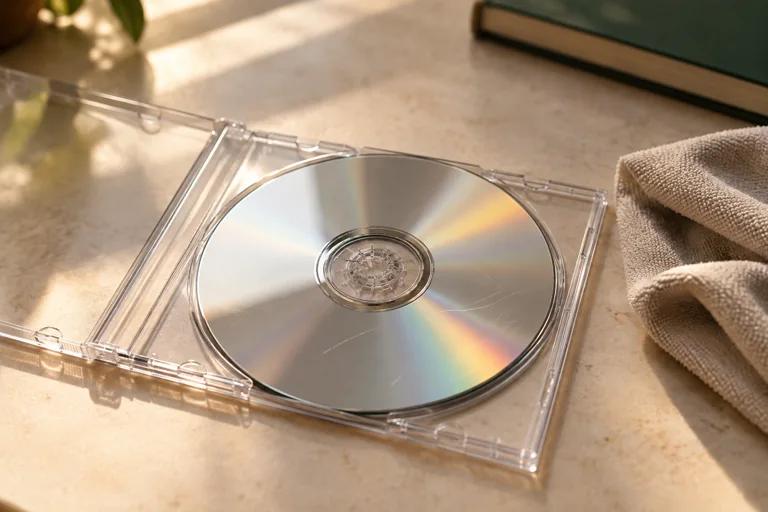
Do not spin a cracked, separating or badly warped disc. If the recording is irreplaceable and the disc has structural damage, seek specialist advice before further attempts. If a preview is useful, a paid Heirvo license is needed to save recovered files; check the download page for release status before starting.
A few more answers
Common questions
Does Windows 11 refusing to play a DVD mean the disc is damaged?
No. Drive detection, playback software and recording compatibility can also prevent playback. Check those separately before diagnosing damage.
Should I keep ejecting and retrying the same disc?
Repeated identical attempts do not identify the cause. Note the error, test a known-good disc and check compatibility. Stop if the disc is cracked, warped or visibly separating.
Sources & further reading
Technical guidance from the original publishers. Always use the instructions for your exact device.