Before you begin
- A long read is not automatically a frozen application.
- Connection failures are not proof of damaged sectors.
- A generic USB-to-SATA adapter may not support optical commands.
Identify what actually stopped
| Observation | Investigate |
|---|---|
| The drive disappears from File Explorer | Power, USB connection, cable or enclosure. |
| The drive stays present while a read takes time | The application’s activity/status and difficult read handling. |
| Several known-good discs cause failures | The hardware and connection before blaming one disc. |
| Only one structurally sound disc fails at a location | That recording and its readability on compatible hardware. |
Start with power and the supported connection
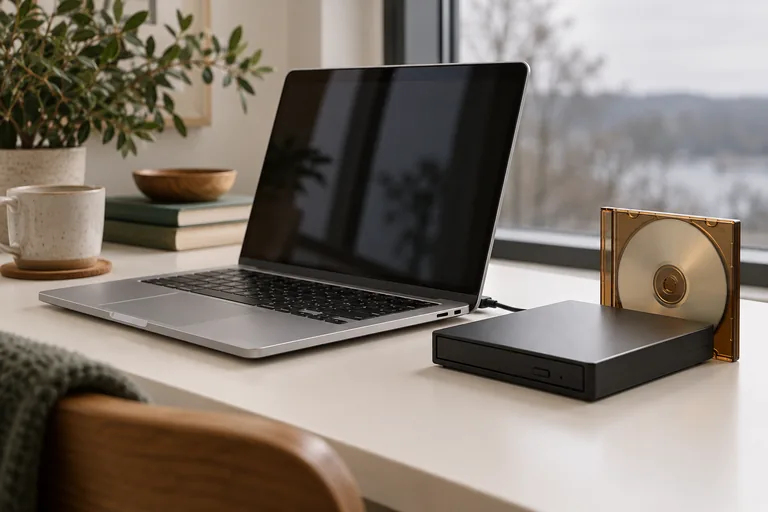
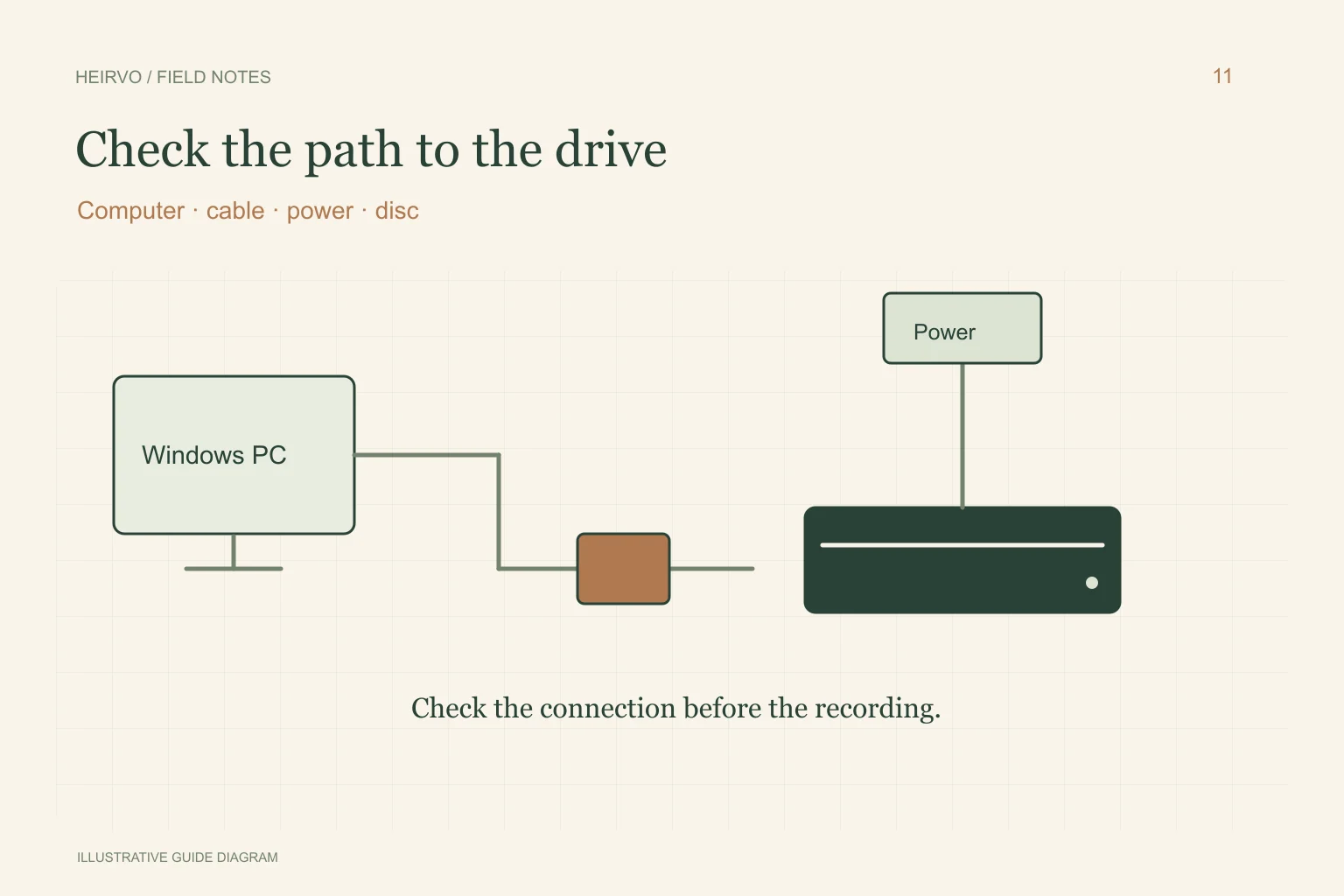
Follow the drive manufacturer’s power and cable instructions. Test a supported direct computer connection before introducing hubs, docks or extra adapters. A powered hub is not automatically a cure: both the power arrangement and data/command path need to suit the drive.
Record the drive model, enclosure and observed symptom. If using a desktop optical drive in an enclosure, the bridge must support optical/ATAPI commands. A generic adapter sold for hard drives may not. Changing several components at once makes it harder to know what helped.
Slim versus desktop: compare the actual setup
Physical size is not a benchmark. A desktop drive normally needs an appropriate external power supply and optical-capable enclosure; a slim portable drive has its own documented USB requirements. Neither form factor establishes that a particular damaged disc will yield more data.
Before buying replacement hardware, check format support, loading mechanism, cable/power needs and a return policy suitable for testing your own media. We have not published a comparative recovery-rate study of slim and desktop drives. A known-good reference disc is a useful hardware check, not a damaged-disc certification.
Preserve the recovery state before changing things
Use the app’s pause/stop controls and wait for its state to settle before disconnecting hardware. Do not move or remove working image files mid-session. If the drive vanishes unexpectedly, keep the recovery folder and follow the app’s resume and same-disc checks when reconnecting.
Heirvo is designed to keep recoverable progress, and its recorded reference-DVD checks include pause/resume and restart. A reconnect test on one setup does not guarantee every enclosure behaves identically. If interruptions repeat, stop the cycle and ask support with the drive details and plain error text, without sending a license key or private media.
A few more answers
Common questions
Does every stalled percentage mean the app has crashed?
No. A difficult read can take time. Check the displayed state and whether the drive remains present before treating it as a crash.
Is a powered hub always better for DVD recovery?
No universal improvement is established. Use the drive’s specified power arrangement and test a compatible direct connection before adding components.
Sources & further reading
Technical guidance from the original publishers. Always use the instructions for your exact device.