Before you begin
- An optical-disc app does not digitise a VHS cassette or an 8mm reel.
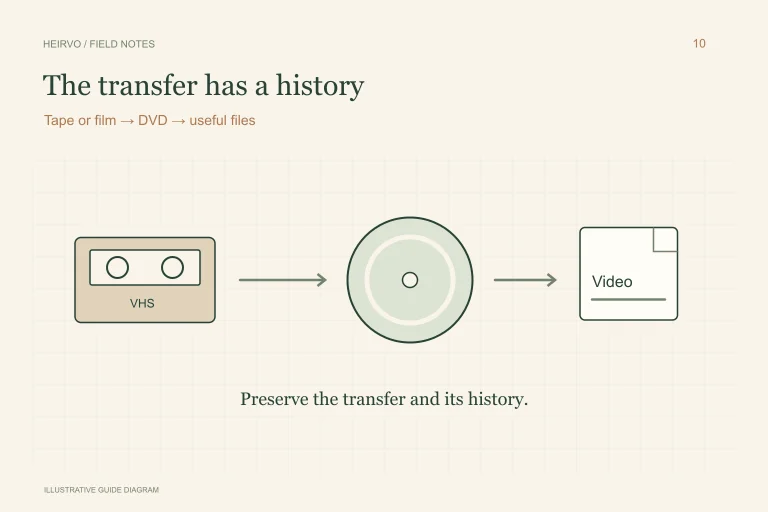
- A DVD made from a tape is now a DVD-reading task.
- Record names, dates and context while someone still remembers them.
Sort the box into workable groups
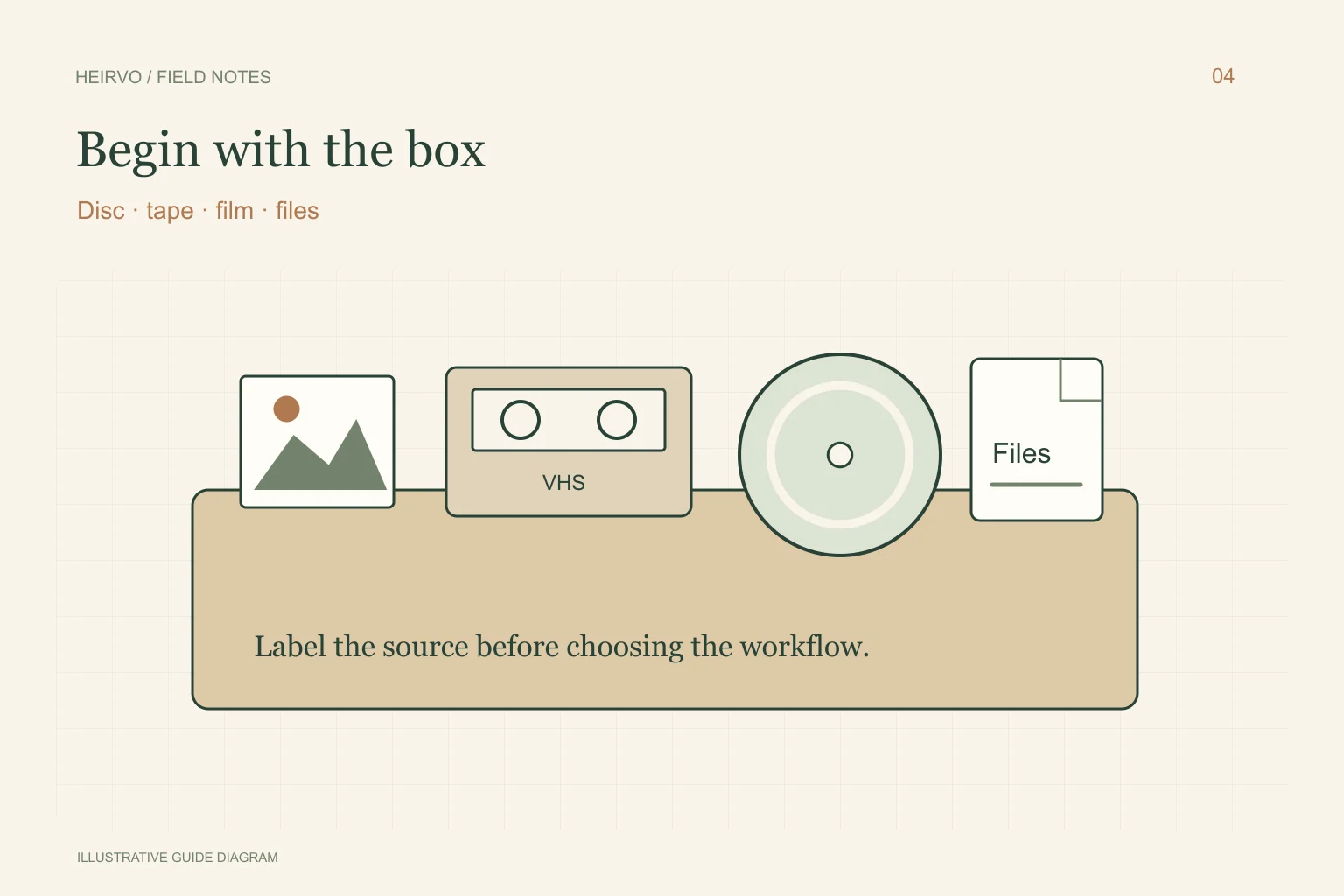
| What you have | What it needs |
|---|---|
| A home DVD, CD or mini-DVD | A compatible optical drive and a readable-copy or recovery workflow. |
| A VHS, Video8 or other tape | Compatible playback equipment and capture, or a transfer specialist. |
| An 8mm/Super 8 film reel | A suitable film-transfer workflow; it cannot go into a DVD drive. |
| MP4s or other files already on storage | File verification, useful labels and separate backups. |
Make a small inventory before sending anything away
Give each item a simple identifier, photograph its label and note its format. Keep the physical labels even when the dates are uncertain. Separate a date written on a case from a date confirmed by the recording; both can help a relative identify it later.
Choose one important, apparently intact item as a first project. If a collection belonged to someone who has died, work at a comfortable pace and ask family members how they want sensitive material handled. Do not make every private moment part of a public tribute by default.
Use the right equipment for the original
For a readable personal DVD, make and inspect a viewing copy. If an intact supported disc has read errors, Heirvo may help recover what its compatible drive can still read. Results vary, and current release and physical-format testing limits still apply.
For tape or film, check the original format and the condition before buying equipment or choosing a service. Ask a transfer provider whether it handles that exact format, how it returns originals, what files you receive and how you will inspect a sample. Heirvo does not include a mail-in tape or film transfer service.
Preserve the recording and its story
Use descriptive filenames and a plain text note: people, approximate date, place, original item number and any known gaps. Keep guesses labelled as guesses. If there are family disagreements about dates or names, save those alternatives instead of silently overwriting the history.
Keep the best available original files and create smaller sharing copies separately. Heirvo’s speech search follows recognised spoken words; it does not identify an unspoken person, camping trip or graduation from the pictures. A family member’s notes can supply context that transcription cannot.
Finish with a copy another person can find
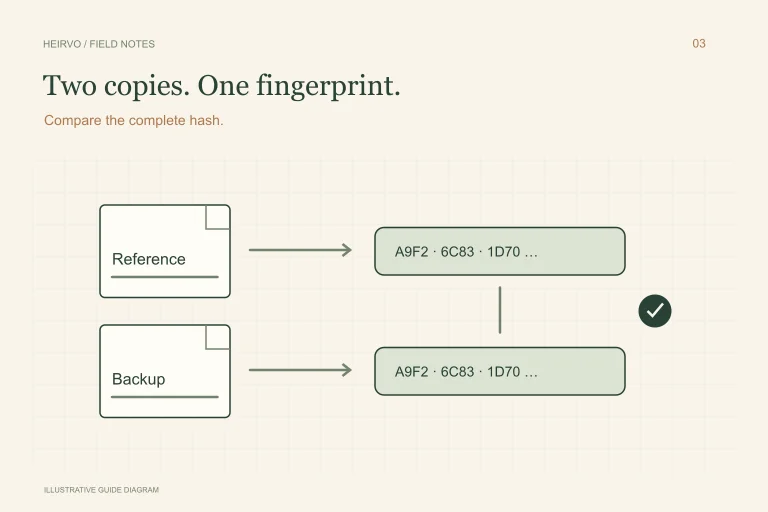
Test the saved recordings, including sound and the later portions. Keep another verified copy on separate storage and give a trusted family member clear instructions for finding it. A vault or folder on one PC is still one place to lose the only copy.
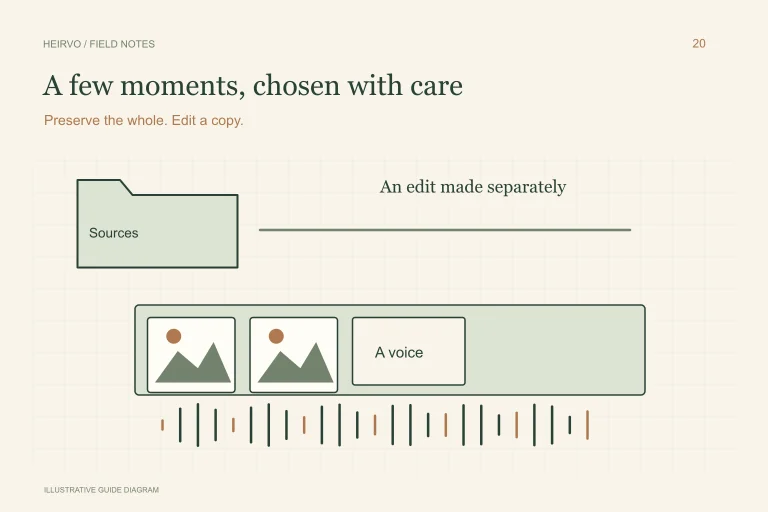
Decide separately what to share, with whom, and at what quality. A long original recording, a short family edit and a public video have different purposes. Keep a record of those choices so preservation does not depend on one person remembering every step.
A few more answers
Common questions
Can Heirvo recover an original VHS tape?
No. Its optical-disc workflow does not read magnetic tape. If that tape was already transferred to a DVD, use the appropriate DVD workflow for that disc.
Should I throw away the discs after making MP4s?
Keep the original media and useful original files. Verify the MP4s and separate backups before deciding how to store the physical collection.
Sources & further reading
Technical guidance from the original publishers. Always use the instructions for your exact device.