Before you begin
- Confirm the exact drive specification and supported medium.
- Copying data and playing a commercial film are different tasks.
- Do not buy Heirvo on the assumption that all Blu-ray hardware has passed acceptance.
Confirm what the drive can actually read
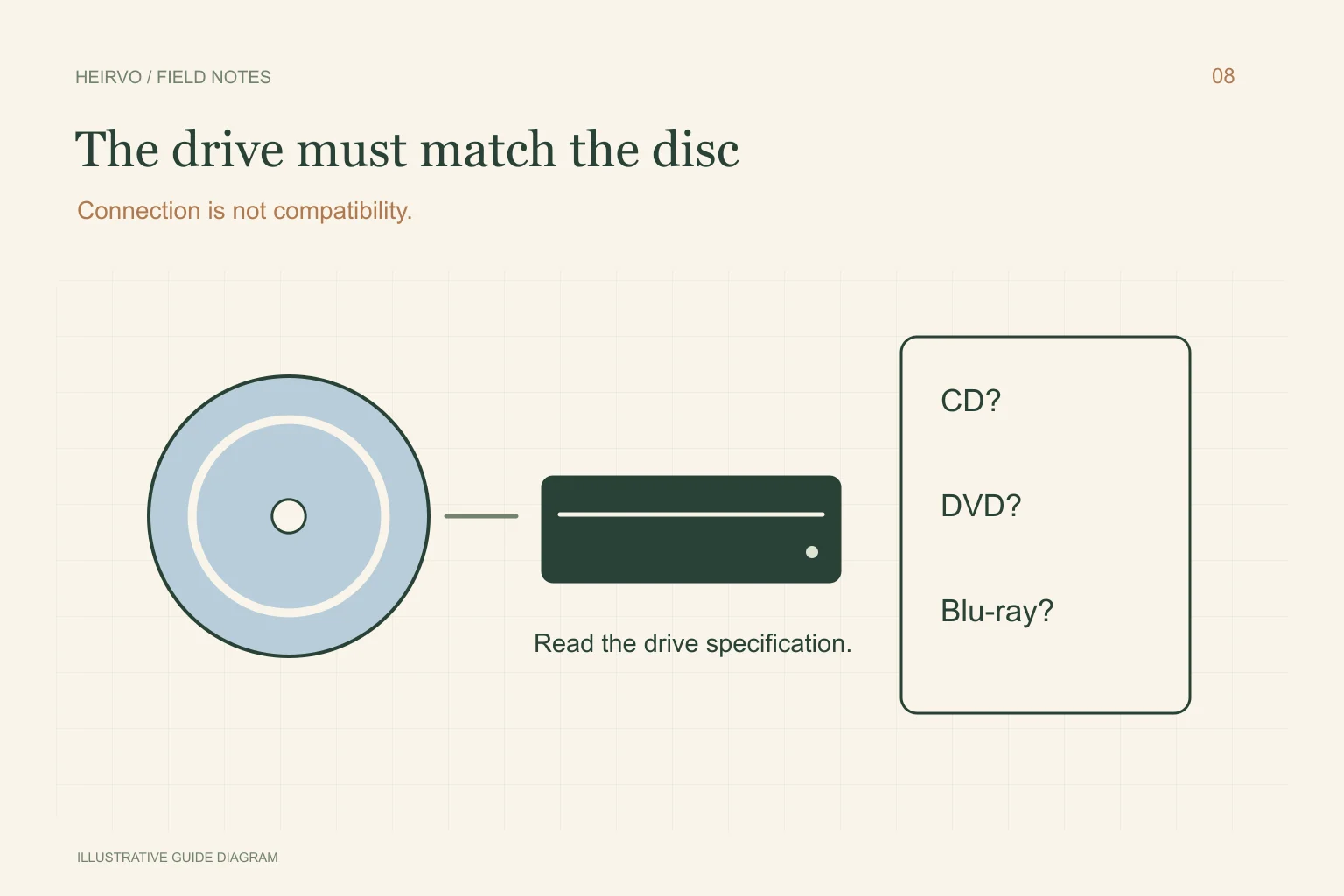
Check the model number and manufacturer’s supported-media list. Compare that with the marking on the disc, including whether it is recordable or rewritable. A DVD working in the same drive establishes DVD reading only; it does not identify support for every Blu-ray variant.
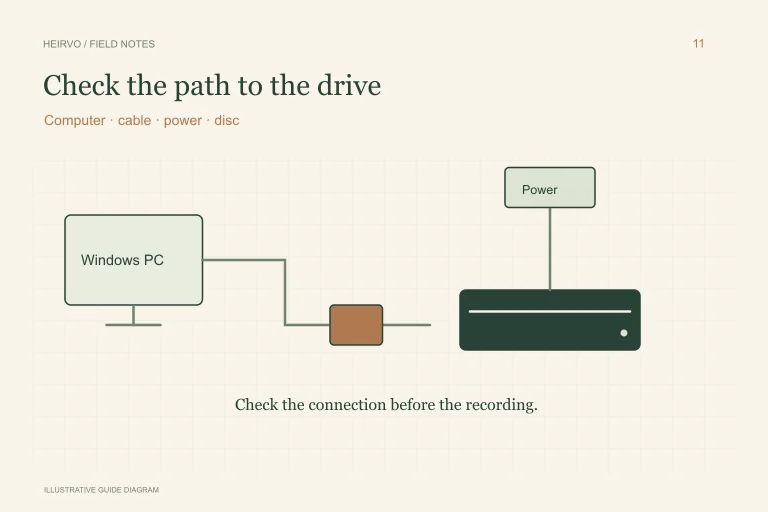
Use the supplied connection and power arrangement. If Windows repeatedly loses the drive, resolve that first. A failed USB connection can look like a reading problem without establishing physical damage to the recording.
Separate the reading job from the viewing job
| Disc contents | The relevant question |
|---|---|
| Your photographs, documents or video files | Can the compatible drive and tool copy the actual files? |
| A personal video-disc structure | Can the software interpret that layout and create usable output? |
| A protected commercial movie | Does the licensed playback setup support it? Recovery is not a promise to bypass protection. |
Preserve readable personal data first
If the disc opens normally, copy the wanted data to separate storage. Keep related folders together and verify representative files before starting conversions. If reading stops, note the error and affected file instead of repeatedly rewriting or formatting the medium.
Check a recovery tool’s current supported formats and license conditions. Ask support about your precise drive/disc combination before spending money. This guide does not publish comparative success rates or suggest that a supported file type guarantees reading a damaged physical disc.
What Heirvo’s evidence establishes today
The recorded physical acceptance baseline uses a clean reference DVD. Wider formats and hardware remain separate acceptance work, including Blu-ray combinations. Detection in source code or a general optical-disc label is not a published certification of an end-to-end Blu-ray recovery.
Heirvo does not offer a guarantee for unreadable or physically destroyed media and does not advertise bypassing commercial copy protection. See the testing notes and contact support with non-sensitive format/drive details if you need a supported-path answer before proceeding.
A few more answers
Common questions
Will buying a USB DVD drive solve Blu-ray reading?
Only a drive with the required Blu-ray capability is relevant. Check the actual specifications before buying; the USB connector says nothing about optical format support.
Can Heirvo guarantee my Blu-ray recovery?
No. Current physical acceptance should not be treated as Blu-ray certification or a guarantee for your disc.
Sources & further reading
Technical guidance from the original publishers. Always use the instructions for your exact device.