Before you begin
- A slideshow menu is not proof that the JPEG originals are included.
- Keep the complete useful disc content before selecting frames.
- Ask relatives or the original creator about another copy of the photographs.
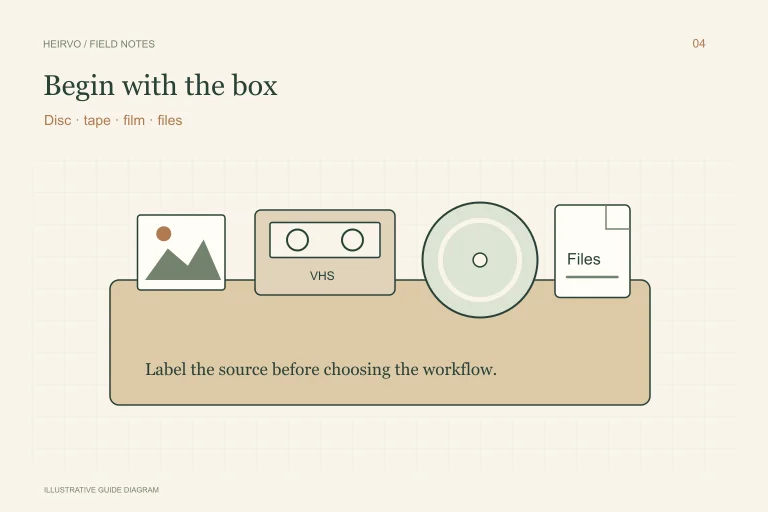
Identify what the DVD actually contains
| Found content | What you can preserve |
|---|---|
| Folders of JPEGs or other image files | The source image files, with names and useful folder context. |
| Only a slideshow movie | The video and, separately, selected frames at the video’s available quality. |
| Both photographs and video | Keep both; they serve different purposes. |
| Unreadable folders or video passages | Investigate recovery before claiming a complete photo collection. |
Search a readable copy before exporting frames
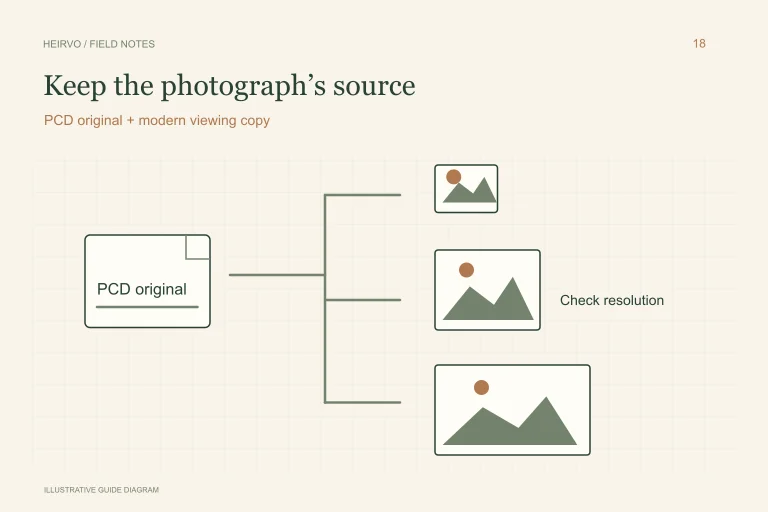
Use a compatible drive and inspect folders without running an unknown old viewer. Note image extensions, file counts and folders whose names suggest originals or high-resolution photographs. Do not delete menu or support files until you understand what is linked to what.
Keep source filenames as well as any descriptive names you add. A slideshow title may supply dates and names missing from the image file, while the image may hold detail absent from the slideshow. Preserve those relationships in a simple note.
If the photographs survive only inside the video
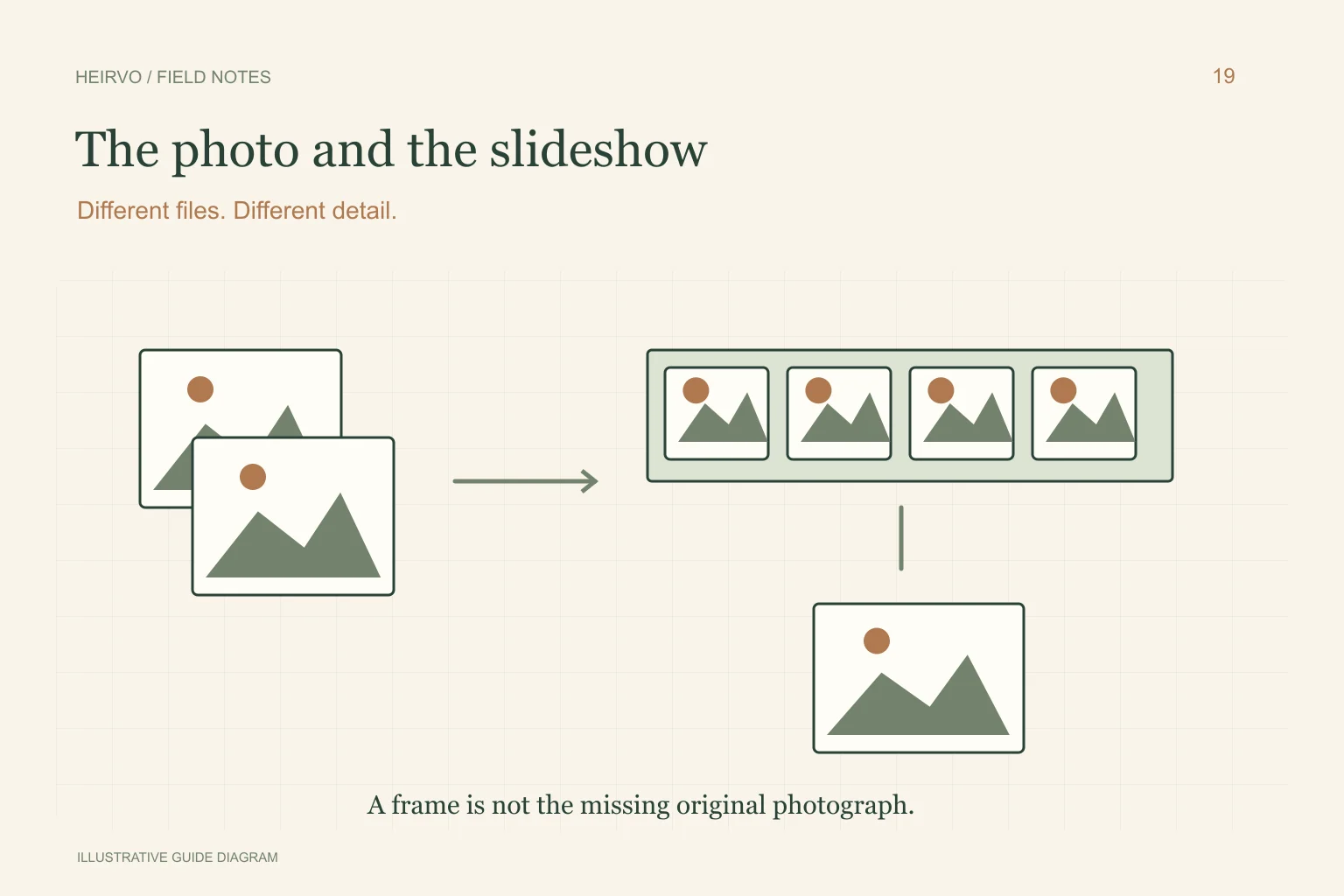
A frame capture can be useful for sharing a memory, but it is limited by the rendered video, transitions, cropping and text already included. Choose a clean frame and keep it labelled as captured from the slideshow rather than an original scan.
Do not assume that enlarging the frame restores the camera file or print detail. Ask the slideshow creator or relatives whether source photographs remain on a computer, another disc or in a physical album. Keep any newly located original separate from the frame capture.
If the DVD is difficult to read
For a supported, structurally intact personal disc, Heirvo may help recover readable files or recordings. Inspect photographs and video separately: one recovered item does not establish that both sets are complete. Current testing and format limits apply.
Do not spin a cracked or warped disc. Keep partial output clearly identified and retain the original. After a useful read, make another verified copy before experimenting with frame extraction or rebuilding the slideshow in an editor.
A few more answers
Common questions
Can software recreate the original camera photos from a DVD movie?
A captured video frame cannot guarantee the detail, metadata or framing of a missing original photograph. Look for the original files or another source.
Should I keep the slideshow if I find all the JPEGs?
Keeping both can preserve different context: the originals retain image content, while the slideshow may preserve sequence, narration and titles.
Sources & further reading
Technical guidance from the original publishers. Always use the instructions for your exact device.