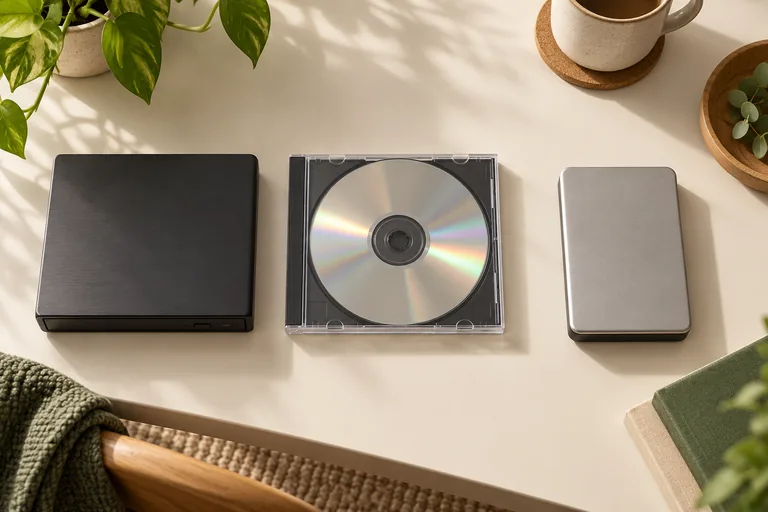
The drive must support the disc
A drive's supported formats matter. A CD-only drive cannot read a DVD, and a DVD drive does not necessarily read Blu-ray. A generic USB-to-SATA adapter may not pass optical recovery commands. Check your actual drive and enclosure before starting.
Disc format and file content are different
A data disc can contain photographs, documents or video files. A recorded video DVD has a different layout from an audio CD or Kodak Photo CD. Detecting the drive is not proof that every file can be recovered or viewed.
Heirvo focuses on personal optical media. Compatibility and hardware acceptance differ by format; consult support about unusual discs. The next release still has physical-disc checks pending. This guide is not a claim that all Blu-ray or audio-CD hardware has passed acceptance.
DVD-R and DVD+R: check compatibility, not a recovery-rate ranking
DVD-R and DVD+R are different recordable DVD formats. Check the actual drive and recorder specifications, including recording mode and finalisation where relevant. Do not assume that a drive reading one family disc establishes support for every recorded layout.
The format label alone does not tell you which old disc will recover more completely. Condition, recording history and the drive matter. Keep the original, cancel format prompts, and inspect a readable preview before making a saving decision. We do not publish a comparative damaged-disc success rate for DVD-R versus DVD+R.
Inspect the result
Run the free scan on your own supported disc and play or inspect the readable preview. A sector percentage does not guarantee intact video, audio or photos. If the result is useful, Recover unlocks saving it. The software does not bypass commercial copy protection.
A few more answers
Common questions
Will Heirvo definitely recover my wedding video?
No. Physically missing or unreadable data cannot be guaranteed recoverable. Scan your own disc and inspect the preview before purchasing a save license.
Do I mail my disc to Heirvo?
No. The software offer is for use on your own Windows computer. It does not include physical disc handling or a mail-in service.
Sources & further reading
Technical guidance from the original publishers. Always use the instructions for your exact device.