Before you begin
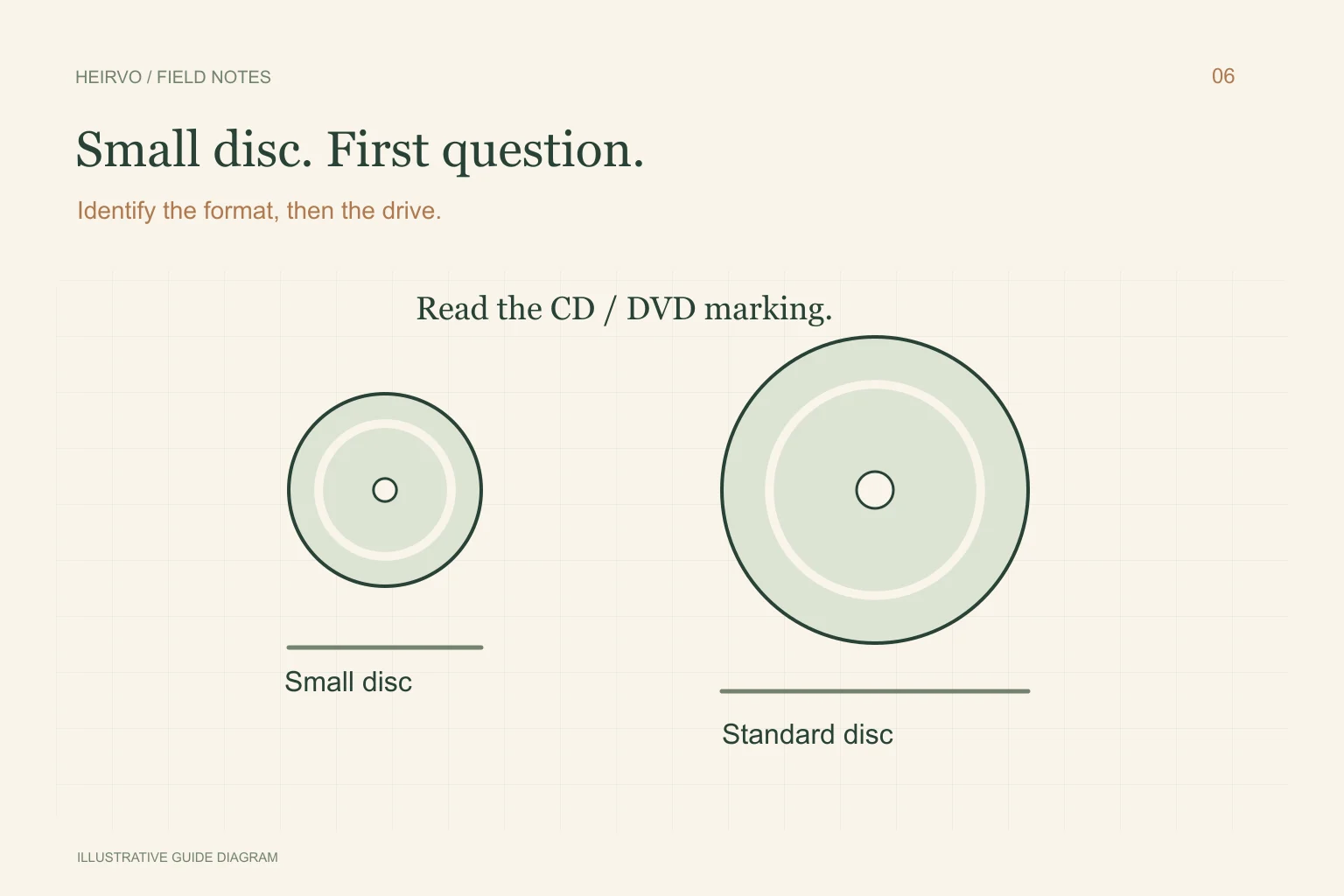
- Small size is not a format identifier.
- A CD-only drive cannot read a DVD recording.
- Do not format an apparently blank family disc.
Start with the markings and camera model
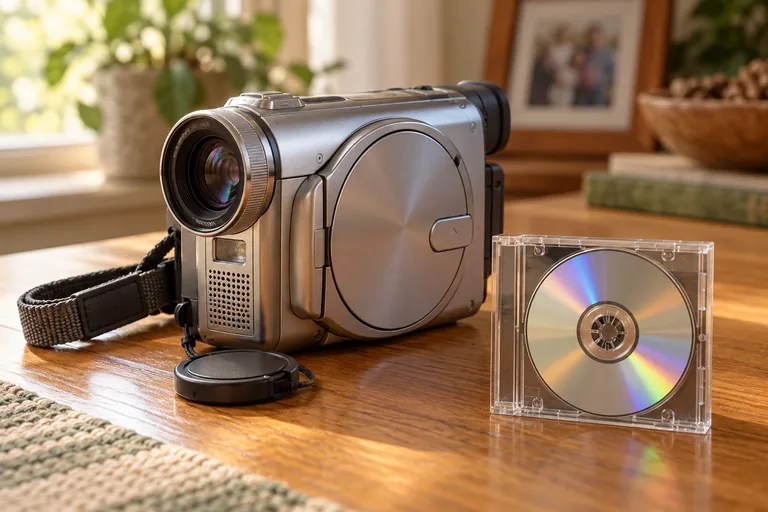
Photograph both the disc label and its case. Look for DVD-R, DVD-RW, DVD+RW, CD-R or another explicit marking. Find the recorder model on the camera body and check the matching manual, not instructions for a similar-looking model.
If the writing is illegible, keep that uncertainty in your notes. Do not infer a format from the colour or the family event written on the disc. A compatible recorder may supply useful identification, but avoid any menu option that erases or prepares the disc for a new recording.
Check both the medium and the mechanism
| Check | Why it matters |
|---|---|
| Supported CD/DVD format | The drive needs the correct reading capability. |
| Small-disc support | The loading mechanism must securely support the smaller disc. |
| Camcorder recording mode | A compatible player may need the right disc layout. |
| Finalisation state | Some recordings need completion in the original device before normal playback elsewhere. |
Choose a transfer route after identification
For a normally readable personal mini DVD, follow the mini-DVD transfer guide and preserve a complete useful copy before converting to MP4. If the disc appears blank elsewhere but still plays in the camcorder, consult the model-specific finalisation instructions rather than accepting a Windows format prompt.
If a structurally intact supported disc has read errors, investigate recovery on a compatible drive. Heirvo’s clean reference-DVD checks do not certify every small-disc recorder and format. Ask about the exact medium if support is uncertain; a normal DVD workflow is not proof that an unusual mini CD has been accepted.
Check the recording you actually saved
Match the saved duration and events with the recording you expected. A DVD can have multiple titles, and a data CD may have several separate files. Keep the original names alongside any descriptive names you add, and record the camera model so the next person can understand the source.
A few more answers
Common questions
Can I use an adapter to force a mini disc into a slot drive?
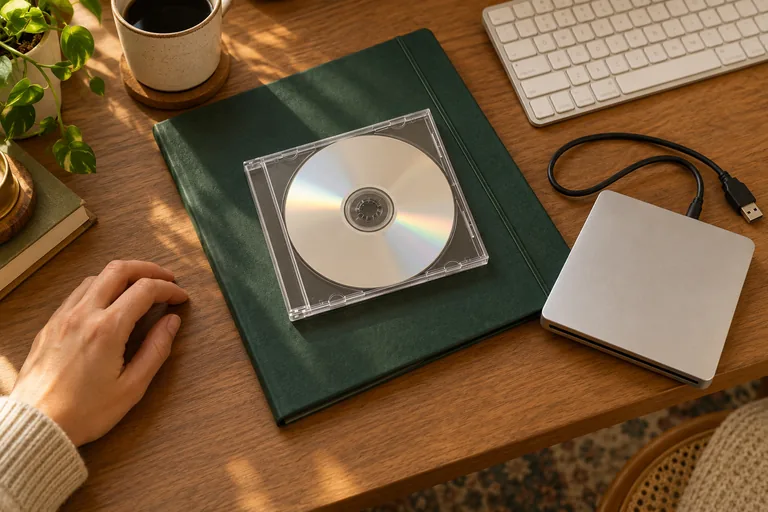
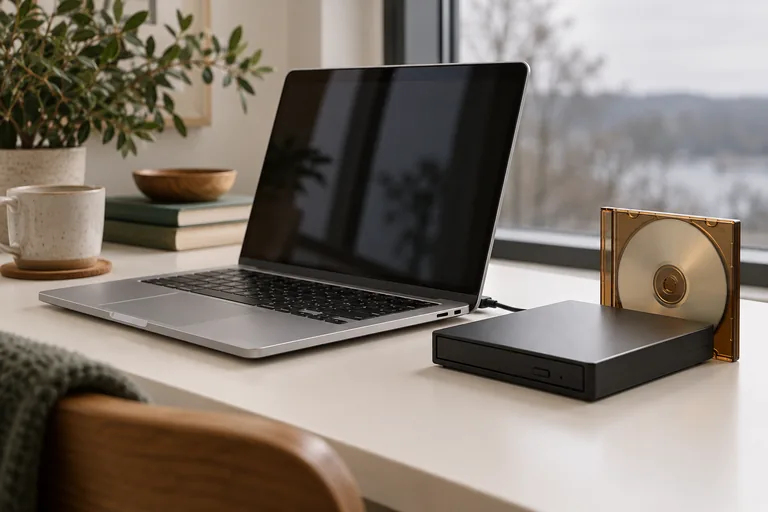
Use only a loading arrangement explicitly supported by the drive manufacturer. If small discs are unsupported or uncertain, use an appropriate tray-loading drive instead.
Does a blank-disc message mean the camera recorded nothing?
Not necessarily. Format compatibility and finalisation can affect how another device sees a recording. Preserve the disc and check the original recorder’s instructions.
Sources & further reading
Technical guidance from the original publishers. Always use the instructions for your exact device.