Before you begin
- The source history does not change the disc’s current physical format.
- Keep original tapes/reels and any earlier digital transfer files.
- A new MP4 cannot recreate detail or scenes absent from the DVD.
Look for an earlier or better copy
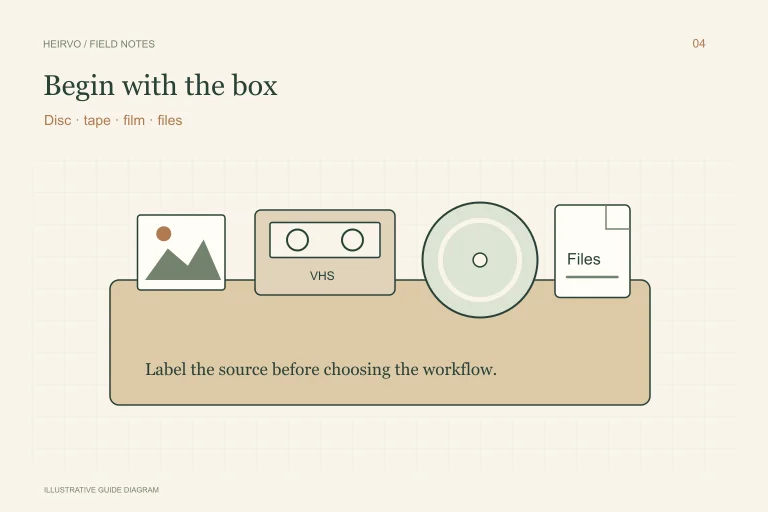
Check the transfer provider’s delivery records, old hard drives and other family copies. Note whether the DVD contains the whole tape/reel or a shortened edit. If the original VHS cassette or film still exists, keep its label and sequence information with the disc.
A new transfer from a sound original may be an alternative if the DVD has permanently unreadable parts. Its suitability depends on the condition and format of the source and the equipment used. Do not discard an original simply because one transfer was made years ago.
Check this disc as a DVD
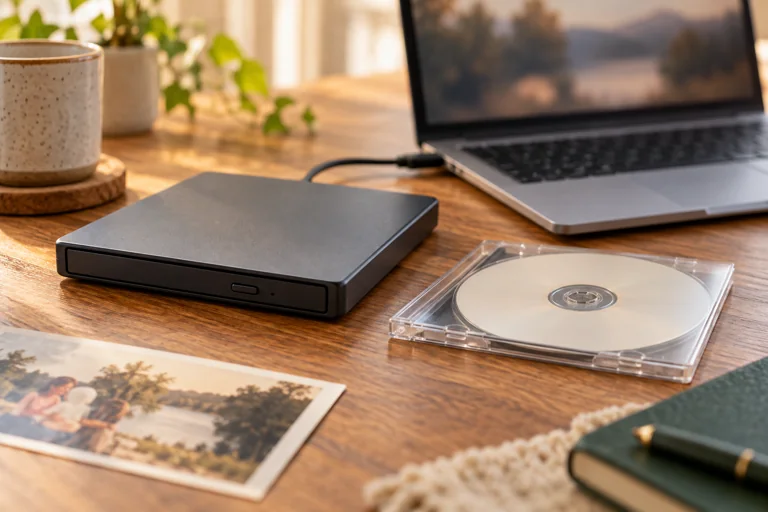
Use a compatible optical drive and distinguish a player error from a copying error. A recording that plays on a standalone player may still have passages that are difficult to copy. Write down where it fails and whether another known-good DVD works in the drive.
If folders and recordings copy reliably, follow the DVD-to-MP4 guide. Keep a useful source copy as well as the sharing MP4. A change of container is not evidence of new picture detail or the recovery of missing frames.
If the transferred recording stops reading
For a structurally intact supported personal disc, Heirvo attempts to read recoverable content and provides an in-app preview. Difficult areas may remain missing. Check the specific family scenes and sound rather than treating a percentage as a statement about the whole transfer.
Do not spin a cracked or warped DVD. If the original tape is mouldy, damaged or cannot be played reliably, use preservation advice specific to that medium. A DVD-recovery app does not clean or digitise the original tape or film.
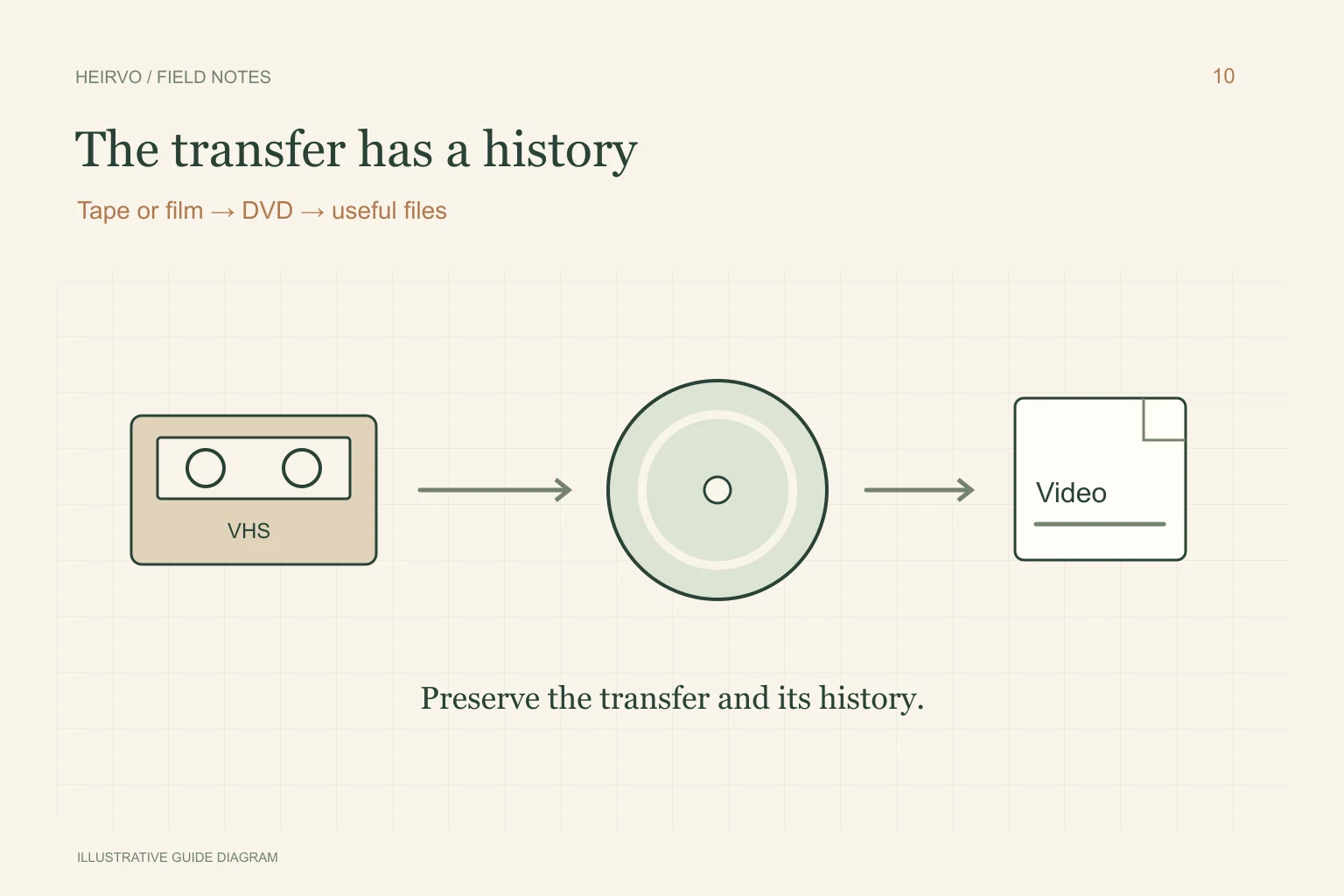
Keep the transfer history with the files
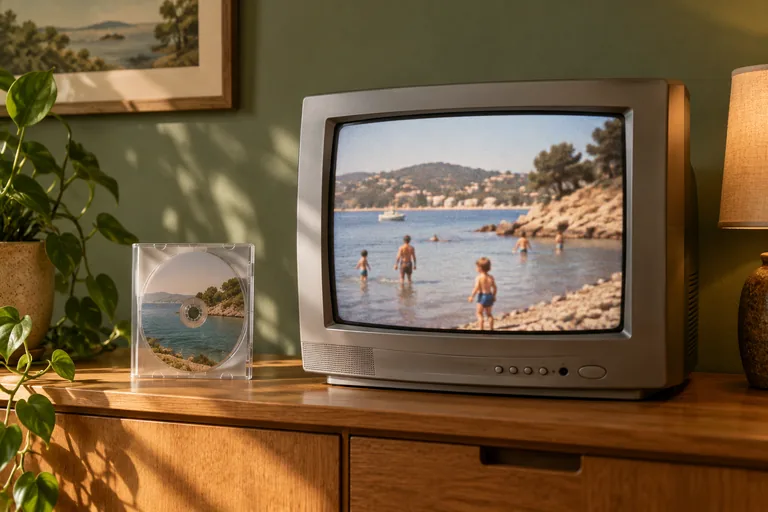
A useful note might say: transferred from Grandad’s 8mm reel, DVD received in an approximate year, recovered in 2026, a gap near the end. Keep uncertainties explicit. The original filming date may differ from the transfer date and from the date Windows assigns the saved file.
Watch the complete useful result when practical, keep another verified copy and retain the originals. Make restoration experiments on separate copies; noise removal, colour changes or upscaling are editing tasks after preservation, not proof that lost material has returned.
A few more answers
Common questions
Can Heirvo scan the actual 8mm film?
No. An optical drive reads supported discs. A film reel needs an appropriate film-transfer workflow.
Will a DVD transfer contain the full quality of the original film?
Do not assume that. Check the transfer history and preserve the original where possible; another transfer may offer a different result.
Sources & further reading
Technical guidance from the original publishers. Always use the instructions for your exact device.