Before you start
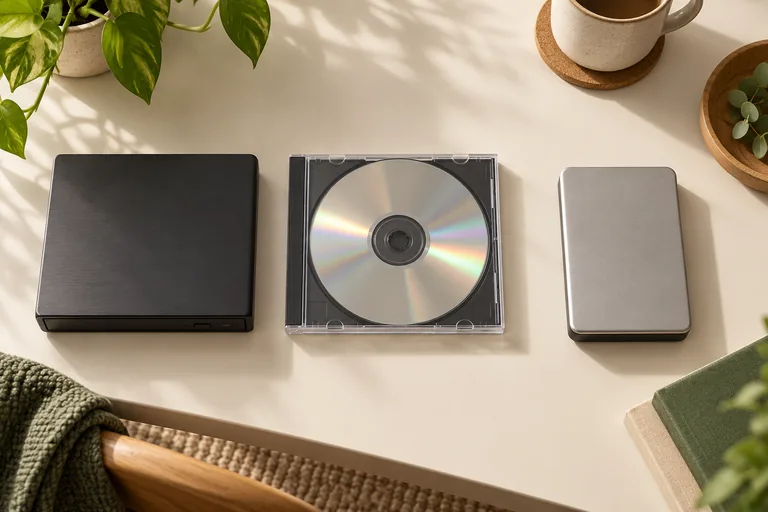
Use a Windows PC and a compatible optical DVD/CD drive. A generic USB-to-SATA adapter may not pass the optical commands needed for recovery. Keep the original disc; work on media you own or have permission to recover.
Do not spin a cracked or broken disc. If the disc is structurally damaged or the recordings are irreplaceable, seek advice from a specialist before attempting a read.
Scan, preview, then decide
- Open Heirvo and select the detected disc.
- Start recovery and allow it time to read. Difficult discs can take hours. Pause and resume if needed.
- Play the recovered preview and check the passages that matter to you. A percentage of readable sectors is not a promise that every clip is complete.
- If the result is useful, a Recover license unlocks saving recovered files to your computer. Keep a separate backup of the output.
What the license includes
Recover costs $49 once for one Windows PC and unlocks saving recovered disc files. Archive adds a local media vault, folder import and spoken-English transcription/search for $89 on up to three PCs. Family provides Archive features on up to five household PCs for $129. It does not provide cloud sync or an online shared vault.
These are digital software licenses. They do not include a mail-in recovery service, a replacement DVD, professional cleanroom work or guaranteed recovery. Paid licenses and the next release remain subject to the availability notice on the download page.
Finding a spoken moment
Archive can use a local Whisper model to transcribe speech. Search looks for recognised words in that transcript and opens the associated playback time. It does not identify a wedding or a person from the pictures alone. Noisy speech can be missed, and timestamps can be approximate.
A few more answers
Common questions
Will Heirvo definitely recover my wedding video?
No. Physically missing or unreadable data cannot be guaranteed recoverable. Scan your own disc and inspect the preview before purchasing a save license.
Do I mail my disc to Heirvo?
No. The software offer is for use on your own Windows computer. It does not include physical disc handling or a mail-in service.