Before you begin
- A case does not guarantee protection from heat buildup.
- Do not diagnose the outcome from the weather or exposure time alone.
- Keep useful recovered data on separate storage.
Record the exposure and protect the object
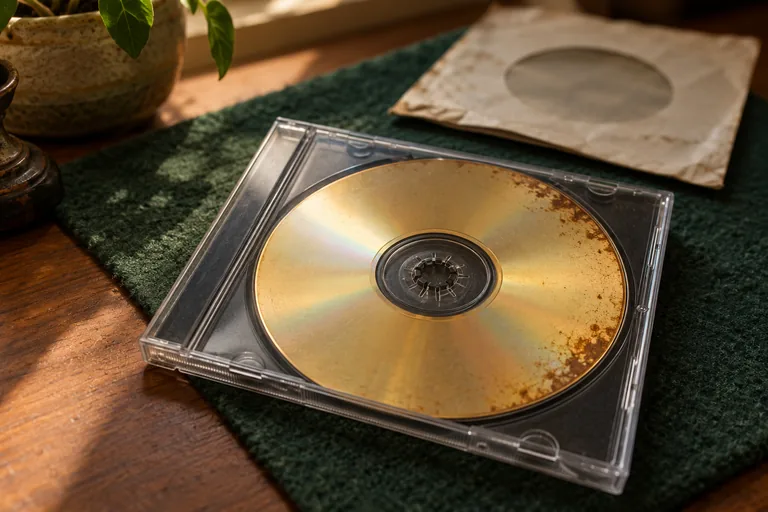
Move the collection to an appropriate stable storage environment and keep the label information. Note whether the disc was exposed to direct sun, a hot vehicle or another heat source. Avoid rapid improvised heating/cooling treatments intended to reshape it.
CLIR/NIST identifies heat and sunlight as factors in optical-disc degradation. We do not infer a recovery percentage or a universal failure temperature for your particular disc from that evidence. Recording construction and actual exposure differ.
Check physical condition before drive compatibility
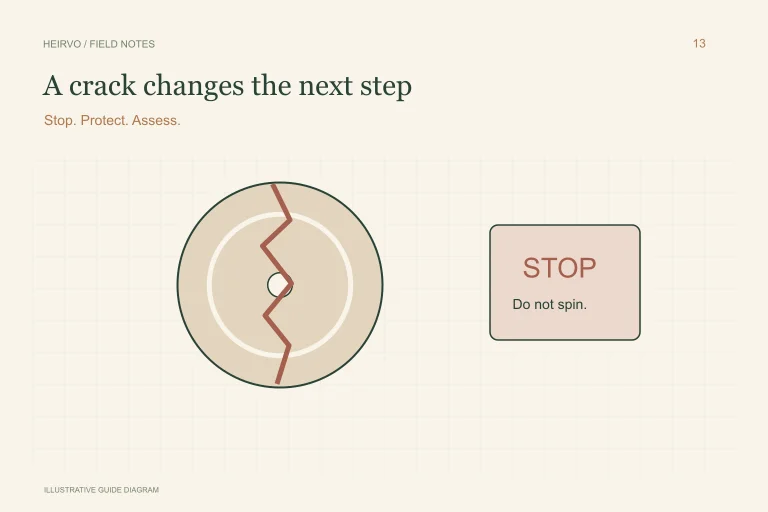
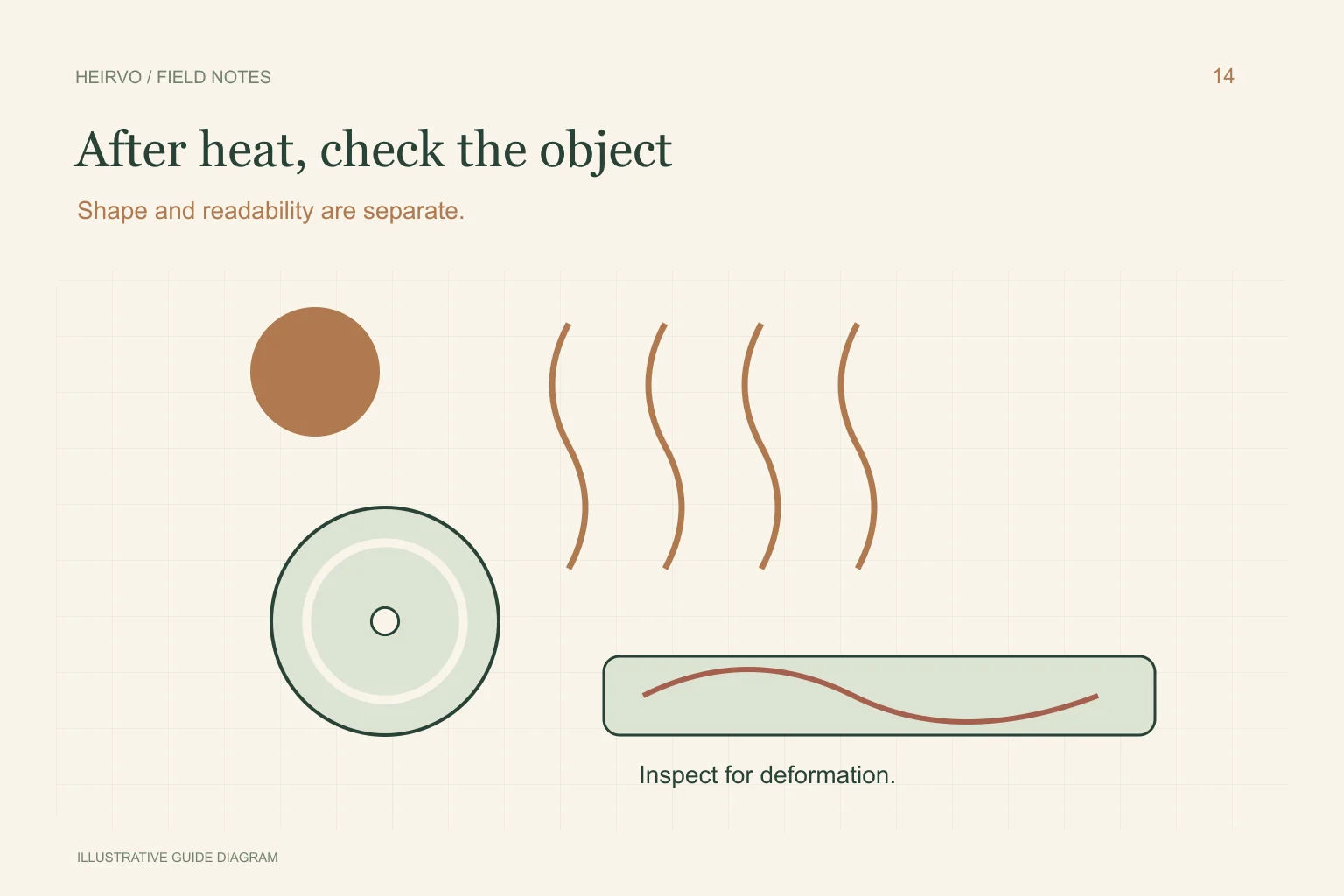
Look for deformation, cracks and separating layers without bending the disc. If it is warped or structurally damaged, do not spin it. Specialist assessment is the appropriate next step for important recordings; a software scan is not a physical-safety check.
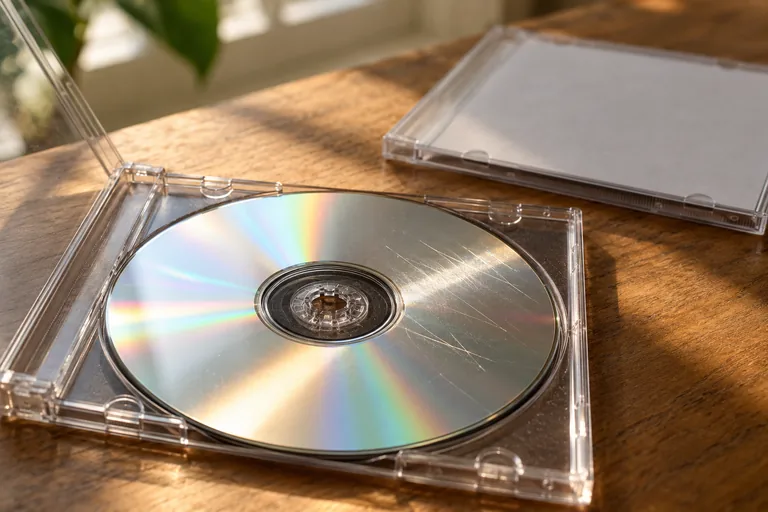
A clean, flat-looking disc may still have readability problems. If a safe reading attempt is appropriate, use compatible equipment and first distinguish a missing drive from errors on that one disc. A known-good disc helps test the setup without establishing the heat-exposed disc’s condition.
Save what can be read without overstating the result
If ordinary copying succeeds, verify the actual files and make a separate backup. For a supported intact disc with difficult areas, Heirvo may help recover readable content. It cannot restore data that the drive can no longer obtain, and acceptance on a clean reference DVD is not a heat-damage certification.
Inspect the parts you care about and listen for gaps. Keep partial results clearly labelled. If you later find another family copy, compare the events and durations rather than replacing the partial file without preserving what you learned.
Reduce the chance of another only-copy problem
Keep useful originals and another verified file copy on separate storage. Store the physical disc appropriately and retain its history. A single new external drive is still a single place to lose the collection; make the next copy findable to another trusted person.
A few more answers
Common questions
Can I press a warped DVD flat between books?
Do not treat pressure or an improvised reshape as making it safe for playback. Obtain specialist advice for structurally damaged media.
Does Heirvo reverse heat damage?
No. It attempts to read supported media. Readable surviving data may be preserved, but physically destroyed information is not recreated.
Sources & further reading
Technical guidance from the original publishers. Always use the instructions for your exact device.