Before you begin
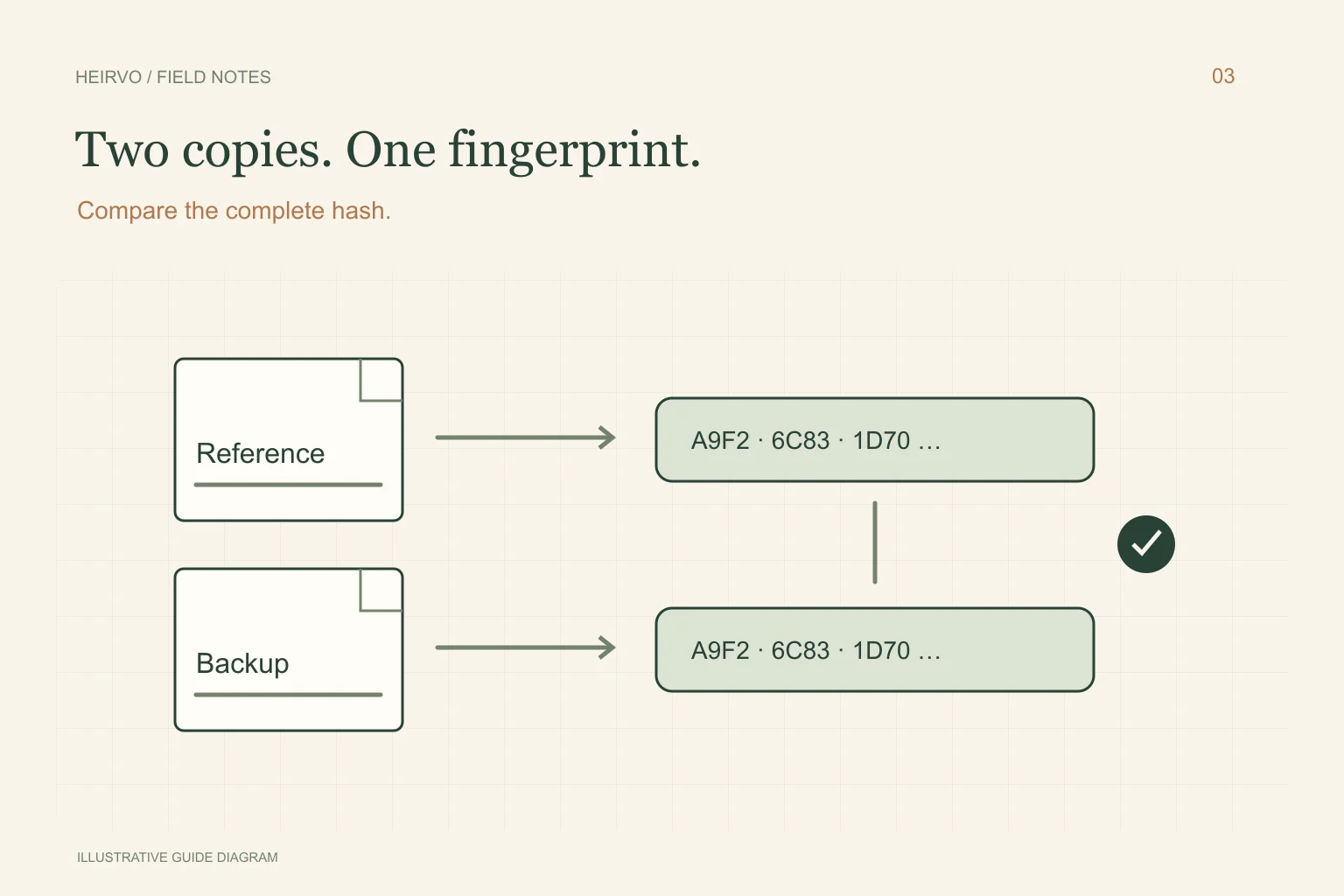
- Compare the same kind of file: original with original, MP4 with its copied MP4.
- Keep the hash record with the filename and date.
- A partial file can have a perfectly valid checksum.
A fingerprint of file contents
A SHA-256 value is calculated from the bytes in a file. Microsoft’s Get-FileHash documentation explains using it for content verification. Renaming a file does not change those contents; editing, transcoding or replacing data generally does.
Choose a reference you trust. A value recorded after recovery lets you check later copies against that recovered version. Without an earlier complete reference, the new value cannot tell you whether an unreadable passage was missing from the start.
Compare a saved file and its backup
Open PowerShell and replace the example paths below with the actual files. These commands calculate hashes; they do not repair or change either recording. Keep the quotation marks around paths containing spaces.
Get-FileHash -LiteralPath "C:\Family Videos\Wedding.mp4" -Algorithm SHA256
Get-FileHash -LiteralPath "E:\Family Backup\Wedding.mp4" -Algorithm SHA256
Compare the full Hash values, not just the first few characters. The Path column tells you which file was checked. Save a text note with the date, filenames, sizes and hash values so another family member can repeat the check.
What the result does and does not mean
| Result | Interpretation |
|---|---|
| The copied MP4 and reference MP4 match | Their contents agree; still inspect the reference recording. |
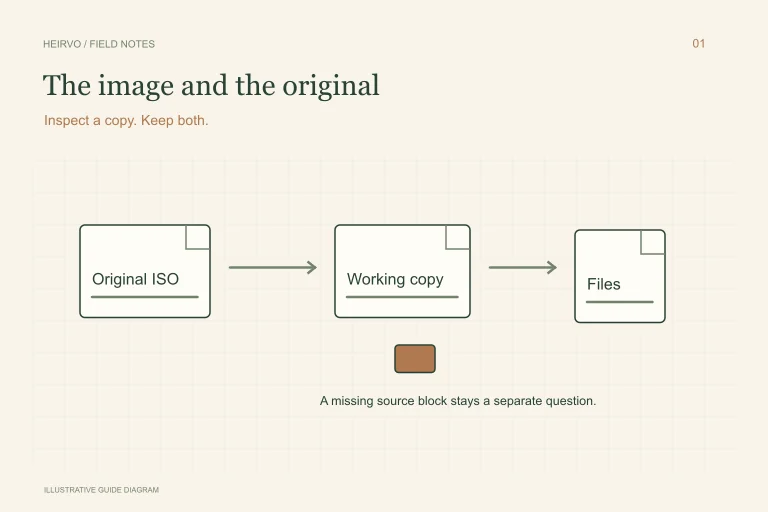
| An ISO and its exported MP4 differ | Expected: these are different formats and files. |
| Two copies unexpectedly differ | Keep both, check paths and investigate the transfer or storage. |
| A known-partial recovery has a stable hash | Its partial contents are preserved; missing data has not been restored. |
Listen and watch as well
Check the recording’s beginning, middle and end. Look at expected events and listen to the passages that matter. For photographs, open full-size images rather than just browsing thumbnails. Checksums complement these checks; they cannot judge whether a birthday speech is complete or a picture has the right colours.
Heirvo records recovery evidence internally, but an internal receipt is not a promise of perfect media. Keep your independently verified saved files and a second copy on separate storage. Recheck important backups after copying or replacing a drive.
A few more answers
Common questions
Can SHA-256 repair a damaged video?
No. It calculates a comparison value. Recovery or repair requires other source data or a suitable recovery workflow.
Should the original DVD image match the MP4?
No. Exporting changes the container and contents. Compare the MP4 with a copied version of that same MP4.
Sources & further reading
Technical guidance from the original publishers. Always use the instructions for your exact device.